MM-400A
4. Name and Functions of Each Section
4-1
4. Name
and
Functions
of
Each
Section
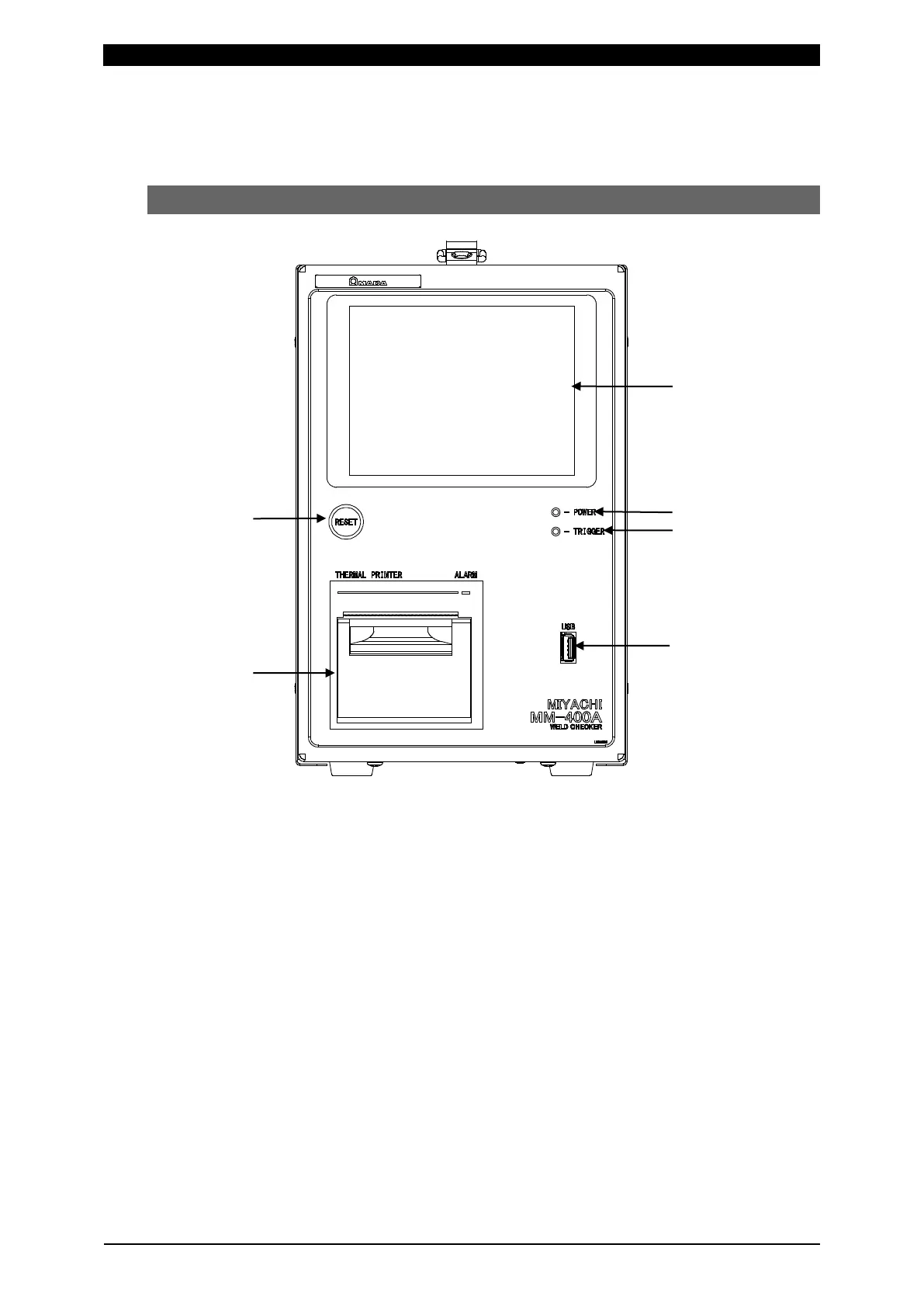
(1) Front
[RESET] button:
Resets an error that has occurred.
[POWER] lamp:
Lit when the power is ON.
[TRIGGER] lamp:
Lit during the measurement operation.
Printer:
Prints measured values, waveforms and other information.
(Note) Be sure to turn OFF the power when replacing paper in the printer.
Touch panel:
Shows measured values, waveforms and operation screens. Refer to Chapter
8, “Operation Screens” for details of the operation screens.
USB memory connector:
Plug the USB memory into this connector.



 To Next Page