MM-400A
9. Measurement
9-13
To change or check the setting, touch MEAS to change it to PROG.
(Alternately switched by touching.)
4) Touch the MENU key.
The MENU screen appears. Select EXTEND SETUP.
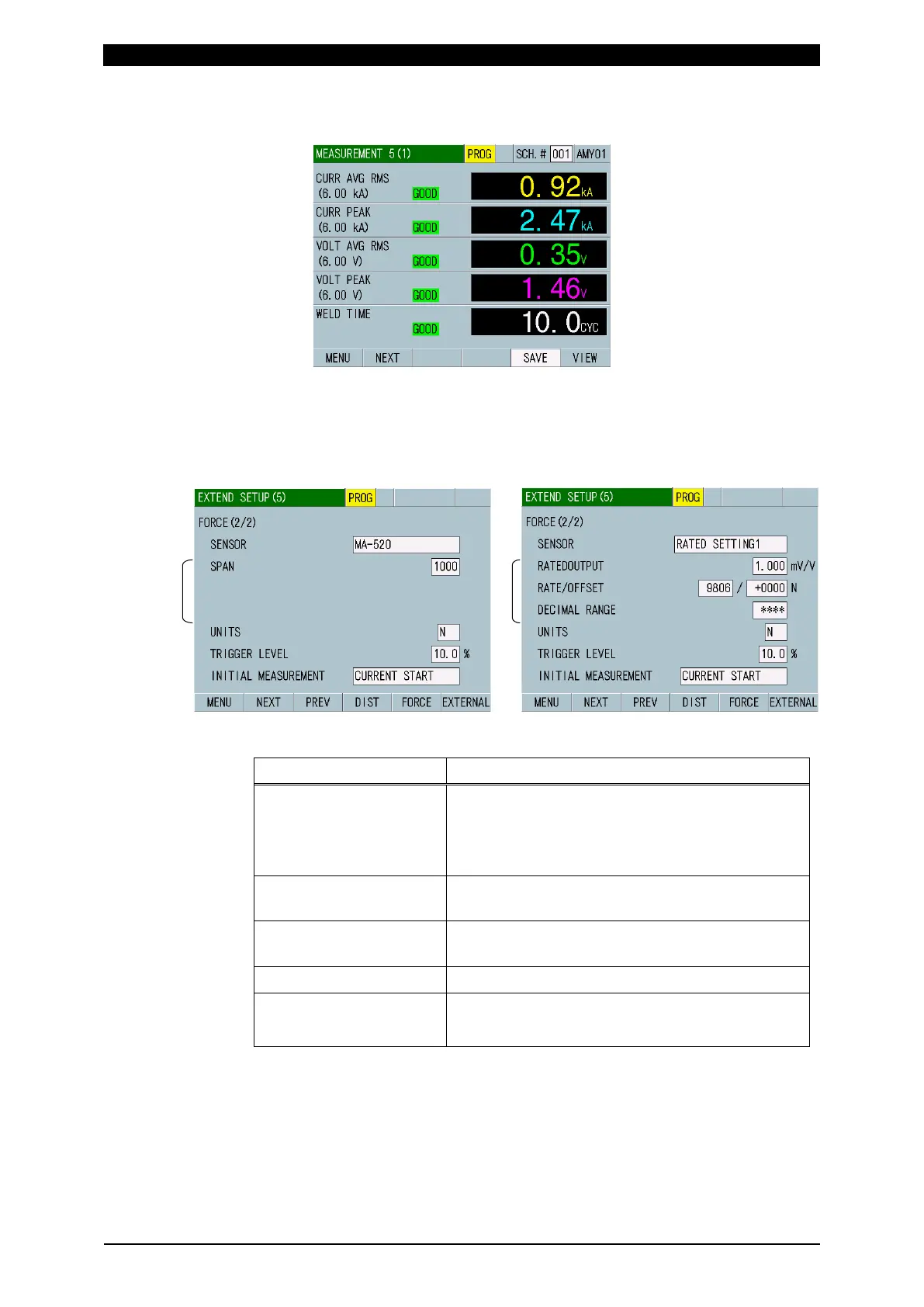
5) Select the EXTEND SETUP (5) screen.
The setting items differ according to the SENSOR setting.
6) Set the following items. (For more information, refer to (2) m-5 in Chapter 8.)
SENSOR Select the force sensor connected.
When using sensors other than
MA-520B/521B/522B/770A/771A, select
RATED SETTING1.
SPAN
*1
500 to 1500 (when selecting
MA-520/521/522/770/771)
RATE / RATED OUTPUT
*2
0.75 to 2.00 mV/V (when selecting RATED
SETTING1)
UNITS N, kgf, lbf
TRIGGER LEVEL Measures while the trigger level is exceeded.
Set in % from full scale: 1.0 to 99.9%
*1: Value and force span to correct it are listed on the label of
MA-520B/521B/522B/770A/771A. Set the value of force span
on the label to the SPAN.
*2: The rated output means the output voltage when the maximum
load is applied to and the output voltage per 1 V of applied voltage.



 To Next Page