MM-400A
8. Operation Screens
8-17
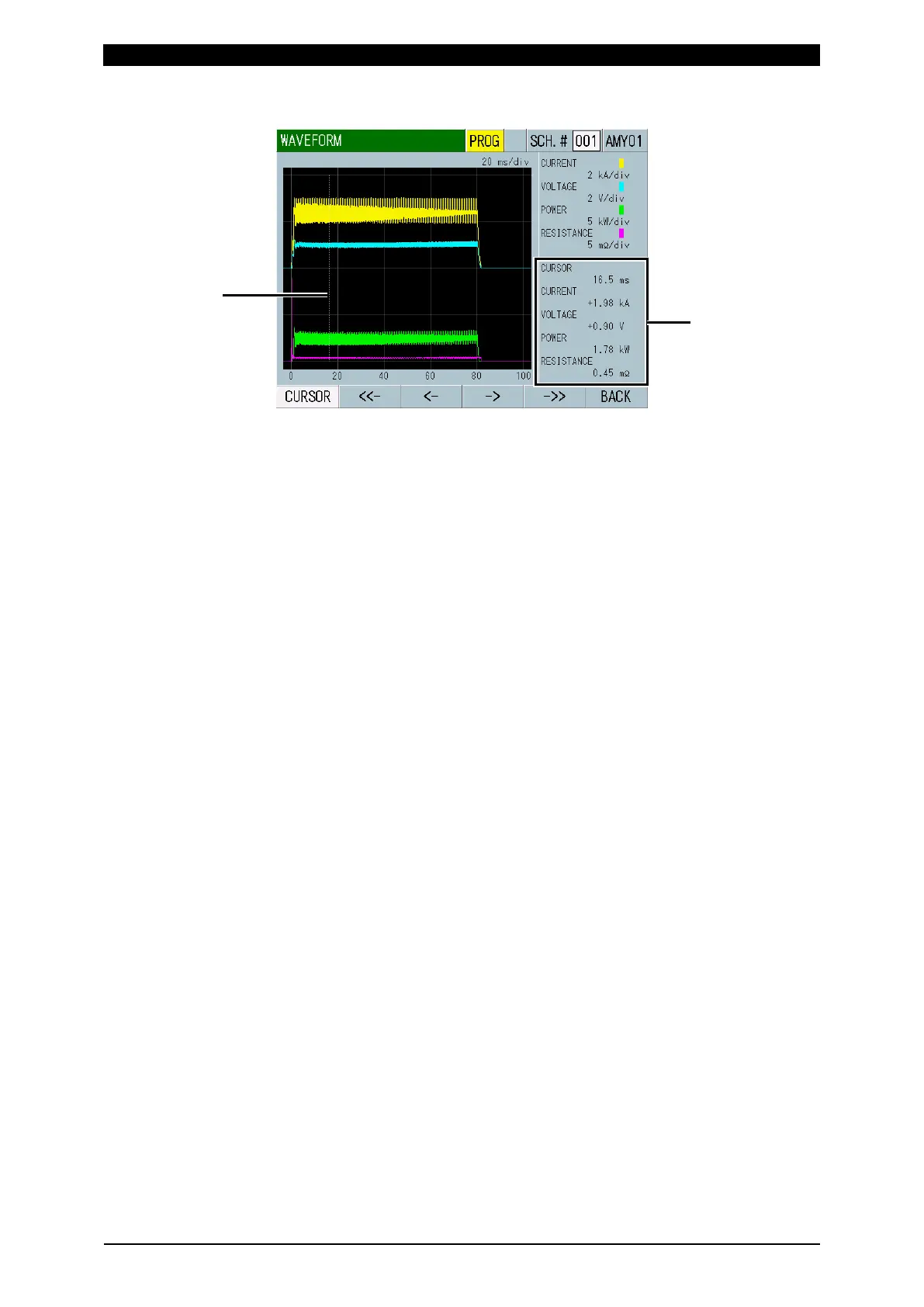
(6)-2 Cursor command
Shows the current time axis information of the cursor and the measured values
of the waveforms at the point in time indicated by the cursor.
You can move the white line (cursor) on the grid right and left by touching the
function keys.
<- ->: Touching this moves the cursor right and left by 1 dot. The cursor
moves only while the key is touched.
<<- ->>: Touching this moves the cursor right and left by 50 dots.



 To Next Page