MM-400A
8. Operation Screens
8-124
• HISTORY OUT OF LIM
Outputs history selected in HISTORY AREA (20**/**/** to 20**/**/**) among
measured values with Upper limit error, Lower limit error, Overrange error,
Impulse error, or Parity error saved in the HISTORY screen. To output, first
select this item and touch COMM.
When SEAM is selected for MODE in the SYSTEM SETUP (1) screen, no
communication is made.
• SCHEDULE
Outputs schedule data. To output, first select the schedule number, and then
touch COMM.
(2) INTERVAL (*)
When you have selected ONE WAY with a setting other than OFF for MODE in
the COMMUNICATION (2) screen, you can set a communication interval (1 to
1,000). Communicates irrespective of a communication interval in the event of
Upper limit error, Lower limit error, Overrange error, Impulse error, or Parity
error. The setting of communication interval is valid only when
MEASUREMENT, WAVEFORM, CURR ALL CYCLE, or FORCE ALL CYCLE
is selected for ITEM. When OUT OF LIMIT OPERATION is set to ON, a
communication interval does not work.
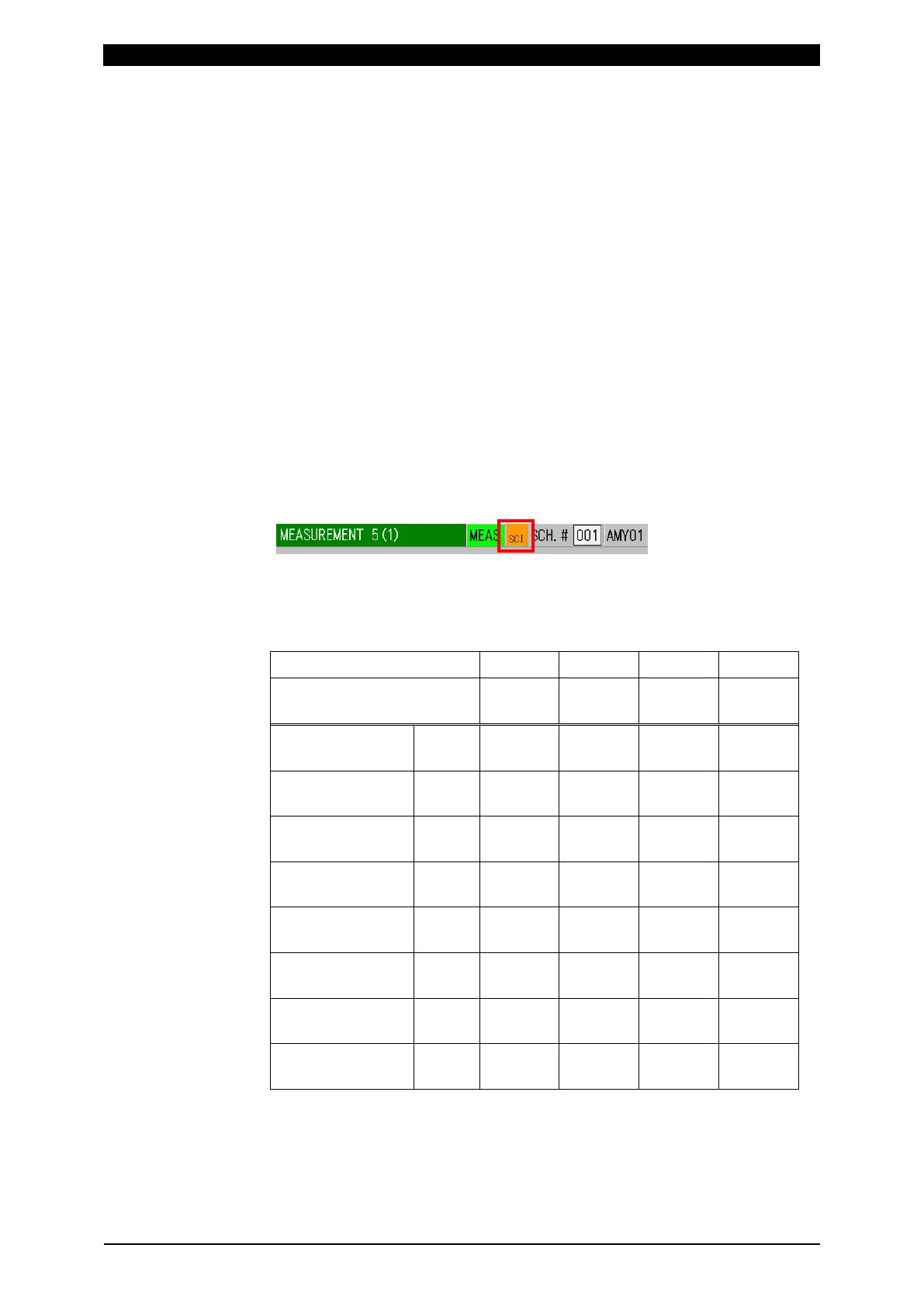
(Note) During data communication, “SCI” is shown in orange at the upper part
of a screen, and no measurement can be performed during that time.
(*) About interval
The interval corresponds to the number of weldings. Since it depends on the
number from the last communication, the number of prints changes depending
on the OUT OF LIMIT OPERATION setting.
INTERVAL setting 1 1 3 3
OUT OF LIMIT
OPERATION setting
ON OFF ON OFF
1st welding OK - Commu-
nicate
- -
2nd welding OK - Commu-
nicate
- -
3rd welding OK - Commu-
nicate
Commu-
nicate
Commu-
nicate
4th welding OK - Commu-
nicate
- -
5th welding NG Commu-
nicate
Commu-
nicate
Commu-
nicate
-
6th welding OK - Commu-
nicate
- Commu-
nicate
7th welding OK - Commu-
nicate
- -
8th welding OK - Commu-
nicate
Commu-
nicate
-
(3) OUT OF LIMIT OPERATION
Select ON/OFF to specify whether to communicate only in the event of Upper
limit error, Lower limit error (excluding Upper/lower limit error at envelope),
Overrange error, Impulse error, or Parity error.



 To Next Page