Service Manual i2000SR interface module
625798100.APS.5.doc Page 155 of 212
STEPS REFERENCES
1 Perform the controlled shutdown of
the Workcell
Refer to the “Operations Manual – SECTION 5 –
Operating Instructions” to execute the “Controlled
power shutdown” of the Workcell.
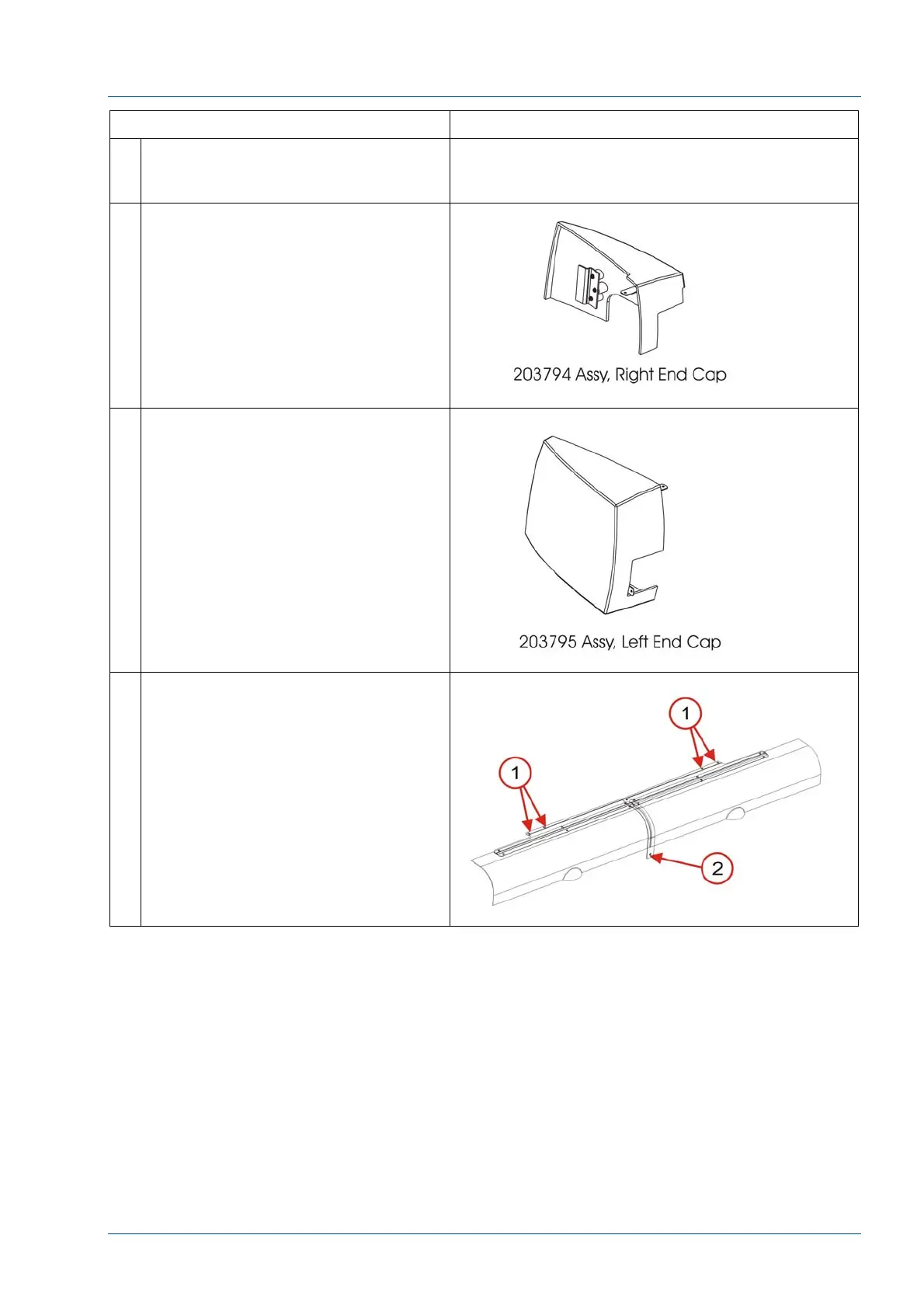
2 Remove the one (1) 14494-306 .190-
32 screw, to remove the (202990
original color or 203794 gray) right
end cap.
NOTE:
The front bottom edge is captured in
the window trim between lanes 2 and
3.
3 Use a 14494-306 190-32 screw to
attach the End Cap to the window
closeout.
4 Remove the screw in the Center Rail
[2]
Remove the Hinge Mount (P/N
203621) and two front covers by
removing the four (4) countersink
screws [1].



 To Next Page