i2000SR interface module Service Manual
Page 70 of 212 625798100.APS.5.doc
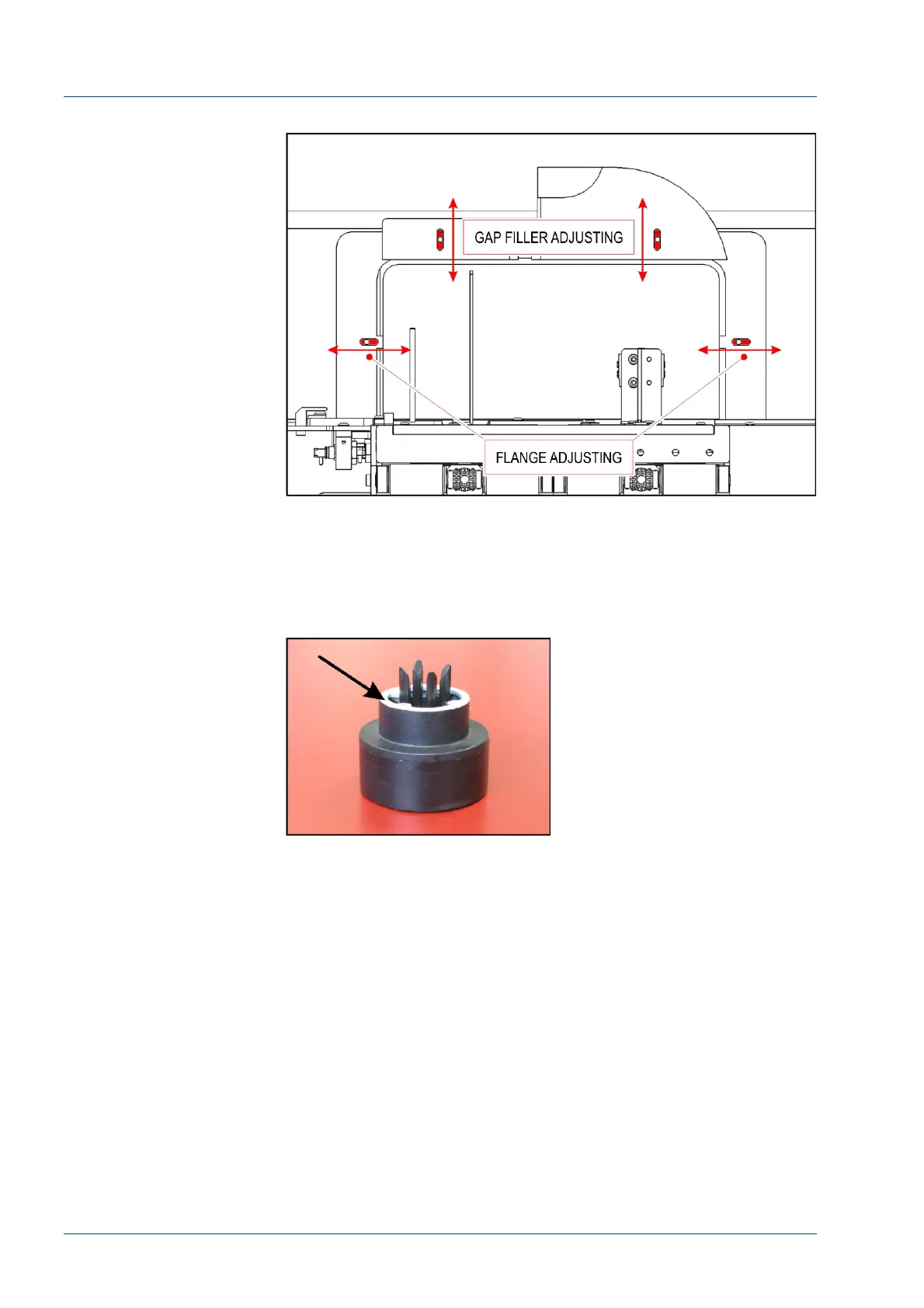
Figure 60 – Gap filler and flange adjustment
Install 7L46-01 Off-line carriers
• At the Routine Input gate (G7b), insert the 21 (P/N 7L46-
01) i2000SR IM off-line carriers. Ensure only carriers with a gray
ring are installed.
Figure 61 – i2000SR IM Carriers



 To Next Page