Service Manual i2000SR interface module
625798100.APS.5.doc Page 57 of 212
• Ensure that the wire is routed in a manner that it does not
impact the removal and replacement of the Sample and STAT
wash cups or the movement of the Sample Pipettor
• At the underside of the i2000SR IM support bracket, route
the wire in a manner that it does not come in contact with the
belt.
• Connect the end of the wire to the J19 i2000SR LLS
ground wire.
AC Power connections
• Route the stand-alone power cable from electrical box J4
to the same AC power source as the i2000SR system.
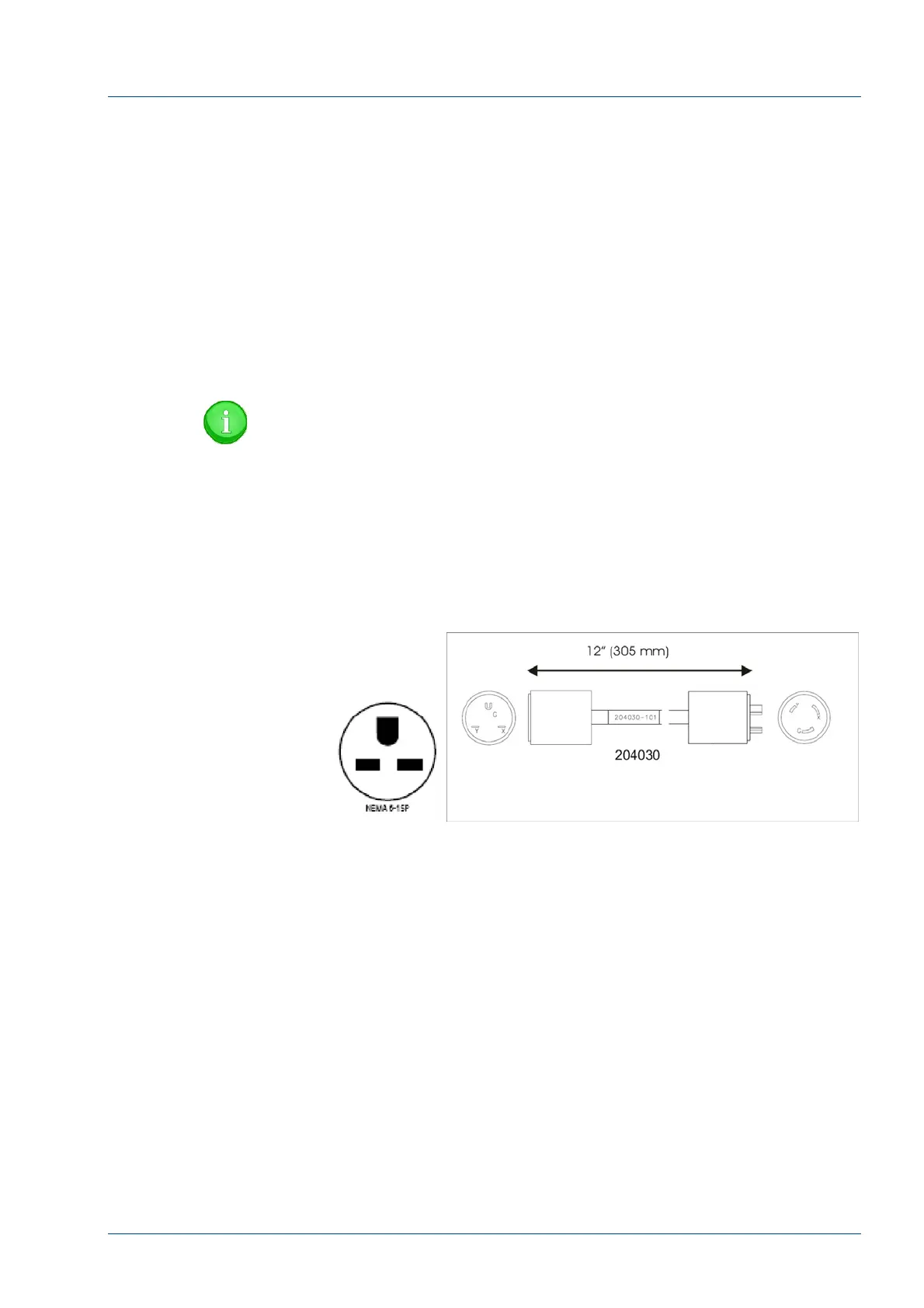
NOTE:
The desired AC power source is the UPS used to support
the i2000SR system. As the Uninterruptible Power Supply
(UPS) used in the United States have twist lock connectors,
a straight blade (NEMA 6-15) connector and UPS adapter
cable (204030) is supplied in order to remove power easily.
• In the United States, replace the standard European plug
with the supplied NEMA 6-15.
Figure 35 – United States NEMA 6-15 Power Connector
• Connect the NEMA 6-15 connector into the UPS adapter
cable (204030).



 To Next Page