i2000SR interface module Service Manual
Page 78 of 212 625798100.APS.5.doc
• Turn On the IOM Computer
• Login as FSE
• Diagnostics
• Automation
• Blank Button
• Commands
• Reload all INI files
Exercise i2000SR IM
GOAL: Use the i2000SR IM Track Exercise feature to check that IM
devices move off-line carriers properly within the lanes.
This exercise routine should be allowed to run continuously
for a minimum of 3 hours. During the exercise, verify that
all carriers and devices move properly.
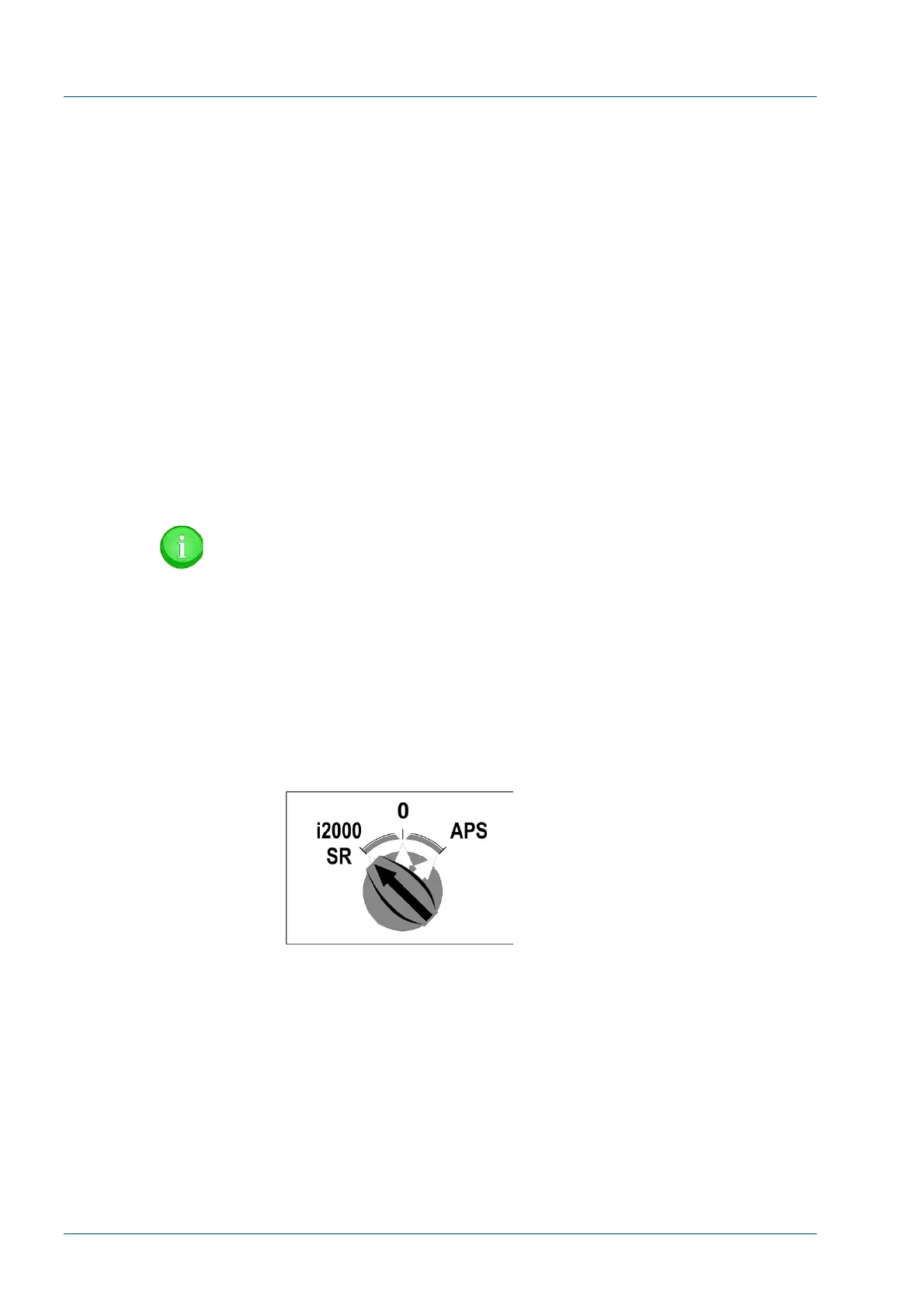
• Power on the i2000SR IM in the Standalone mode by
turning the i2000SR IM power switch to the i2000SR position.
NOTE:
If the Workcell is operating the APS CAN bus
communication will be impacted and the operation of the
track will be affected.
• Verify i2000SR IM Electronic Box Initialization
− Bar Code Scanner beeps once then twice.
− Pole Instrument Indicator Light turns RED
− Tag Reader LEDs turn on.
Figure 65 – i2000SR IM main switch
• After the pole lamp turns red and begins blinking, turn on
the System Control Center for the i2000SR analyzer.
− Pole RED lamp blinks until the Master Slave to i2000SR
SCC communication check is passed.
• SCC CLI Edgeport port 1 (com 3)
• Master Slave Port 2 (CLI)
• SCC LAS Edgeport port 4 (com 6)
• Master Slave Port 1 (LAS)



 To Next Page