Service Manual i2000SR interface module
625798100.APS.5.doc Page 71 of 212
Initialize i2000SR IM
NOTE:
If the Workcell is operating, the APS CAN bus
communication will be impacted and the operation of the
track will be affected.
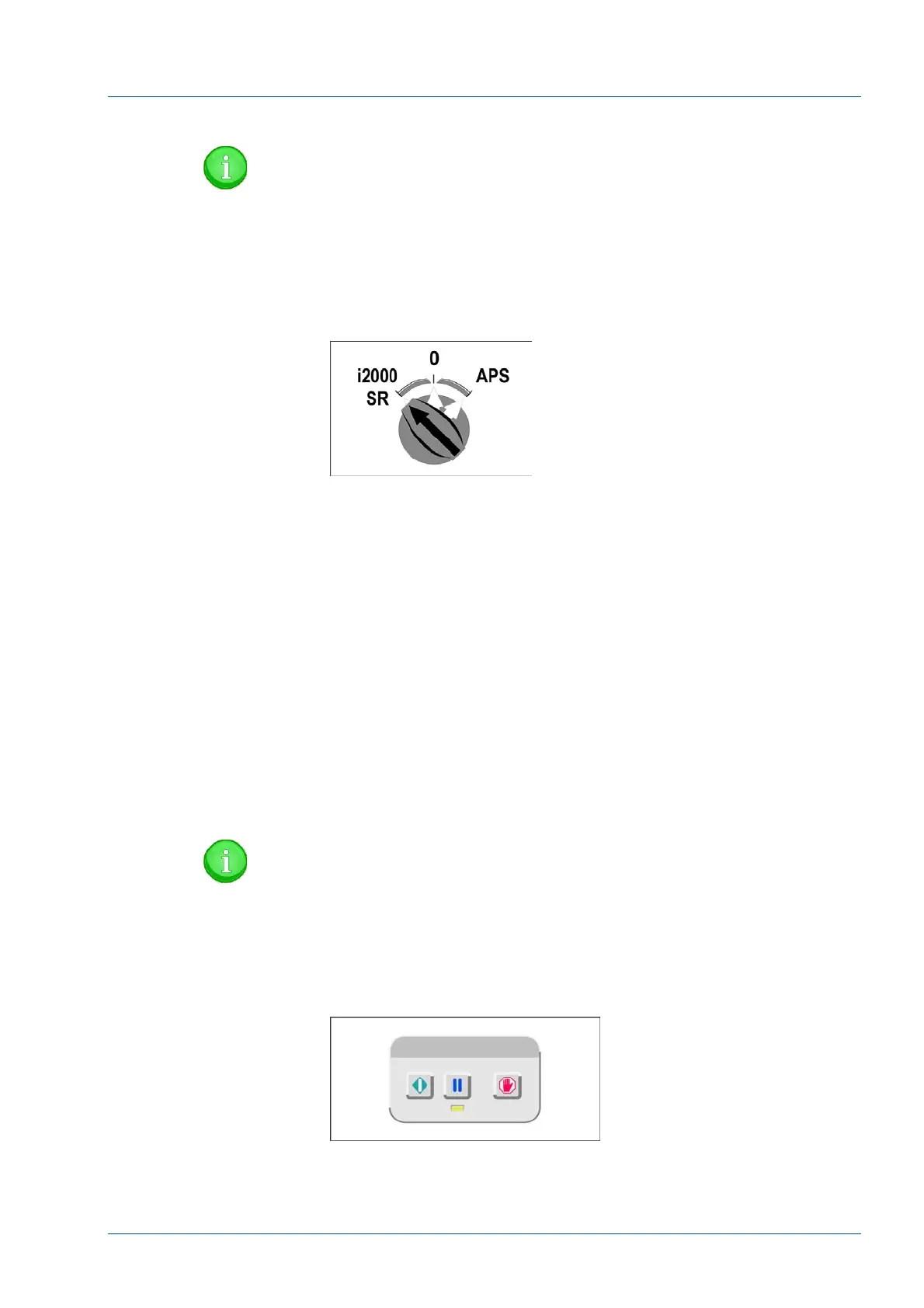
• Turn the i2000SR IM mode select switch to the i2000SR
position.
Figure 62 – i2000SR IM main switch
• After the pole lamp turns red and begins blinking, turn on
the System Control Center for the i2000SR analyzer.
• Verify i2000SR IM Electronic Box Initialization
1. Bar Code Scanner beeps once then twice.
2. Pole Instrument Indicator Light turns RED
3. Tag Reader LEDs turn on.
4. Pole RED lamp blinks until the Master Slave to i2000SR
SCC communication check is passed.
5. SCC CLI Edgeport port 1 (com 3)
6. Master Slave Port 2 (CLI)
7. SCC LAS Edgeport port 4 (com 6)
8. Master Slave Port 1 (LAS)
NOTE:
The i2000SR IM will not initialize unless the cable check is
passed.
• After the Snapshot screen on the System Control Center is
displayed, press the green Run button on the keyboard.
Figure 63 – i2000SR IM LUI Keypad
• Verify the carriers move smoothly without interference. If
interference is observed, provide the necessary corrective action.



 To Next Page