Service Manual i2000SR interface module
625798100.APS.5.doc Page 79 of 212
NOTE:
The i2000SR IM will not initialize unless the cable check is
passed.
• After the Snapshot screen on the System Control Center is
displayed, press the green Run button on the keyboard.
NOTE:
If communication check fails (Blinking Red Lamp) and RUN
button is pressed, all Off-line carriers are routed to lane 4.
Queues at Routine and Priority gates are not built.
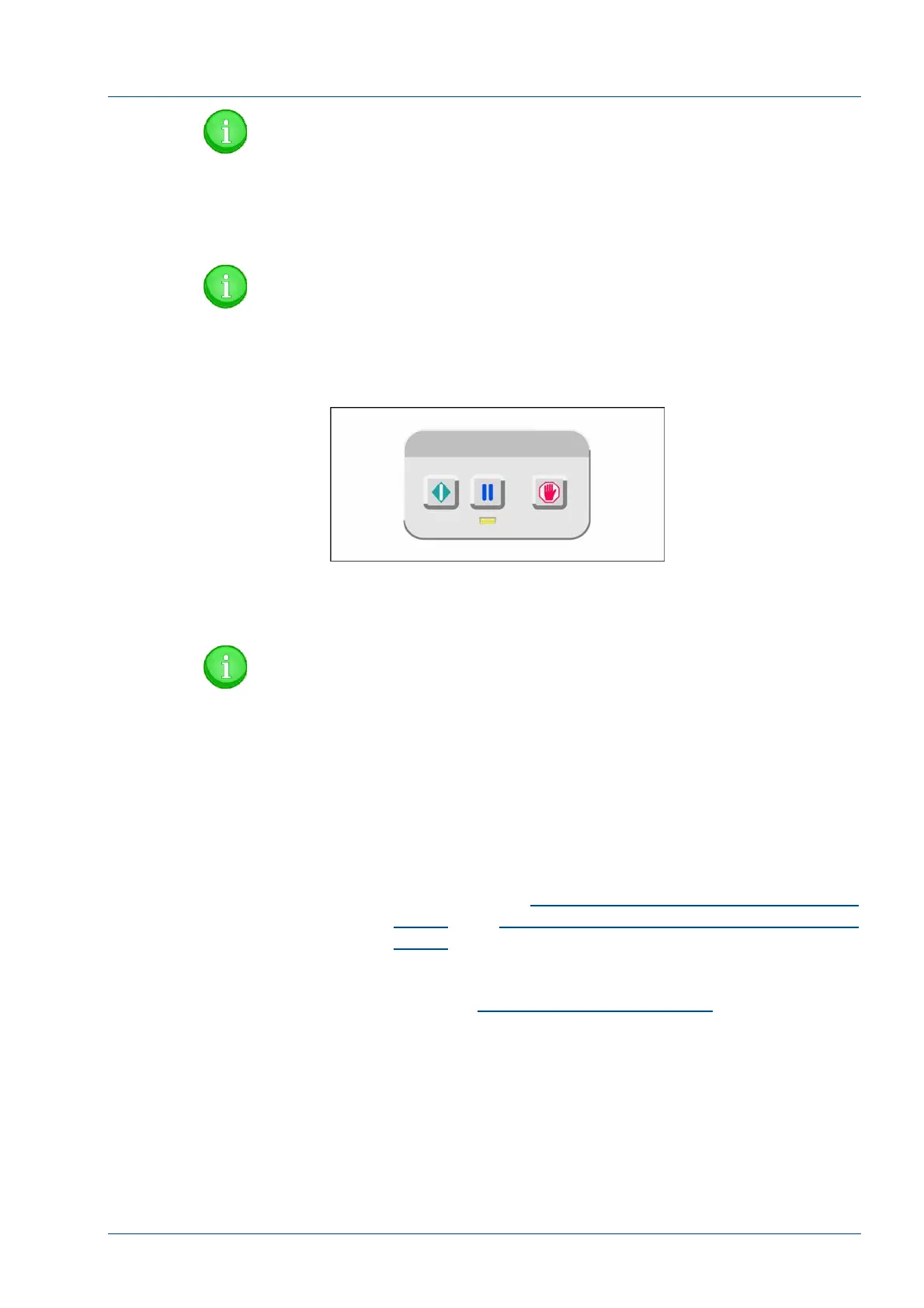
Figure 66 – i2000SR IM LUI Keypad
• Activate the i2000SR IM Exercise Mode by pressing and
holding the Green RUN button on the keypad as the PAUSE
button is pressed.
NOTE:
If communication check fails (Blinking Red Lamp) and IM
Track Exercise is initiated, all Off-line- carriers are routed
to Routine gate and track exercise begins. Carriers are
routed to lanes 2, 1, and 4. Priority queue is tested but at a
lower rate.
• As carriers are moved, check the following:
− Belts
• Belts must travel along the center on the lane. If
not, refer to the
Replacement of belts 1 & 2 idler pulleys
groups
and
Replacement of belts 3 & 4 idler pulleys
groups
procedure.
− Movement is consistent
If not, refer to the
Verification of belt tensioning
procedure.
− Support bracket feet do not touch the belt.
− Disk spin is consistent.
− Carriers do not stall as they transfer from the belt to the
disk.
− When a carrier is not on the disk, the spin rate is
consistent. It is normal for the speed to slow down when a
carrier is on it.



 To Next Page