EasyManua.ls Logo

Architect i2000SR - Page 27

Architect i2000SR
212 pages
Print Icon
To Next Page IconTo Next Page
To Previous Page IconTo Previous Page
Loading...
Service Manual i2000SR interface module
625798100.APS.5.doc Page 27 of 212
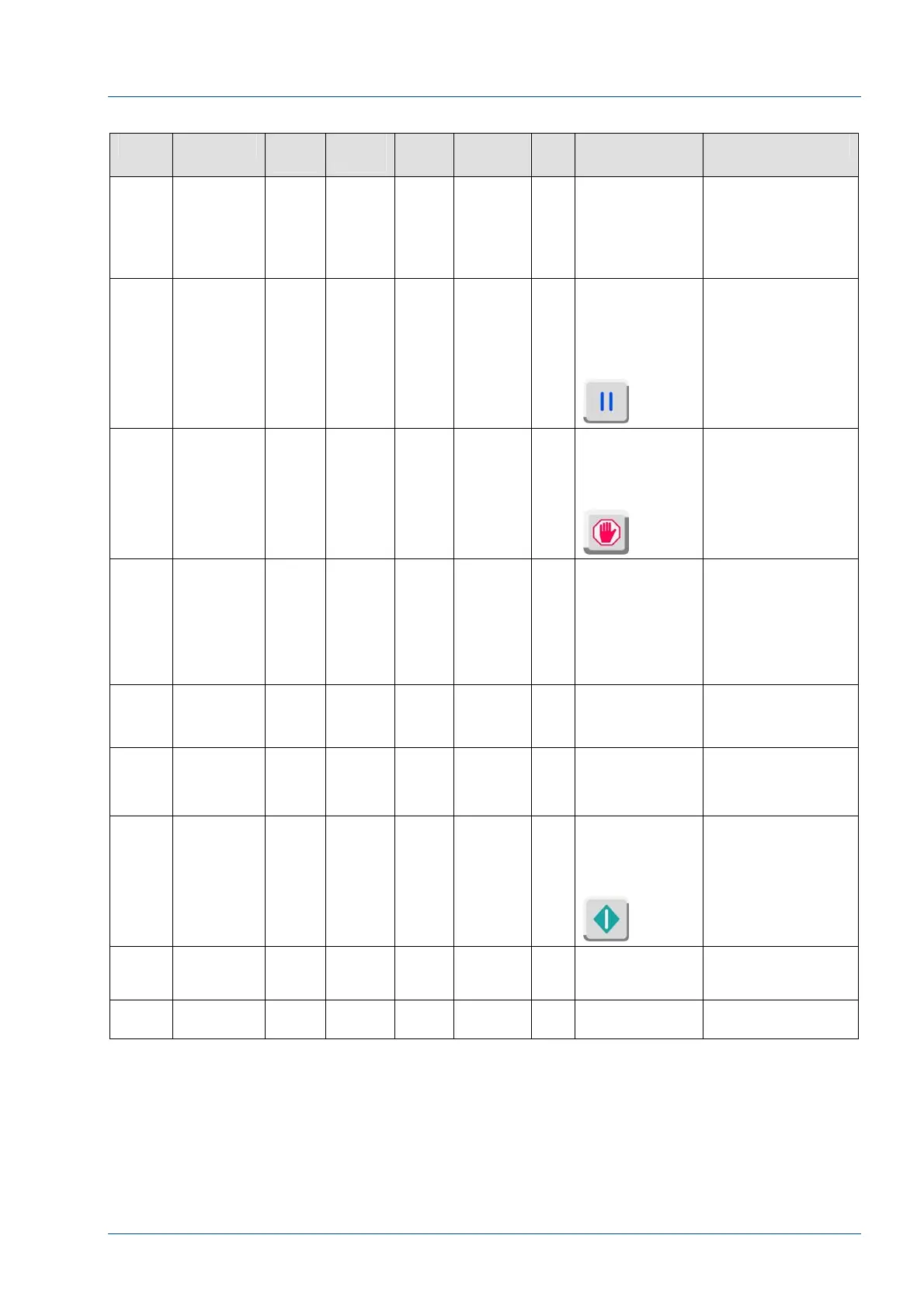
Table 2 – Master CAN Board Inputs
Pin Function Devic
e
Electro
Valve
Port Antenna LED Control
Command
Description
In – 1 Carrier
Presence
(SICK)
sensor at
Lane 4
large disk
Diag – Bit 0
1 = ON
0 = OFF
A carrier detected as
it has exited the large
disk and entered
Lane 4
In – 2 LUI – Pause
button
Diag – Bit 1
1 = ON
0 = OFF
Keypad
The keypad Pause
button was pressed.
In – 3 LUI – Stop
button
Diag – Bit 2
1 = ON
0 = OFF
Keypad
The keypad Stop
button was pressed
In – 4 Carrier
Presence
(SICK)
sensor at
IM exit to
track
Diag – Bit 3
1 = ON
0 = OFF
A carrier was
detected as it exited
the large disk and
returned to the main
track. Used to
activate the anti-
collision gate G9
(G10)
In – 5 +24 VDC
from APS
workcell
Diag – Bit 4
1 = ON
0 = OFF
Detects the presence
of +24 VDC from the
APS workcell
In – 6 +24 VDC
from the IM
electrical
box
Diag – Bit 5
1 = ON
0 = OFF
Detects the presence
of +24 VDC from the
IM electrical box
In – 7 LUI – Run
button
Diag – Bit 6
1 = ON
0 = OFF
Keypad
Keypad – Run button
has been pressed
Exp.
Out 1 –
8
Not Used Not Used
Exp. In
1 - 7
Not Used Not Used

Table of Contents