Operating the System
Turn on the system
Fig. 4-4
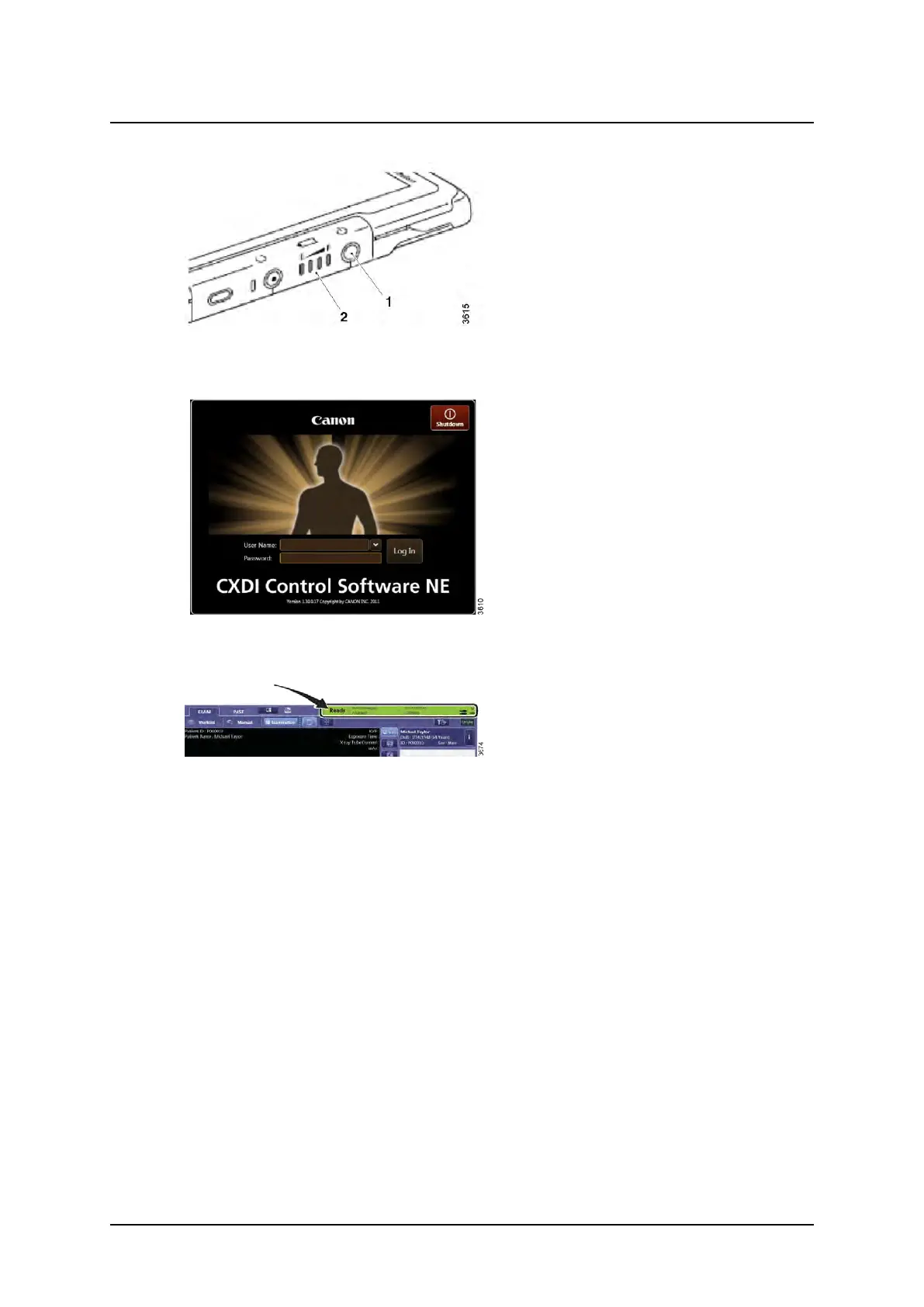
4. Start the wireless detector (option), press
the power button (1).
The power-LED (2) lights with a fixed light.
Fig. 4-5
5. Log in on the computer.
6. Type user name and password, press Log
in.
Fig. 4-6
7. Confirm that the image system has started
normally by checking the status icons.
Operation Manual
1000-095-051-EN Rev. 1.1 ARCOMA AB
2020-06-16 Page 93 SWEDEN



 To Next Page