Operating the System
Portable detector, table
4.12 Portable detector, table
Note!
This instruction applies only to a portable detector.
CAUTION!
Do not put any load on the detector tray. It might be damaged.
CAUTION!
Always supervise movements of the detector to avoid collision with peripherals.
Note!
If the System includes more than one detector, assure that the active detector is used.
4.12.1 Set the detector
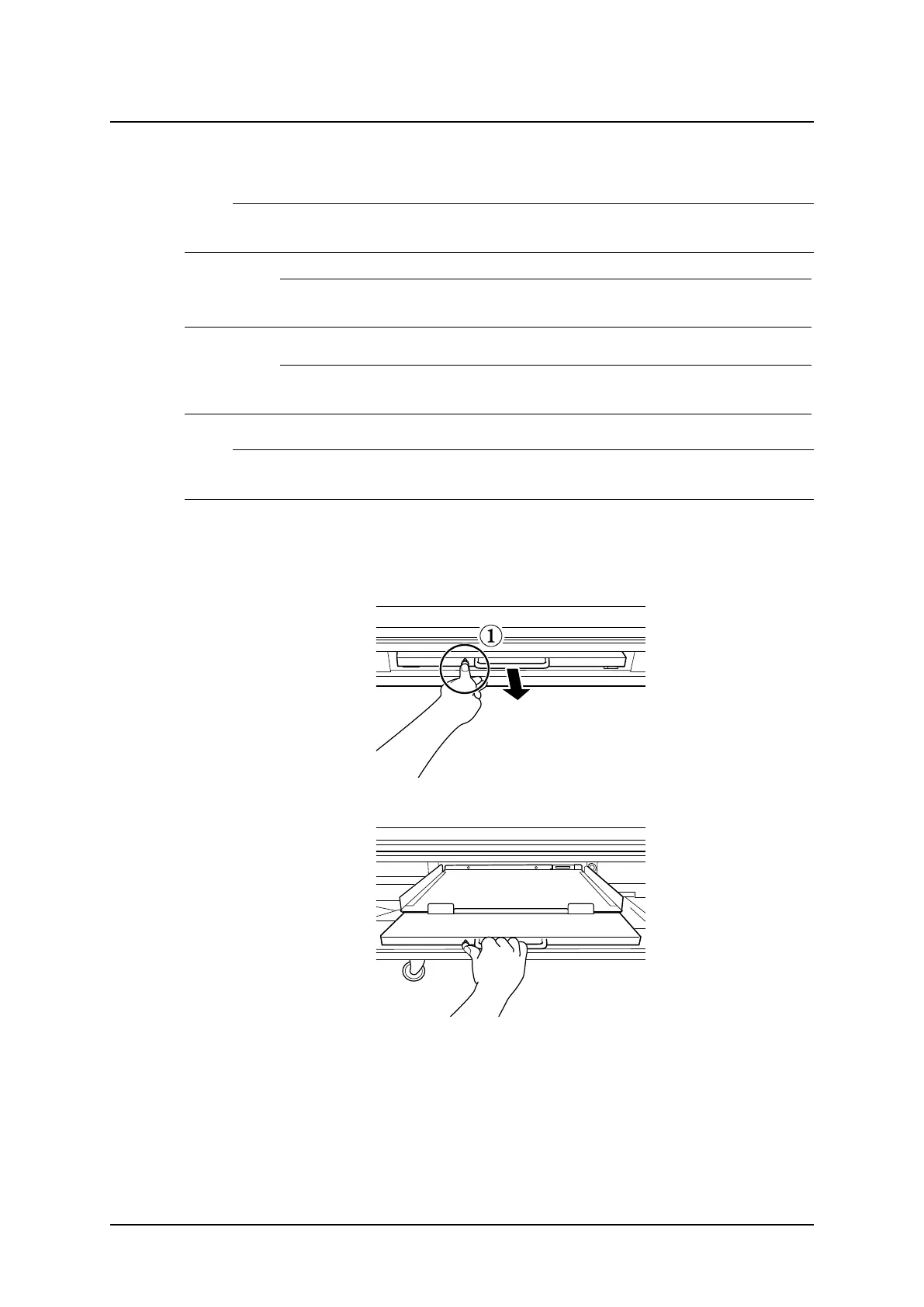
1. Pull out the detector tray.
Fig. 4-40 Releasing the detector tray
Fig. 4-41 Pulling out the detector tray
Operation Manual
1000-095-051-EN Rev. 1.1 ARCOMA AB
2020-06-16 Page 129 SWEDEN



 To Next Page