Error Handling
Fault Handling
5 Error Handling
5.1 Fault Handling
There are three types of NOTIFICATIONS - Shows the present occurence. For example; col-
lision. They are listed below in ranking order.
1. ERROR
Information in the OTC display (red). Sound: two beeps.
2. WARNING
Information in the OTC display (grey). Sound: one beep.
3. INFO
No information in the OTC display but can be found in the setting menu.
5.1.1 Notifications
5.1.1.1 - 1) Error
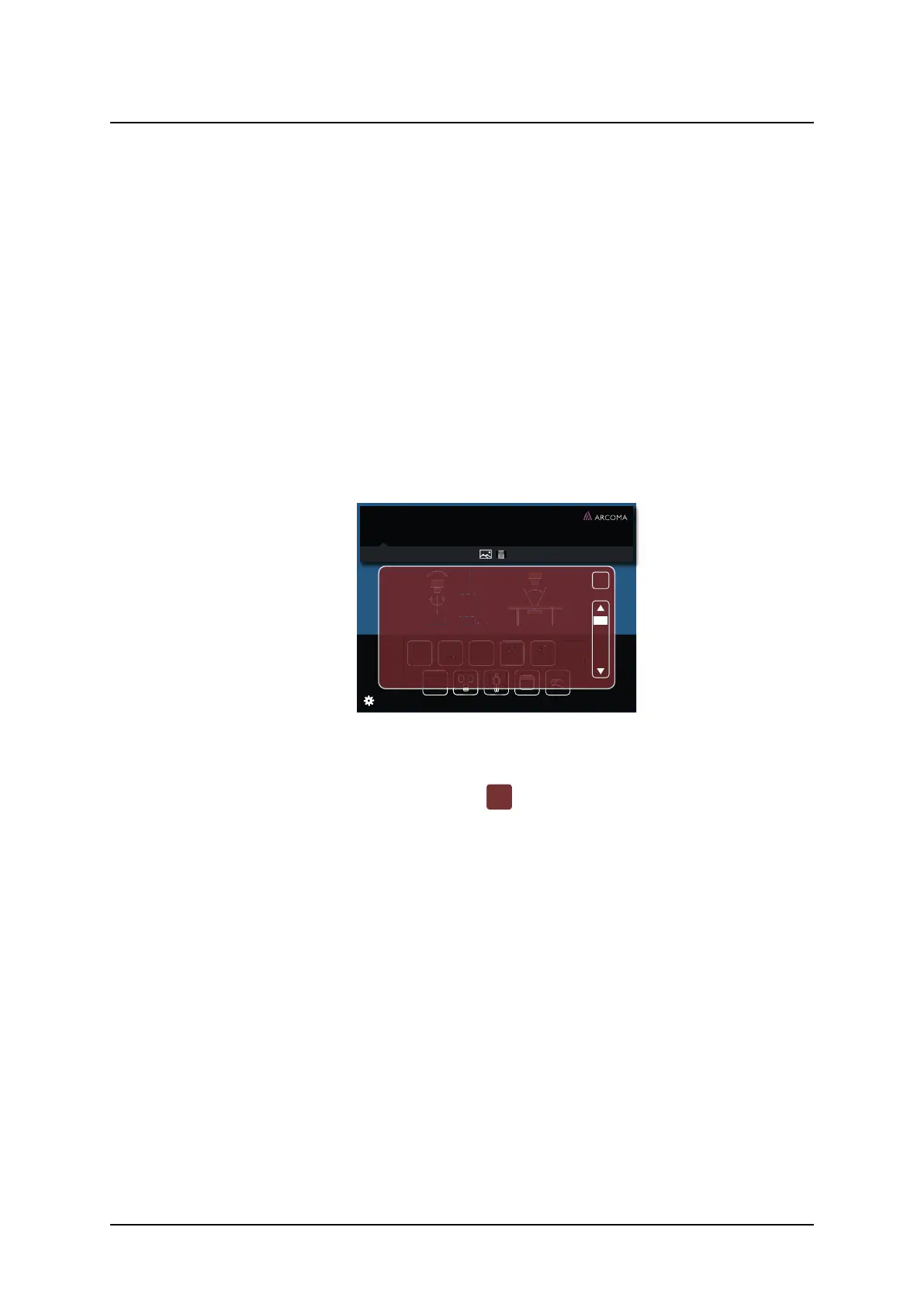
When an error occurs, an Error pop-up window will appear in the display.
60˚
60˚
cm
110
ms
20
mA
250
kV
50
Density
1
+
post mAs
58
mAs
AEC
DoB 1977-03-06
ID 987-65-4320
Hand AP
Age 36 Sex F
Acc No 987-65-4320
Jane Doe
SID
ERROR
X
Checksum error
The {Node:Name} node has detected a
parameter problem
Restore back up parameters to the node
and restart system. If persistent error replace
the board
Fig. 5-1 Error pop-up window
The Error pop-up window will disappear when the user pushes the close button.
Fig. 5-2 Close button
Operation Manual
1000-095-051-EN Rev. 1.1 ARCOMA AB
2020-06-16 Page 135 SWEDEN



 To Next Page