Operating the System
Portable detector, table
4.12.4 Exchange grid
WARNING!
Failure to insert the grid in the correct orientation, with the tube side facing towards
the X-ray source, can result in unsuccessful patient imaging.
Additional corrective patient imaging and additional ionising radiation exposure for
the patient may be needed.
Ensure the grid is inserted in the correct way.
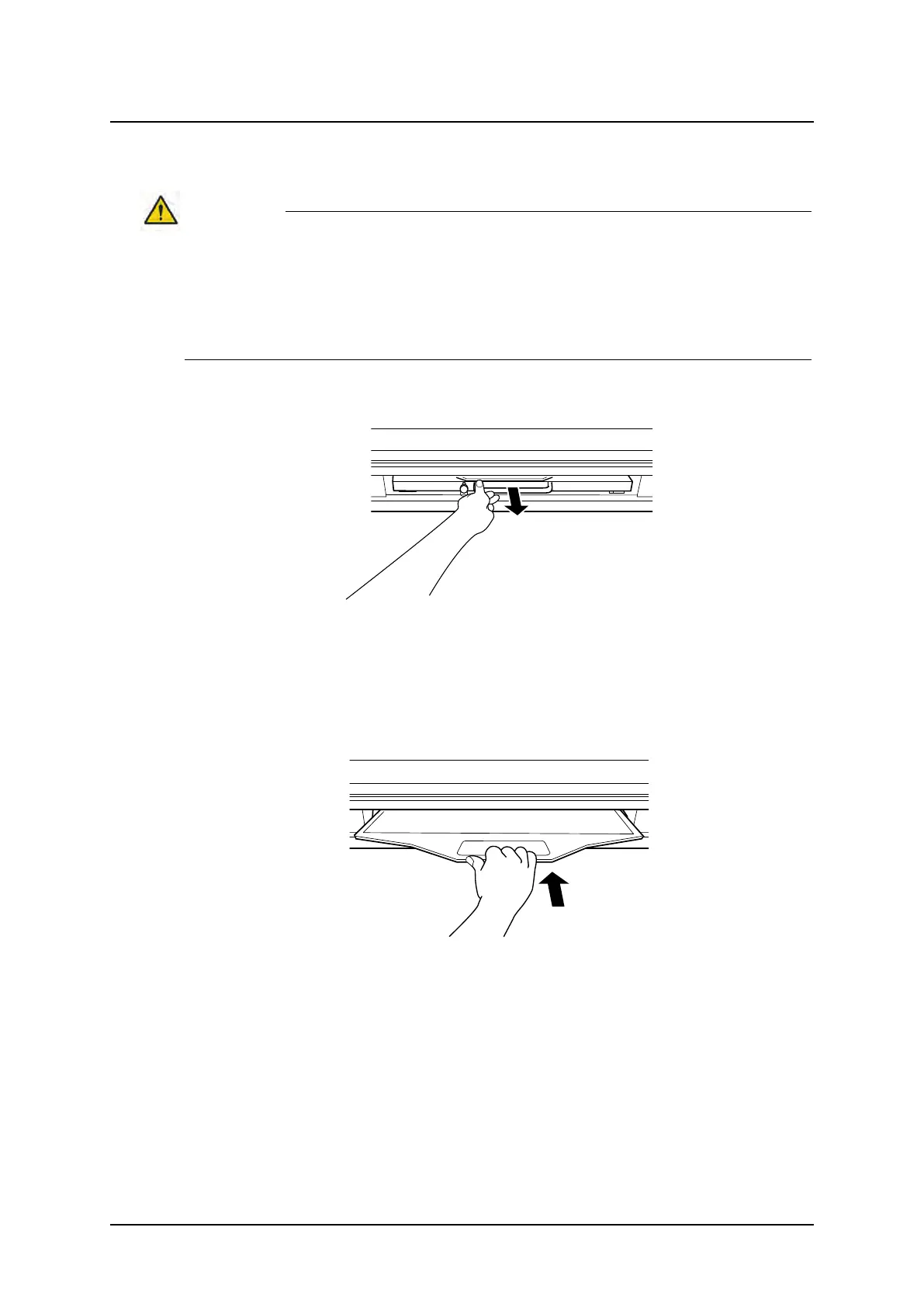
1. Pull out the grid.
Fig. 4-49 Pull out the grid
2. Exchange the grid.
Insert the grid with the tube side facing upwards, towards the X-ray source. The tube side
of the grid has the specification label and the grid centre line identification.
3. Push in the grid, until it clicks.
Fig. 4-50 Push in the grid
Operation Manual
1000-095-051-EN Rev. 1.1 ARCOMA AB
2020-06-16 Page 133 SWEDEN



 To Next Page