Operating the System
Perform examination
4.4.6 Review image
1. If the image is correct, select [End Exam] or continue examination if more images are
planned.
2. If the image is not correct, select [Retake].
3. Type reject reason and retake image.
4.4.7 Change work space
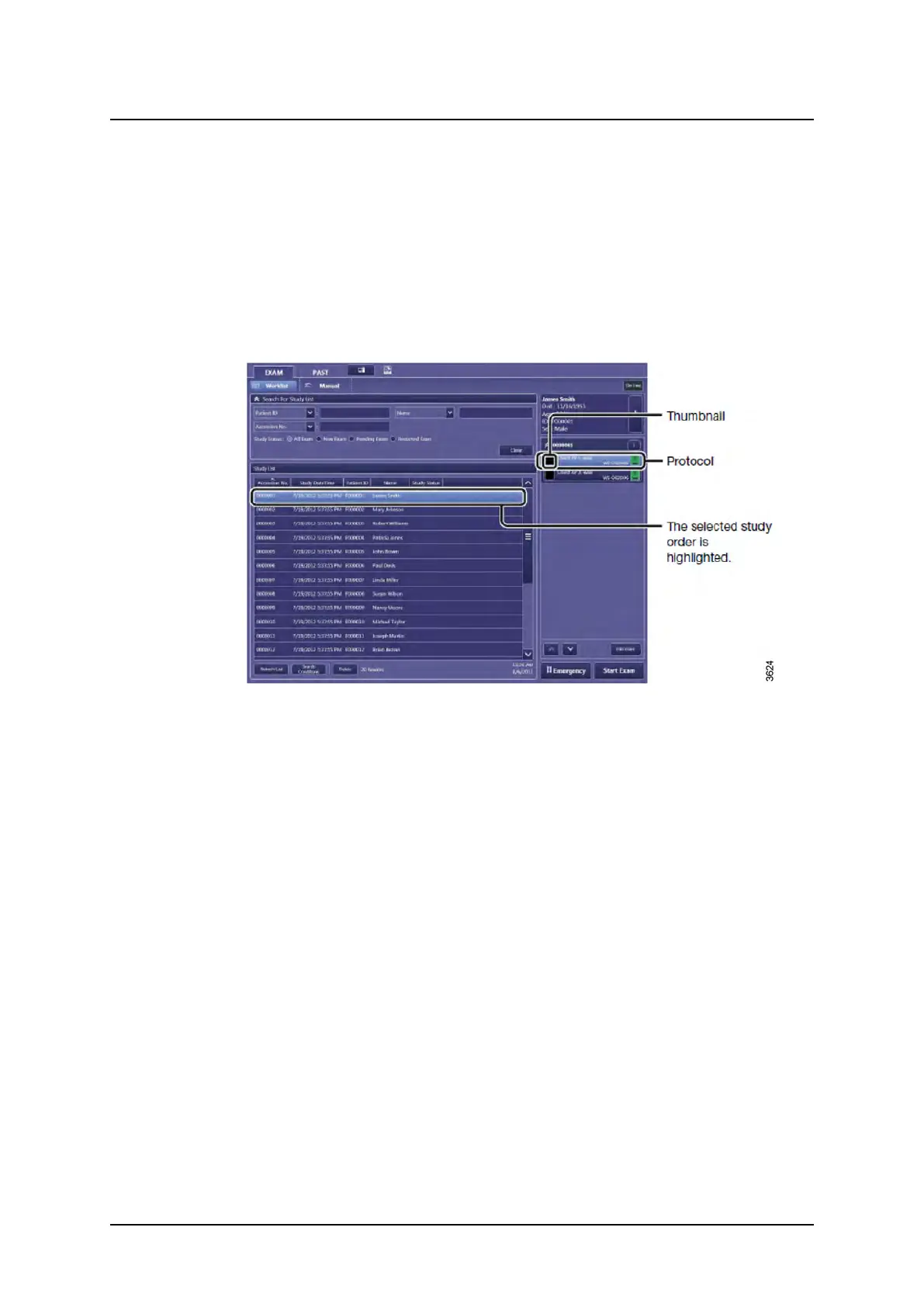
1. Select [Protocol].
Fig. 4-16
2. Select detector or workspace.
Operation Manual
1000-095-051-EN Rev. 1.1 ARCOMA AB
2020-06-16 Page 101 SWEDEN



 To Next Page