Operating the System
Perform examination
4.4.3 Position the system
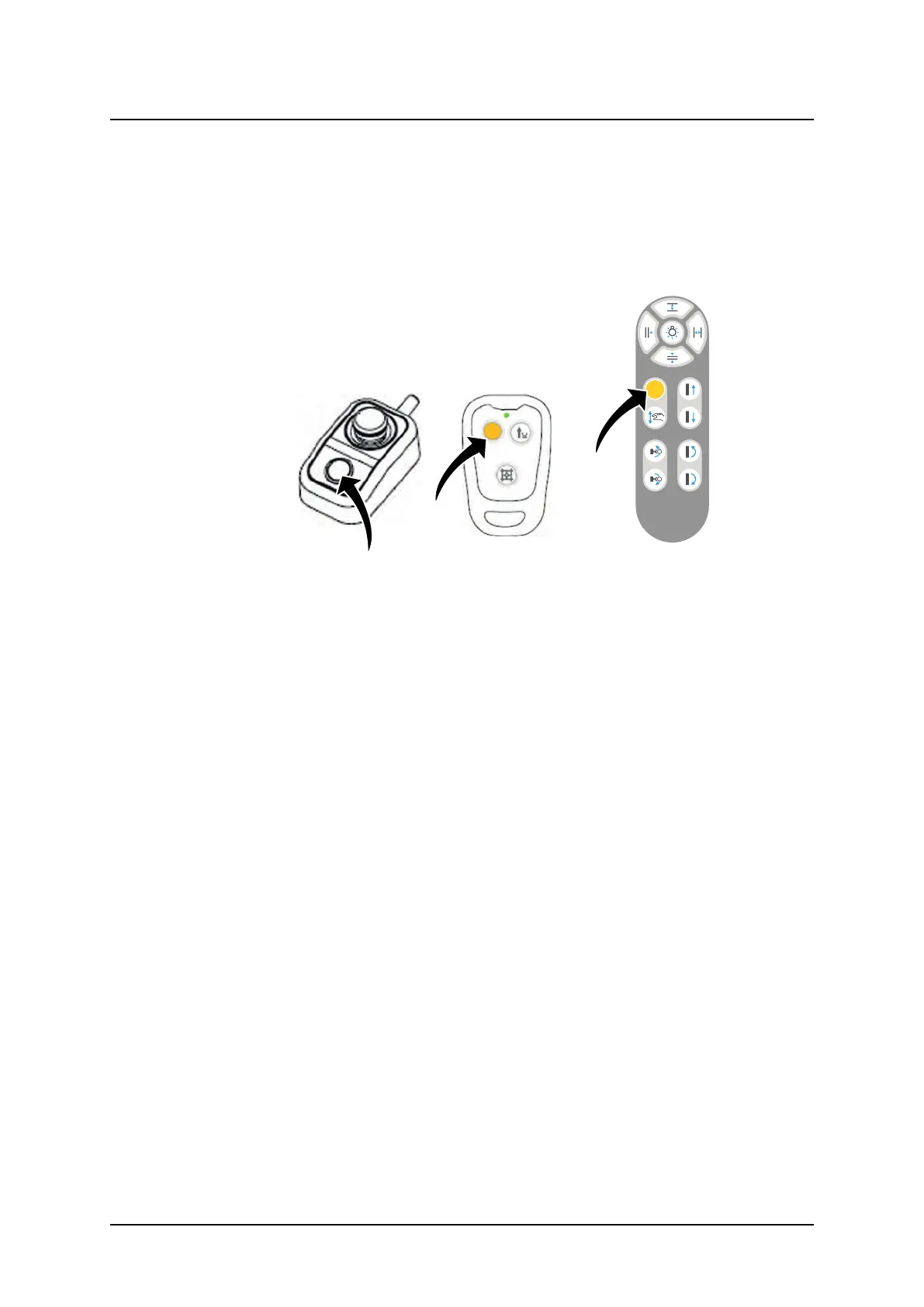
1. Activate the servo button to position the system.
The servo button is activated on the console, the remote control, or wall stand hand
control.
2. The indication light around the OTC display indicates with a green flashing light that the
sytem reached correct position.
Fig. 4-13 Indication light
4.4.4 Adjust position and collimator for chosen examination and patient
Adjust the position of the OTC, table top or wall stand according to:
• 3.1.1 Direction of Movement, Page 39
• 3.7 Table Control elements, Page 79
• 3.8 Wall stand Control Elements, Page 87
The light field should be reduced to the examination area. Adjust the collimator according to:
• 3.2 Automatic Collimator Control, Page 42
ARCOMA AB 1000-095-051-EN Rev. 1.1
Operation Manual
SWEDEN Page 98 2020-06-16



 To Next Page