User Interface
Wall stand Control Elements
3.8 Wall stand Control Elements
3.8.1 Wall stand Controls
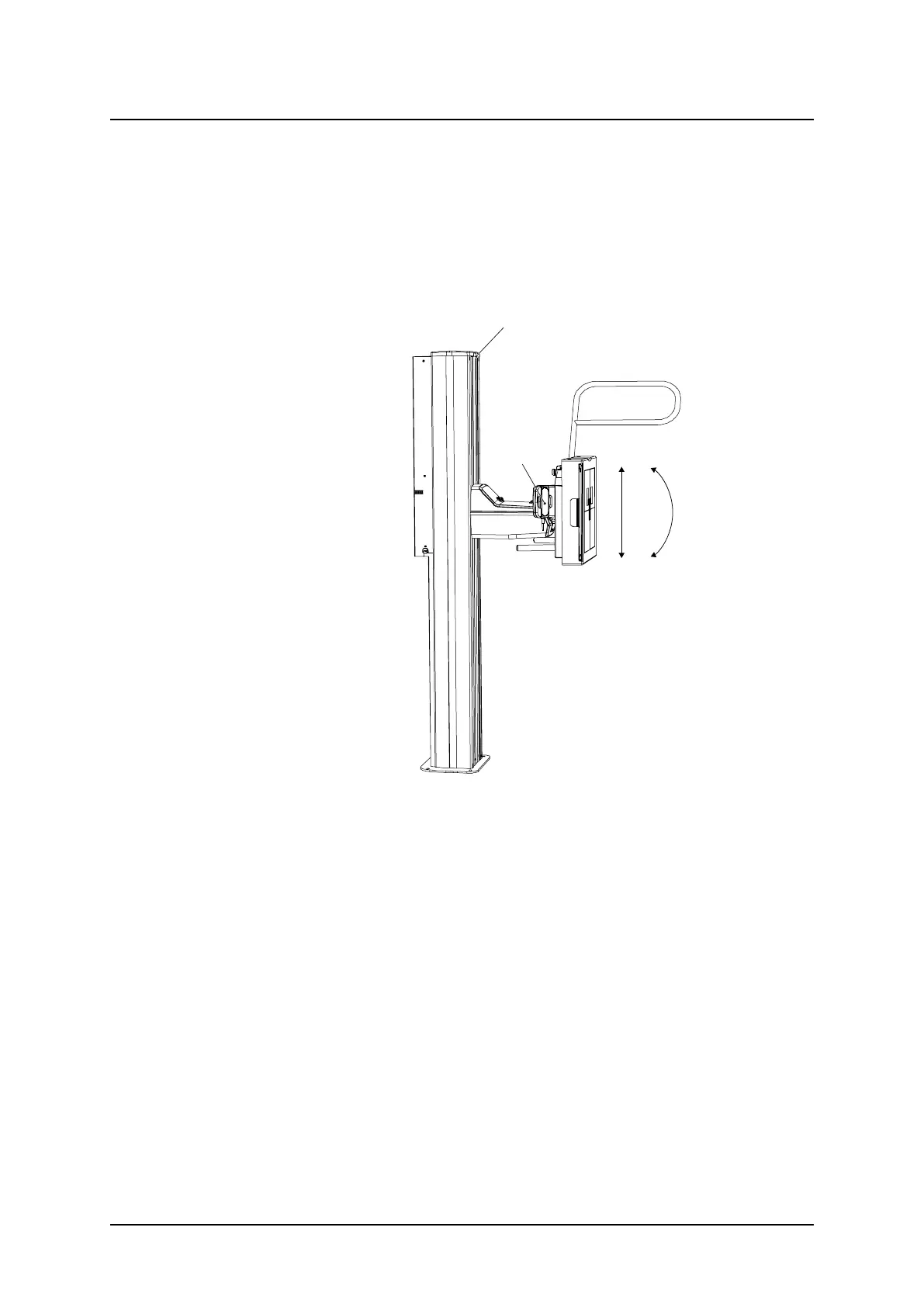
Fig. 3-48 Wall stand, direction of movement
Z Vertical movement
T Tilting movement
A Light indication (lit when the wallstand is selected as a work station)
B Hand control:
Adjustment of the automatic collimator, vertical movement of the detector, rotation of the
detector and activation of pendulum mode.
The wall stand detector is tilted by activation of the hand control. The detector can be tilted
-20 to + 90°.
Operation Manual
1000-095-051-EN Rev. 1.1 ARCOMA AB
2020-06-16 Page 87 SWEDEN



 To Next Page