Operating the System
Portable detector, table
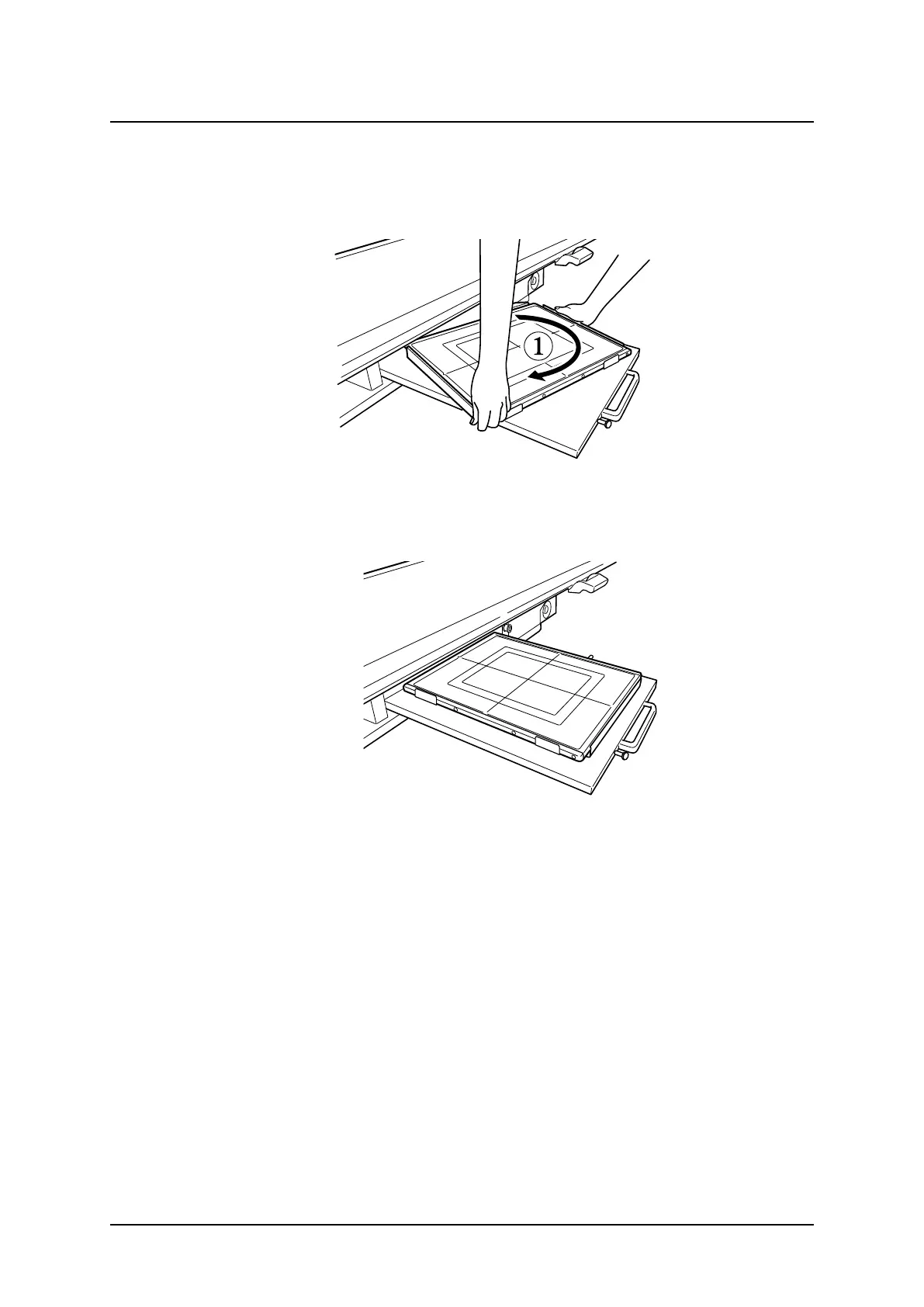
4.12.2 Change between portrait and landscape
1. Rotate the detector 90°.
2. Hold as shown below and turn the detector, clockwise or anti-clockwise.
Fig. 4-45 Detector change between portrait and landscape
Fig. 4-46
Operation Manual
1000-095-051-EN Rev. 1.1 ARCOMA AB
2020-06-16 Page 131 SWEDEN



 To Next Page