Operating the System
X-ray Table Examination Procedures
4.9.2 Film Tracking Mode
4.9.2.1 General
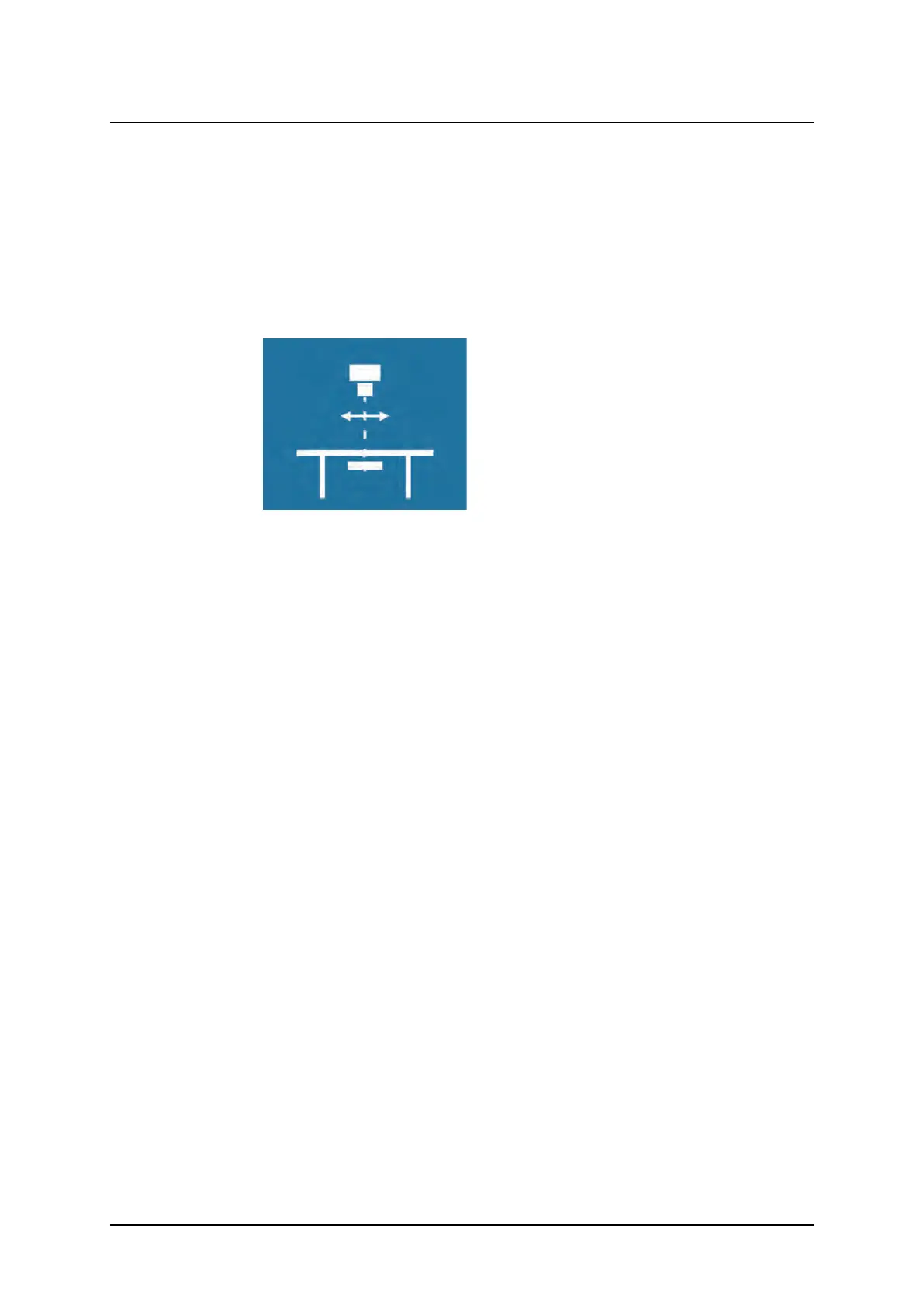
The Film Tracking mode is designed for examinations of patients lying on the Table.
4.9.2.2 Flow of Operation
Select a Film Tracking mode examination.
The System display will display the following, see Fig. 4-26 Film tracking mode display.
Fig. 4-26 Film tracking mode display
• The SID will be displayed.
Activate the mode by pressing the servo button.
• The OTC will automatically move to its programmed position.
• The OTC will move to the programmed SID.
• Servo mode indication light fixed.
Adjust the table height.
• The OTC will follow the Table to maintain the programmed SID.
Press the brake release button.
Move the OTC lengthwise the Table.
• The imaging unit will follow the movement to stay aligned with the tube.
Press the button to deactivate the alpha brake.
Turn the tube in alpha direction.
• The imaging unit will follow the movement to stay aligned with the tube.
• The SID value can be adjusted by moving the OTC, then all moving will be performed with
the new SID.
4.9.2.3 Exposure
Exposure is possible when the OTC is not moving, and the servo mode indication light is
fixed, and the x-ray beam covers the image unit
ARCOMA AB 1000-095-051-EN Rev. 1.1
Operation Manual
SWEDEN Page 112 2020-06-16



 To Next Page