Operating the System
Portable detector, table
4.12.3 Remove detector
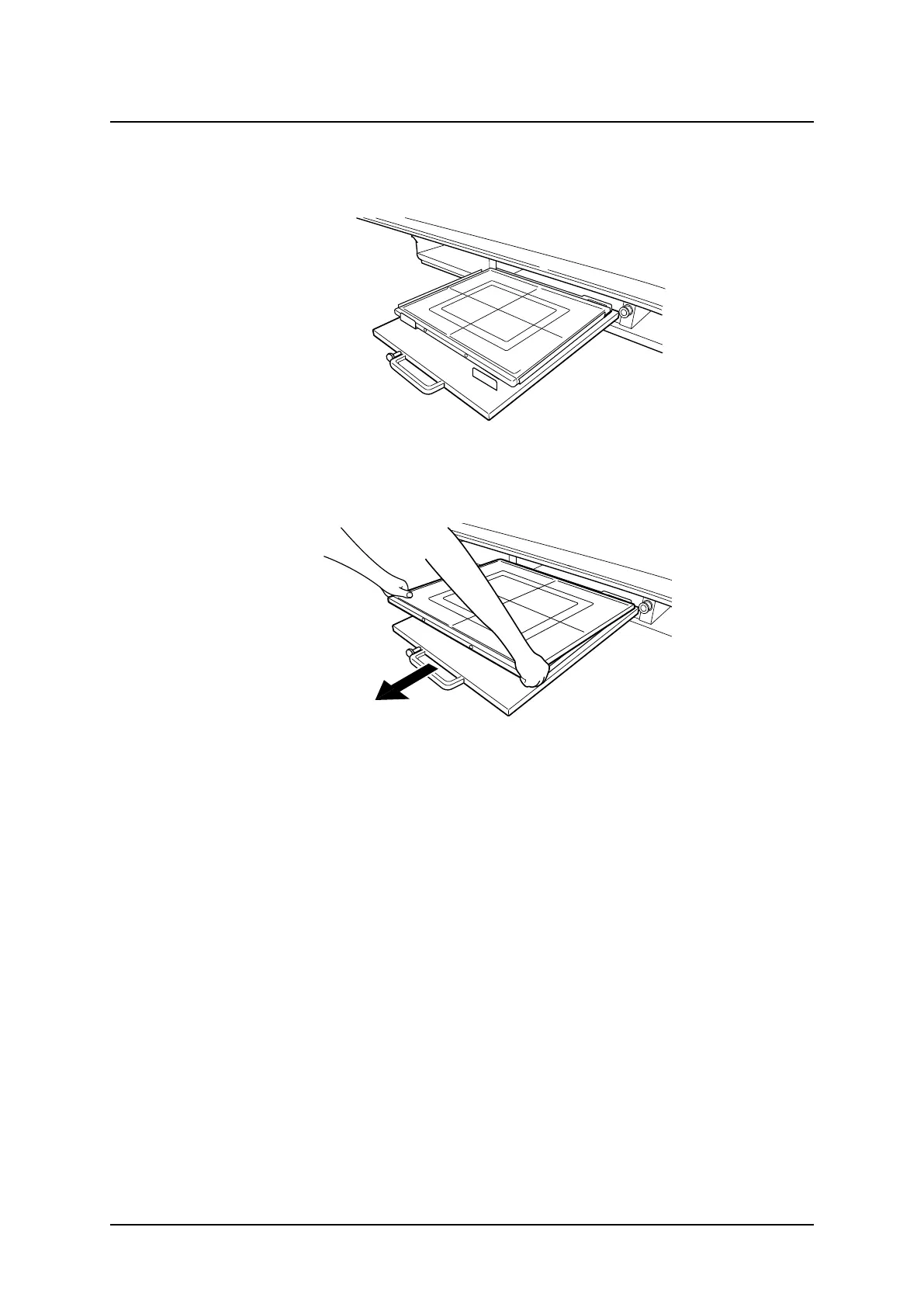
1. Withdraw the detector holder and rotate the detector, if needed, to remove the detector.
Fig. 4-47
2. Remove the detector by pulling it towards you according to Fig. 4-48 Detector removal.
Fig. 4-48 Detector removal
ARCOMA AB 1000-095-051-EN Rev. 1.1
Operation Manual
SWEDEN Page 132 2020-06-16



 To Next Page