Operating the System
Perform examination
4.4.5 Exposure
WARNING!
Check that the settings of the SID (Source Image Distance) are accurate before the
exposure.
WARNING!
Check that the selected workstation (wall stand, table) is connected and linked prop-
erly at the Examination Check screen of the image system before the exposure.
WARNING!
Check that the X-ray tube is set at correct position before the exposure.
CAUTION!
It is the responsibility of the user to ensure that the X-ray field is within the active de-
tector area when exposing.
Note!
The operator is responsible for verifying the exposure parameters before exposure.
Check that the examination conditions are displayed on the image system without failure.
Exposures are done using either the hand control or the prep. and X-ray buttons on the oper-
ator console.
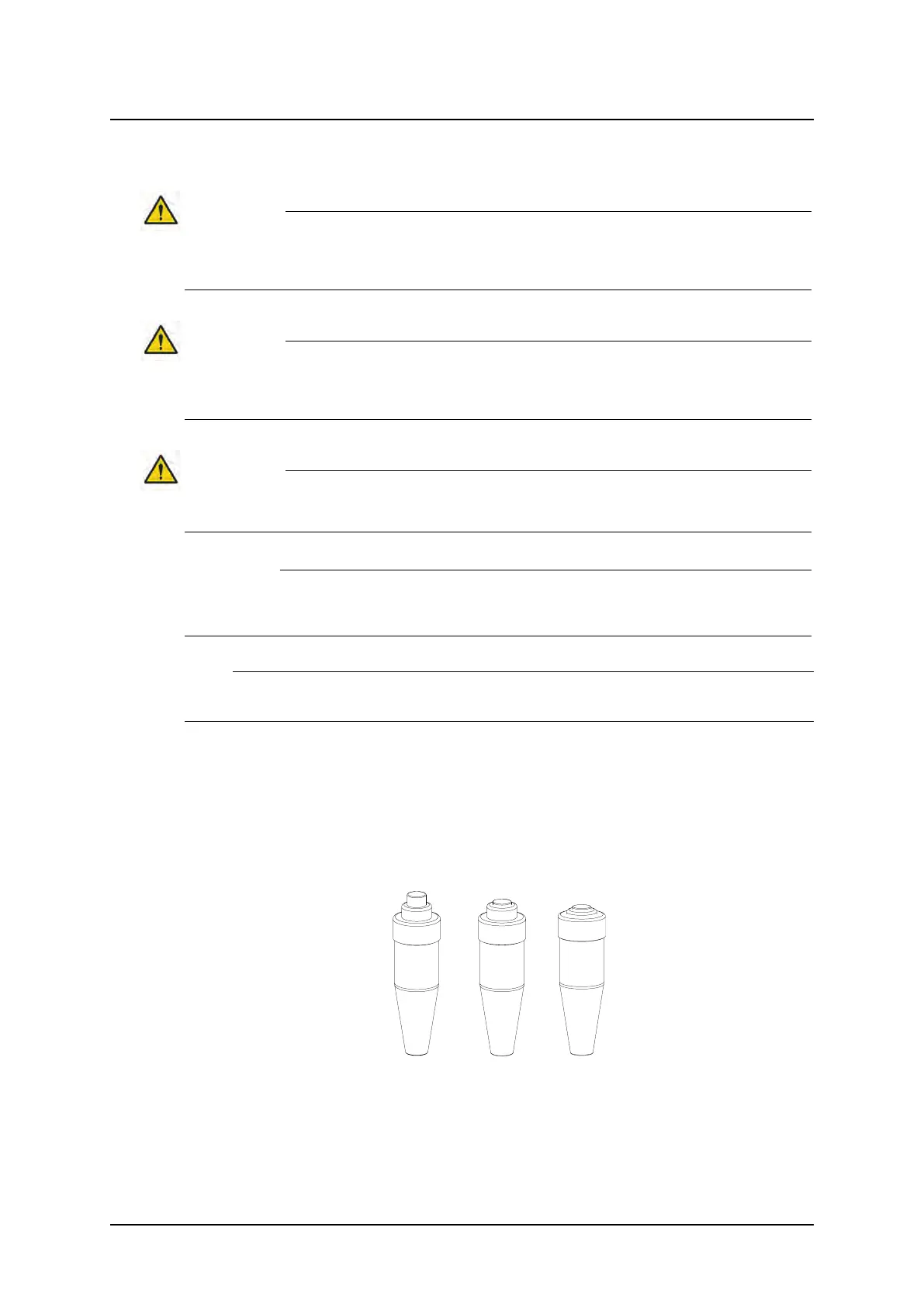
Exposure operator console in
A. normal position
B. preparation position
C. exposure position
Fig. 4-14 Exposure operator console
Operation Manual
1000-095-051-EN Rev. 1.1 ARCOMA AB
2020-06-16 Page 99 SWEDEN



 To Next Page