Operating the System
Perform examination
4.4.2 Start examination
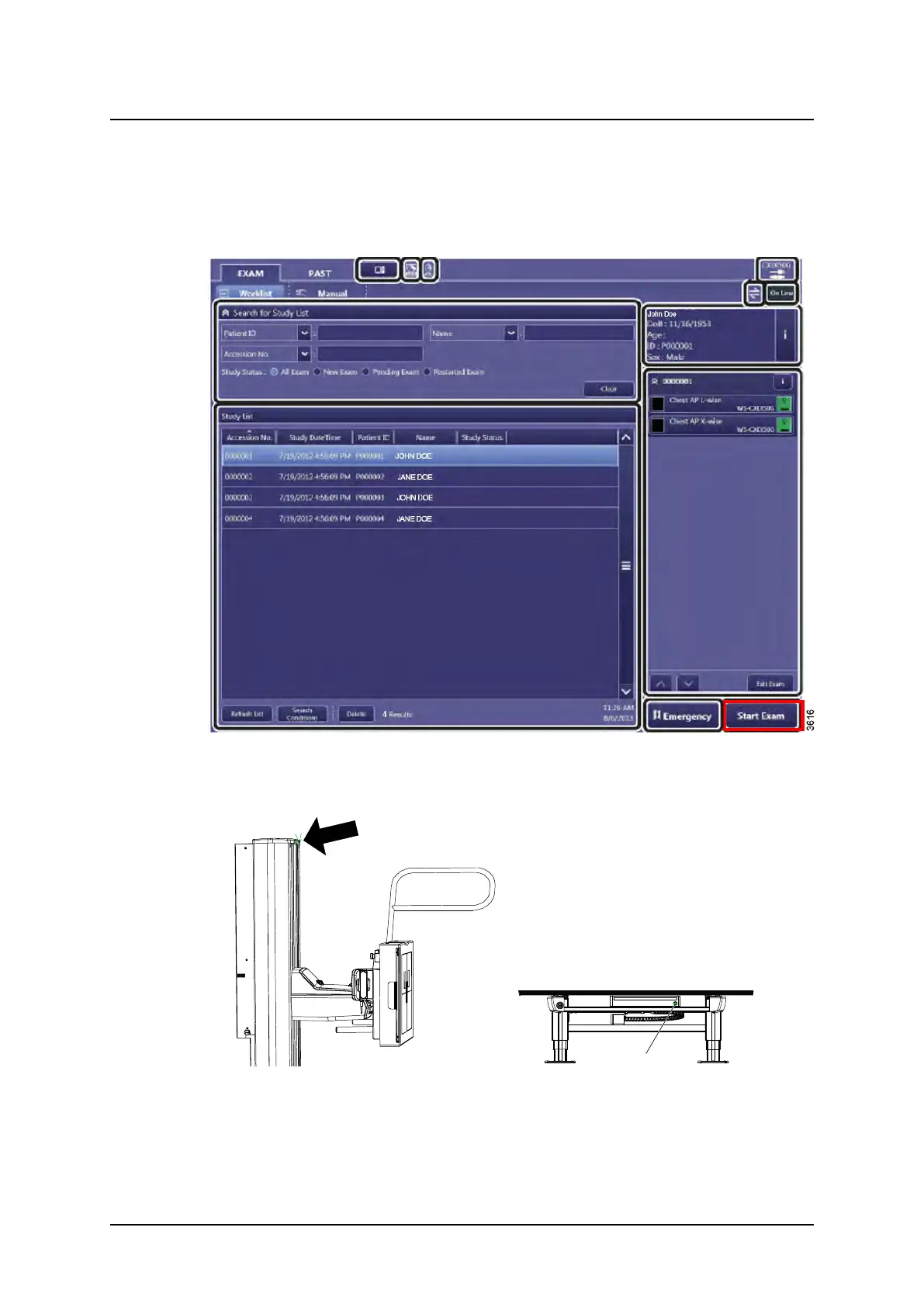
1. Select [Start Exam].
Predefined protocols are activated automatically.
Patient data can also be added manually, see Canon Operation Manual.
Fig. 4-12
2. The indication light will be lit on the selected workstation.
Wall stand indication light Table indication light
Operation Manual
1000-095-051-EN Rev. 1.1 ARCOMA AB
2020-06-16 Page 97 SWEDEN



 To Next Page