Operating the System
Manual Mode
4.7 Manual Mode
CAUTION!
Be aware that there is no tracking between the x-ray tube and the detector when the
System is in Manual mode. Therefore, take extra care that the x-ray beam is within the
active area of the detector before performing an exposure.
The System can be set to a Manual mode from the display. In the Manual mode it is possible
to move the System manually in the room and perform exposure. In Manual mode no track-
ing will be performed. The Manual mode can be selected when the System is in one of the
following modes:
• WallFlexible
• TableFlexible
• FilmTracking
• Pendulum table
4.7.1 Activation of Manual Mode
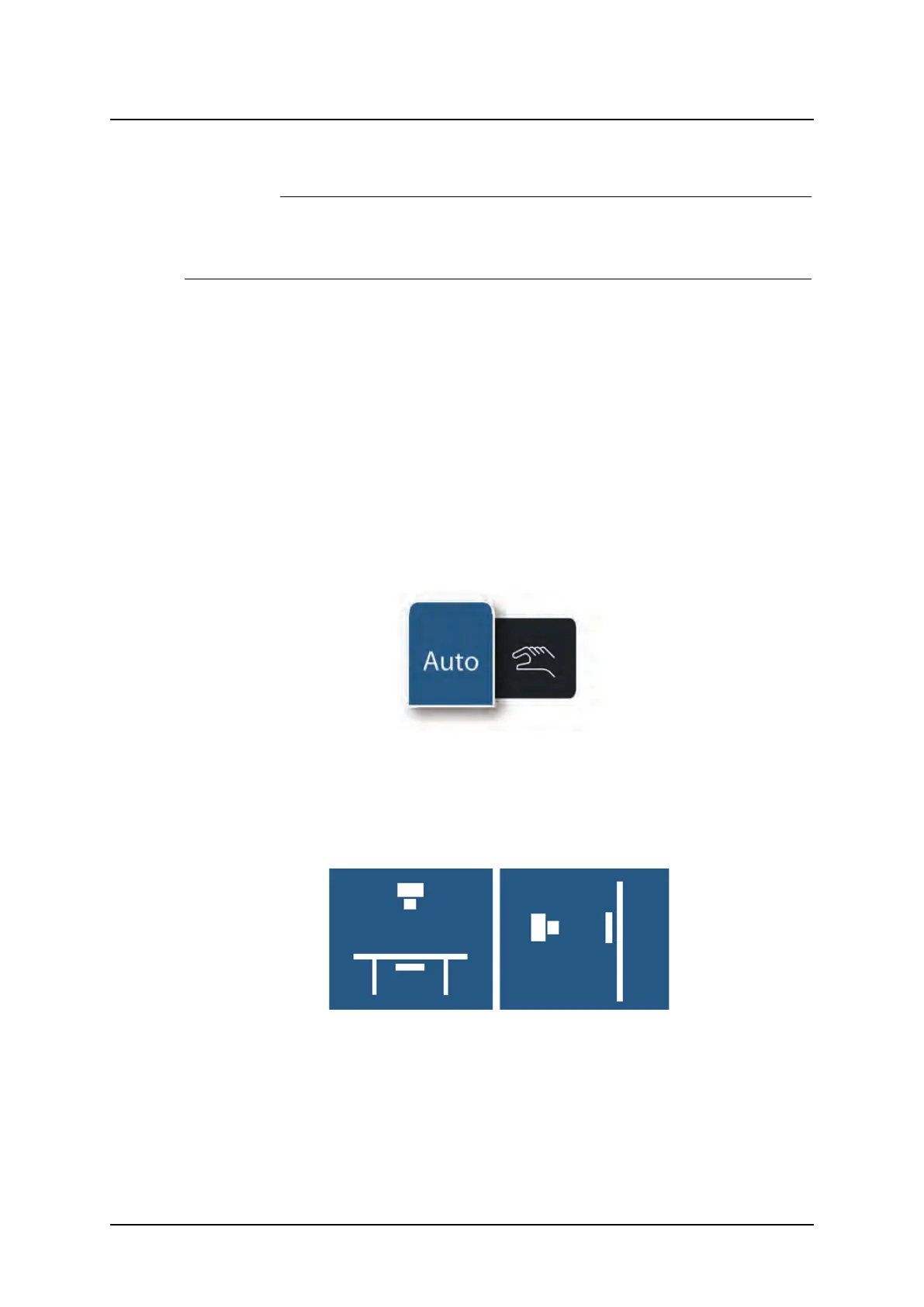
The servo state can be either Automatic mode or Manual mode. A pop-up window according
to Fig. 4-21 Servo state selection pop-up window, will appear with the two alternatives. When
the System is in Manual mode all movements are allowed and exposure can be performed in
any position.
Fig. 4-21 Servo state selection pop-up window
The Manual mode is activated by pressing the Servo state , see Fig. 4-21 Servo state selec-
tion pop-up window. If the System is in TableFlexible, FilmTracking or Pendulum mode the ta-
ble and the OTC will be shown without connection when Manual mode is selected. In the
same way, the Wallstand will be shown without connection to the OTC in Manual mode, see
Fig. 4-22 Wallstand and Table shown without connection to the OTC in Manual mode
Fig. 4-22 Wallstand and Table shown without connection to the OTC in Manual mode
Operation Manual
1000-095-051-EN Rev. 1.1 ARCOMA AB
2020-06-16 Page 107 SWEDEN



 To Next Page