Operating the System
Portable detector, table
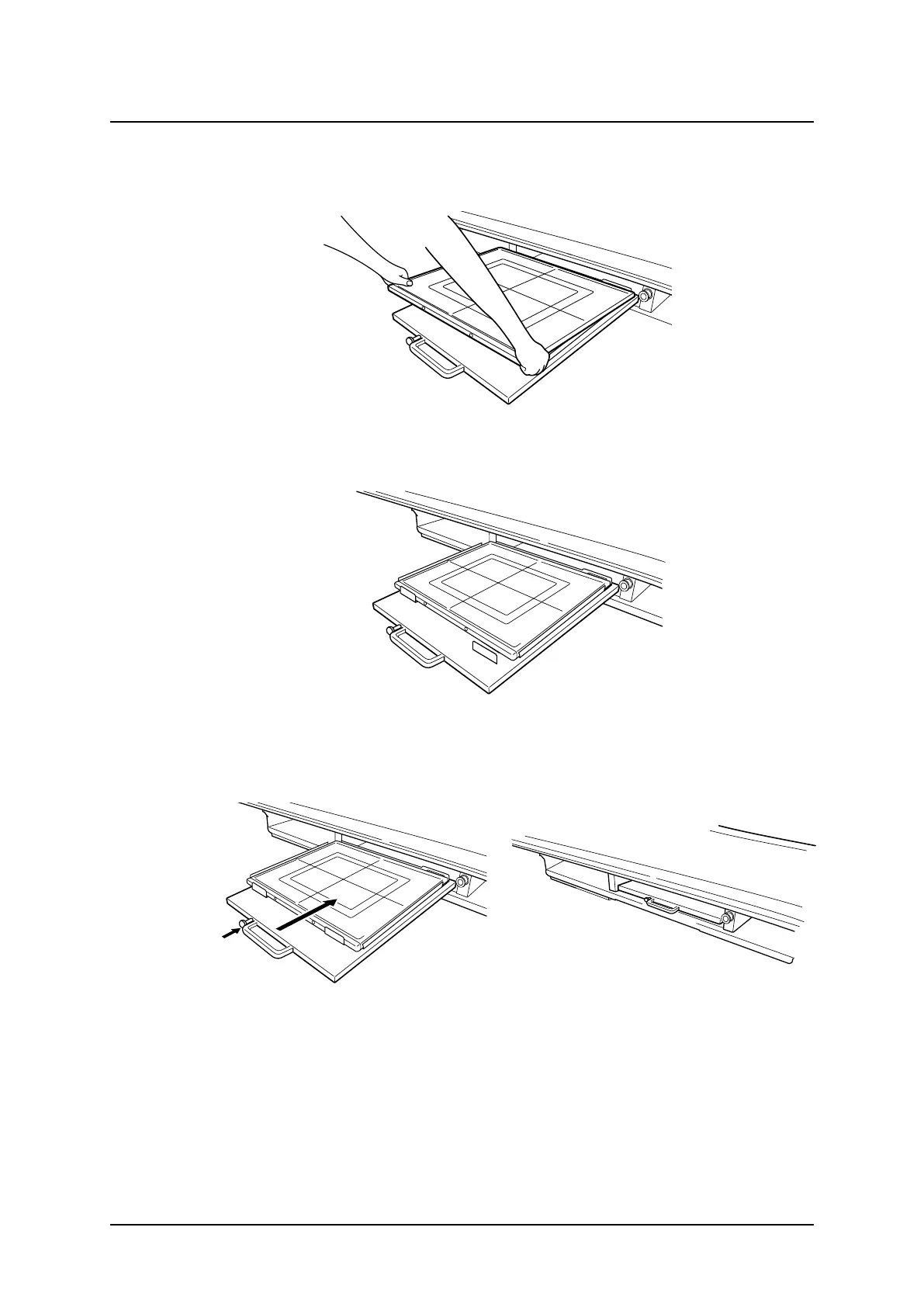
2. Insert the detector into the tray as shown below.
Fig. 4-42 Inserting the detector into the detector tray
Fig. 4-43
3. In this position exposure is possible in Free mode, Table Flexible mode and Auto position
mode.
4. Press and hold the button of the tray and push it in.
Fig. 4-44 Reinserting the detector tray
To check if the detector is in the right position, see the “STATE” ; Detector position/
present/undefined at the display.
ARCOMA AB 1000-095-051-EN Rev. 1.1
Operation Manual
SWEDEN Page 130 2020-06-16



 To Next Page