Operating the System
Turn off the system
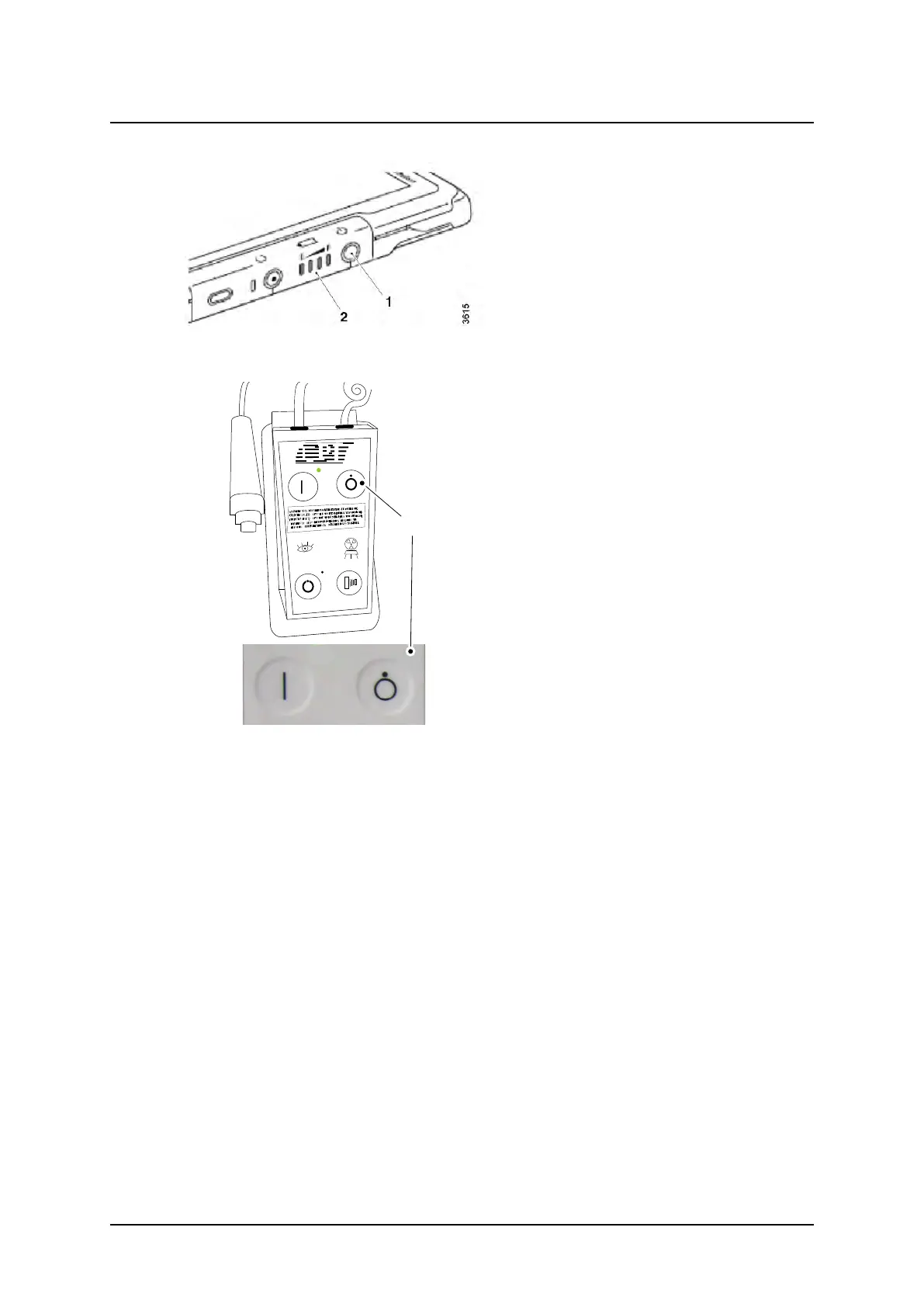
Fig. 4-9
3. Turn off the wireless detector (1).
4. Press the power [OFF] button (B) on the
mini console.
It is possible to turn off the power to the X-
ray system while the power to the image
system is still on.
Fig. 4-10 Power button off – mini console
Operation Manual
1000-095-051-EN Rev. 1.1 ARCOMA AB
2020-06-16 Page 95 SWEDEN



 To Next Page