Operating the System
Detector, Wallstand
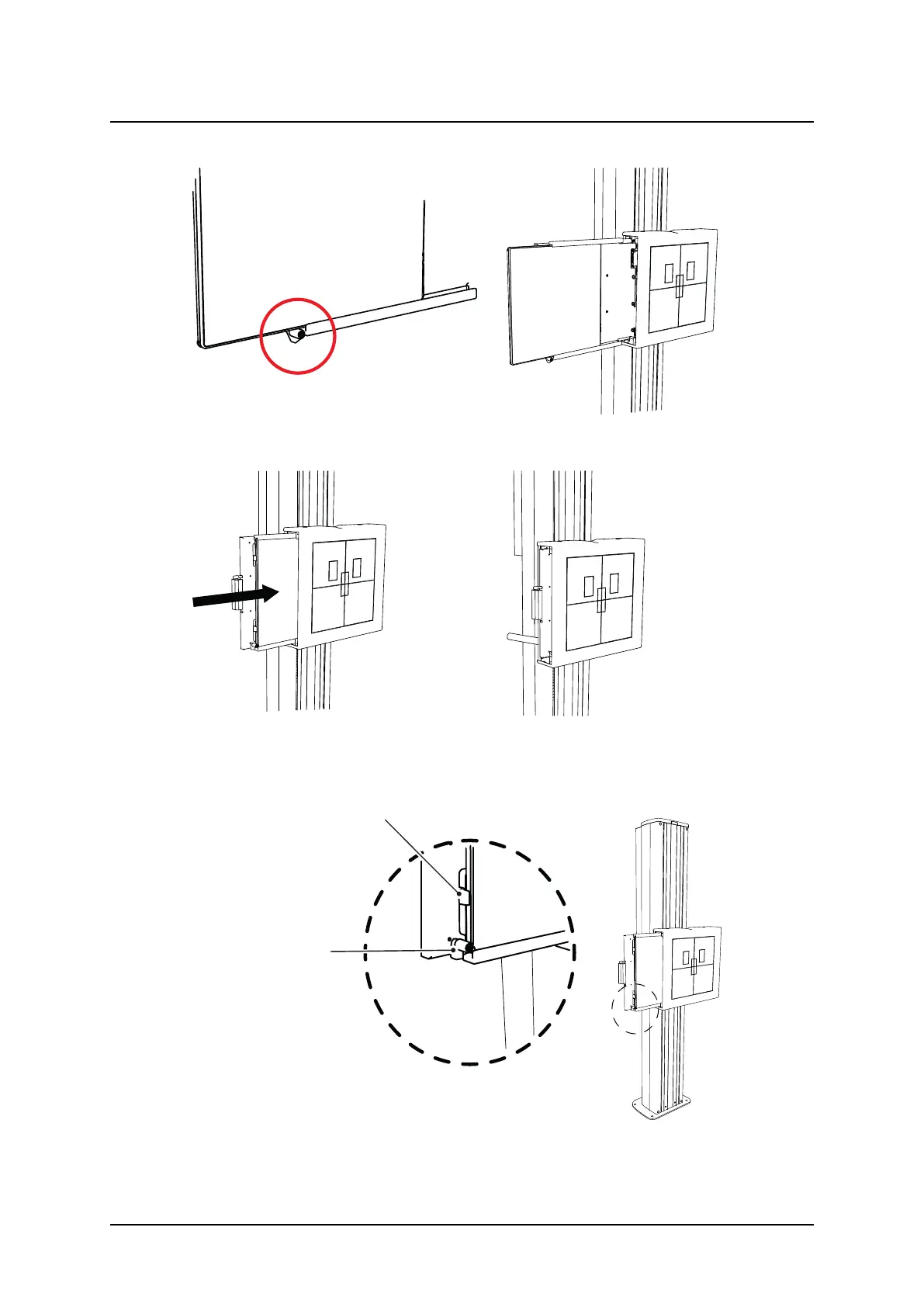
3. While pressing and holding the button of the detector tray, return it back to the inside of
the detector holder.
4. Push the detector until the hold-backs are set. Then the detector is in the correct position.
Chargeable detectors will start charging when set in this position.
Fig. 4-39
Operation Manual
1000-095-051-EN Rev. 1.1 ARCOMA AB
2020-06-16 Page 127 SWEDEN



 To Next Page