User Interface
Automatic Collimator Control
3.2.6.1 User settings
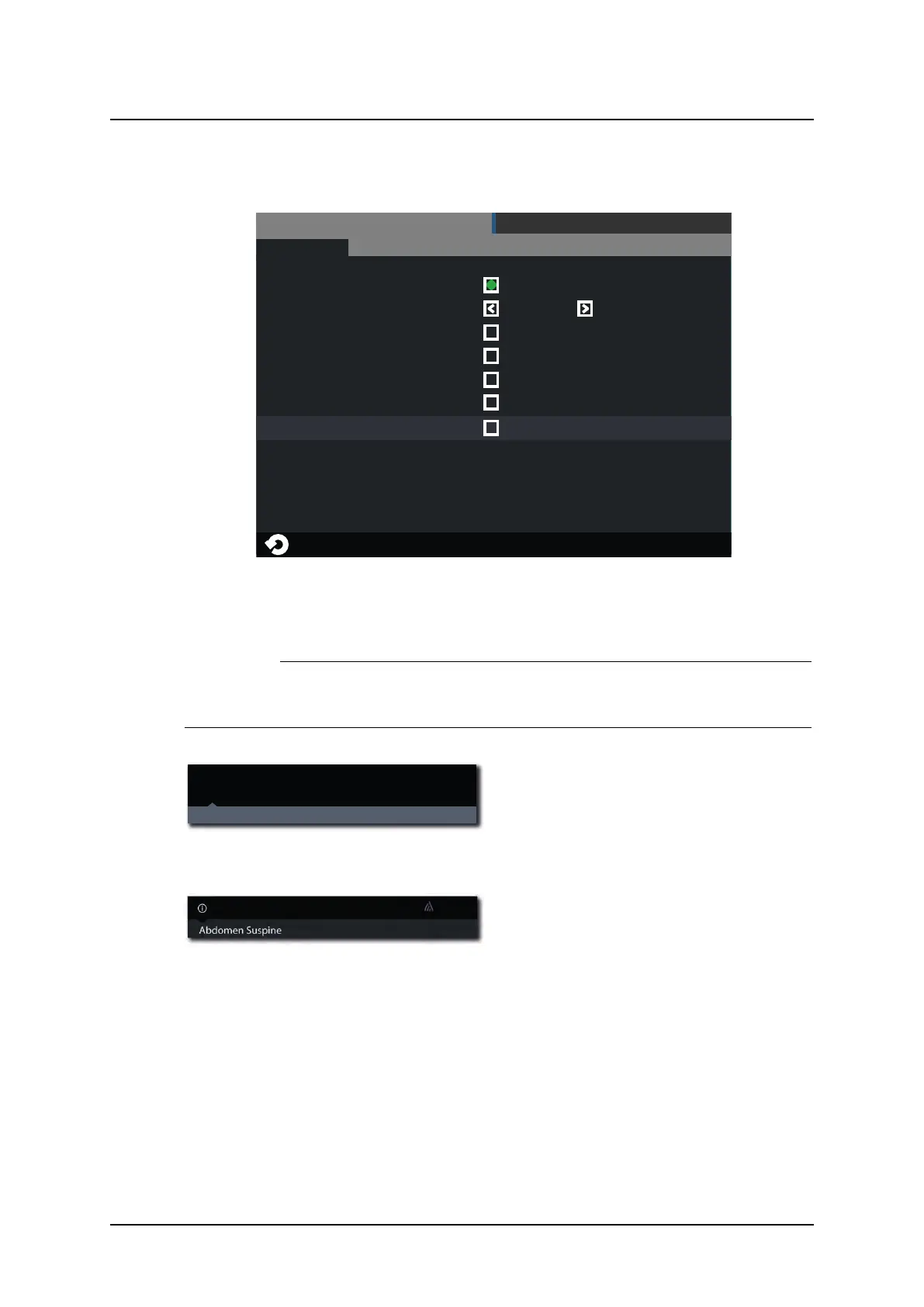
User settings – Display
SETTINGS
DISPLAY
THEMES
SERVICEUSER SETTINGS
Patient Info
Examination
Age
Sex
ID
Always on
DoB
Fig. 3-10 User settings – Display
Patient Info
CAUTION!
The user shall always assure that the Patient info and the type of examination is cor-
responding to the one in HIS and RIS.
DoB 1977-03-06
ID 987-65-4320
Hand AP
Age 36 Sex F
Acc No 987-65-4320
Jane Doe
Fig. 3-11 “Always On” selected
When the Always on is marked, the Patient
information is shown as soon as the infor-
mation is selected in the imaging display.
Fig. 3-12 “Always On” not selected.
When the Always on is not marked, the Pa-
tient information is shown when pushing the
black field where the ‘i’ is.
The Patient information closes automatically.
Operation Manual
1000-095-051-EN Rev. 1.1 ARCOMA AB
2020-06-16 Page 49 SWEDEN



 To Next Page