User Interface
Automatic Collimator Control
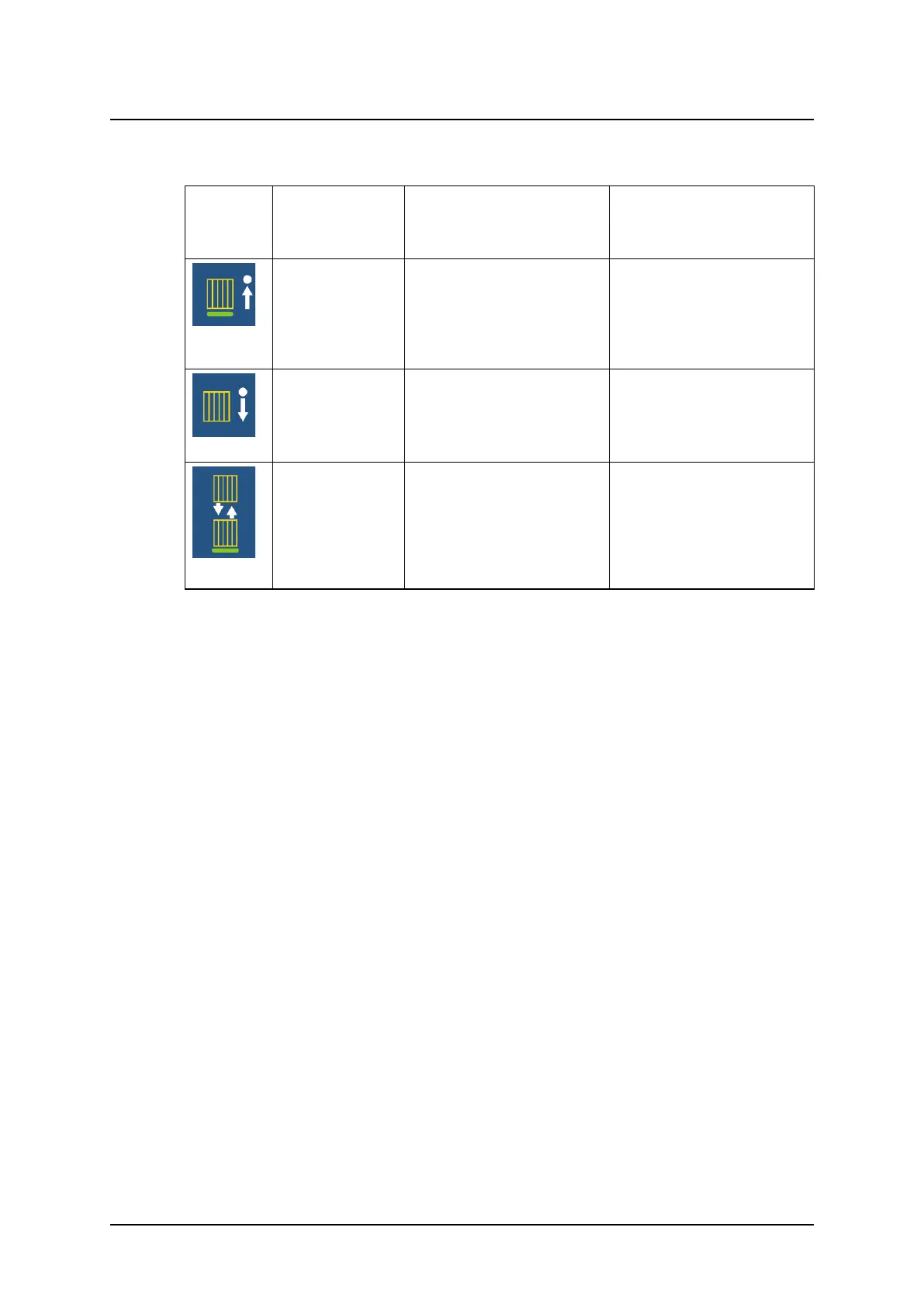
Table 3-1 Grid status
OTC
display
Message
Canon NE user
interface
Description User Action
Removed
INSERT GRID
Pop up window in Canon
will guide to insert the cor-
rect grid defined for the se-
lected protocol.
Insert grid.
Grid shall be used for this
examination.
Example:
180cm_10:1_52
lp/cm
REMOVE THE GRID
Pop up window in Canon
will guide to remove the
grid.
Remove the grid.
No grid shall be used for
this examination.
Example:
115cm_10:1_52
lp/cm
CHANGE GRID
Pop up window in Canon
will guide to exchange the
grid inserted to the re-
quested grid according to
the protocol.
Wrong grid inserted (name
of the attached grid shown
in Canon). Change to the
correct grid.
Operation Manual
1000-095-051-EN Rev. 1.1 ARCOMA AB
2020-06-16 Page 67 SWEDEN



 To Next Page