User Interface
Table Control elements
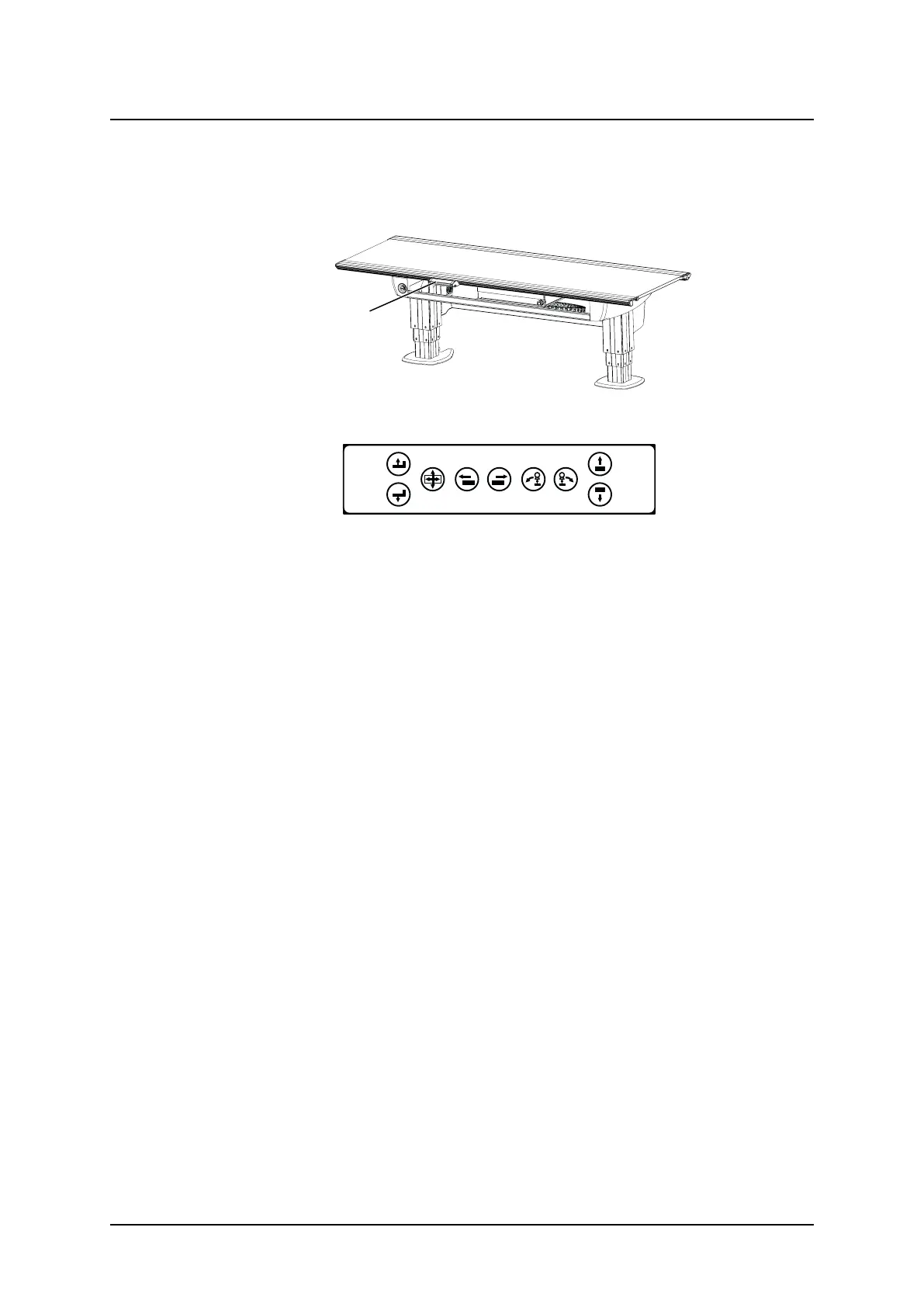
3.7.6 Table Hand Control
Beside the functions for moving the table top, the hand control also has functions for; moving
the imaging unit and performing a pendulum movement..
Fig. 3-42 Table hand control location
Fig. 3-43 Table hand control
3.7.6.1 How to Manoeuver
A. Press button to move the table top upwards.
B. Press button to move the table top downwards.
C. Press the button to release the brakes on the table top, Y and X. When activated, the ta-
ble top can be moved manually.
D. Drive motorized image receptor holder to left.
E. Drive motorized image receptor holder to right.
F. Move the OTC to the left in Pendulum mode.
G. Move the OTC to the right in Pendulum mode.
H. Not used.
I. Not used.
Operation Manual
1000-095-051-EN Rev. 1.1 ARCOMA AB
2020-06-16 Page 83 SWEDEN



 To Next Page