8.23.3 From Software
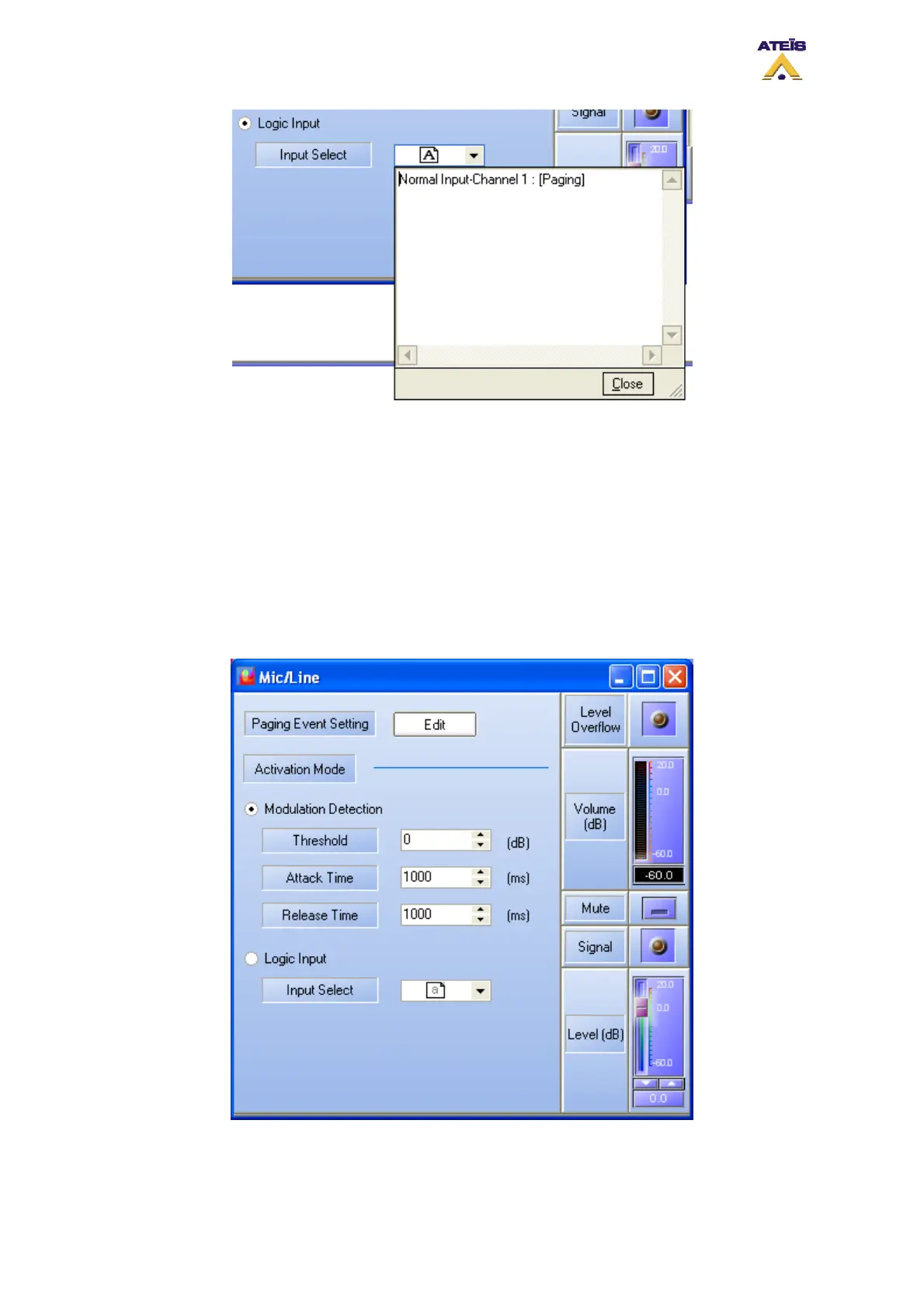
The DIVA software allows to control and monitor Mic/Line source. Once you have enter the Mic/Line
window, by double clicking on the Mic/Line icon, you will be able to read and control some parameters
(right part of the window, see below):
• Mic/Line level (controls)
• Mic/Line mute (controls)
• Mic/Line overflow (indicators)
• Mic/Line signal presence (indicators)
• Mic/Line volume (indicators)
Ateïs International
Ch. du Dévent, 1024 Ecublens, Switzerland.
Phone : +41 21 881 25 10
105



 To Next Page