• Message 1 to Message 4: with the use of the drop down menu you can add to the PSS up to 4
event buttons that will launch the corresponding selected events. Please only use Play Message
type of event for that application.
Monitoring:
• Pre Amp: virtual LED that will light up in case of PSS microphone pre amplifier failure
• SPK Cable: virtual LED that will light up in case of PSS integrated loudspeaker connection failure
• MIC: virtual LED that will light up in case of microphone capsule issue
• MIC Out: virtual LED that check the state of the microphone output
• LCD: virtual LED that indicates any LCD screen fault
• Keyboard: virtual LED that light up in case of touchpad issue
• MIC Cable: virtual LED that will light up in case of microphone cable issue
• Missing: virtual LED that light up if the PSS is not plug into DIVA
8.22.2 Keys Page
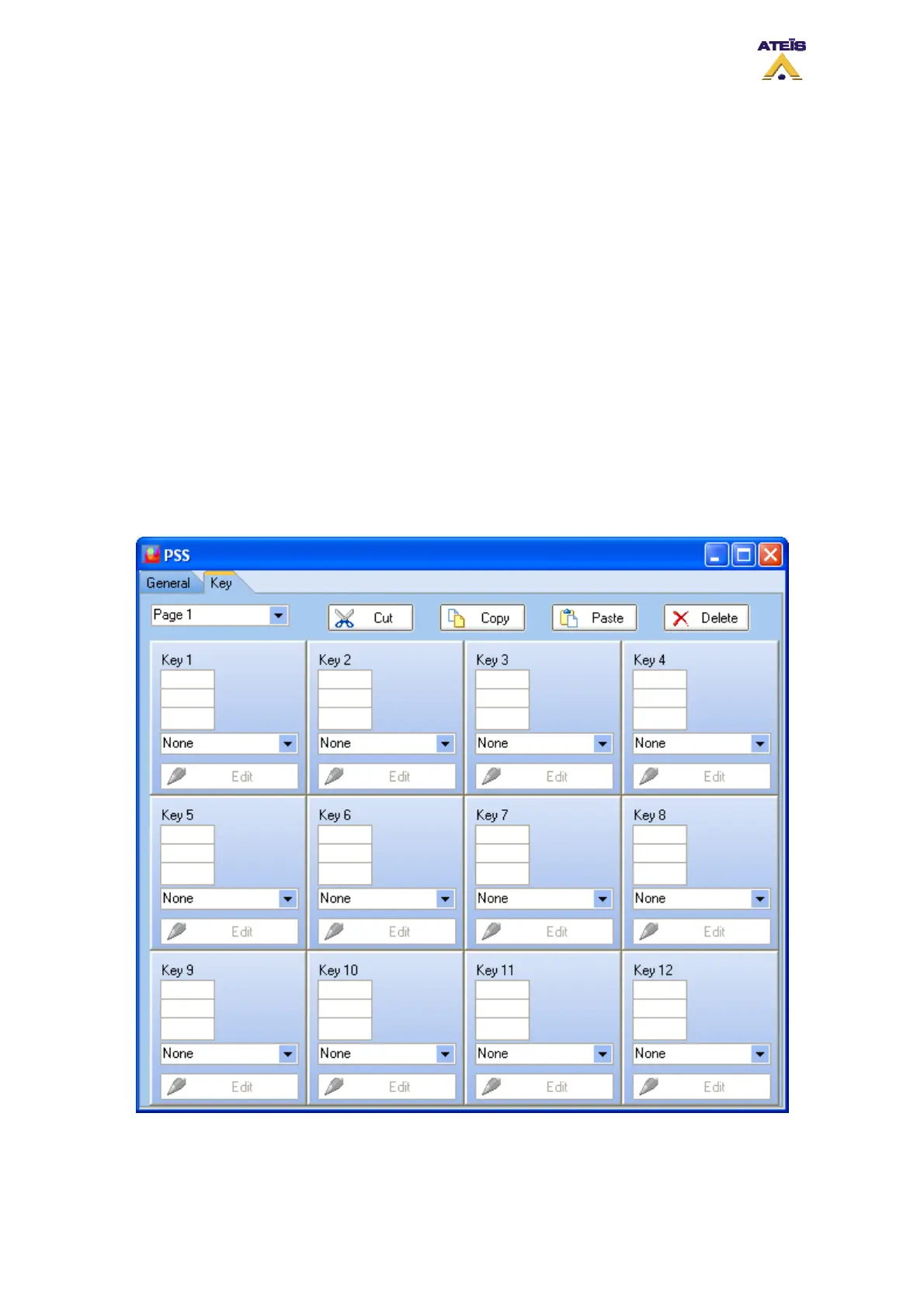
The Key page is where you will define touches for the PSS and their associated action. Depending on
the PSS model, you can specify up to 96 keys so 96 actions.
It's important to notice that you can only visualize 12 key at the same time. To see up to 96 keys, you
have to jump to pages with the drop-down menu at the upper left corner. You also can cut, copy, paste
and delete keys with the upper corresponding button.
Ateïs International
Ch. du Dévent, 1024 Ecublens, Switzerland.
Phone : +41 21 881 25 10
97



 To Next Page