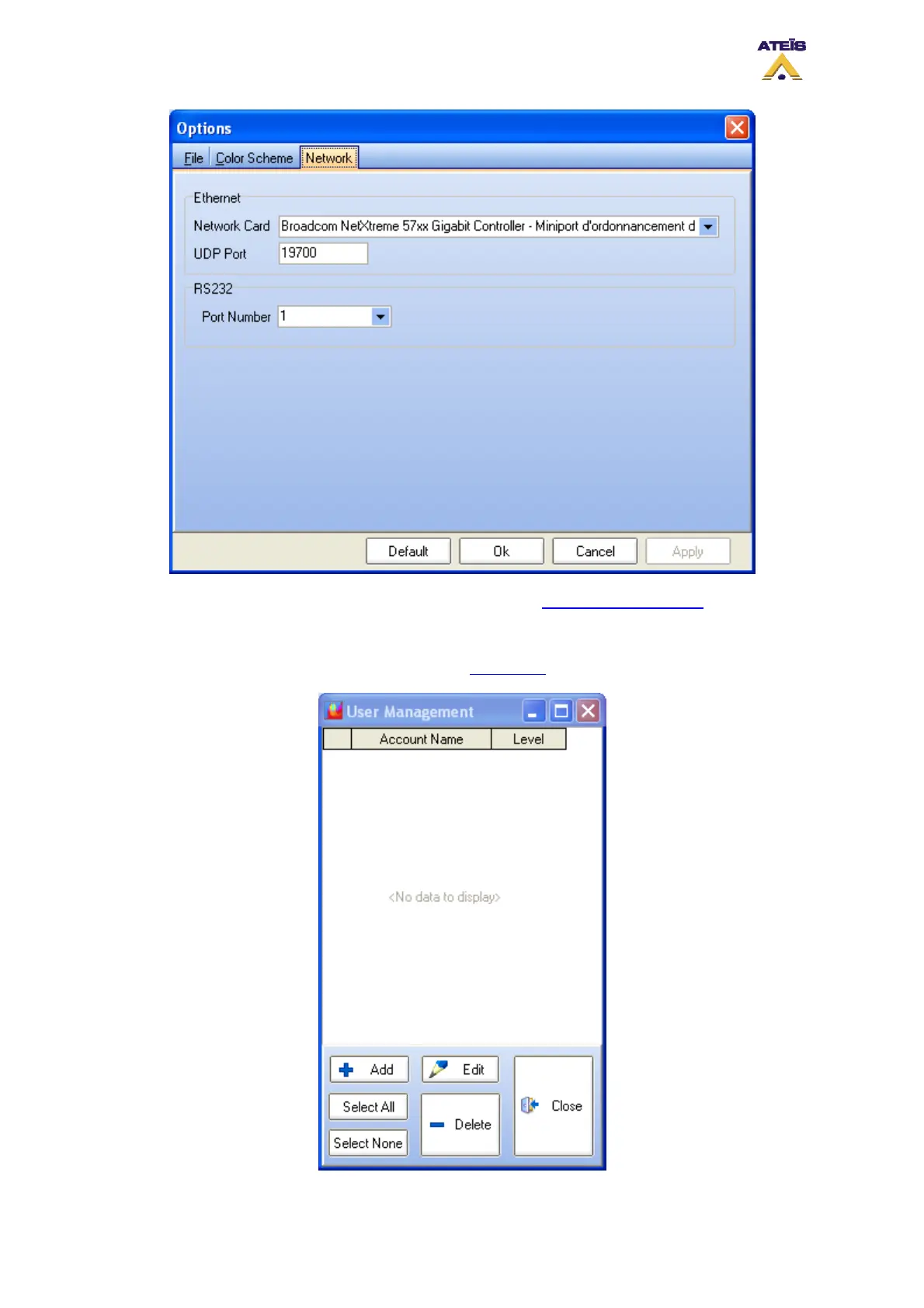
After all the network options have been set, please refer to the How To Set IP Address
paragraph.
8.6 Use the User Management
To access the user management window, go on the menu User -> User Management.
Ateïs International
Ch. du Dévent, 1024 Ecublens, Switzerland.
Phone : +41 21 881 25 10
47



 To Next Page