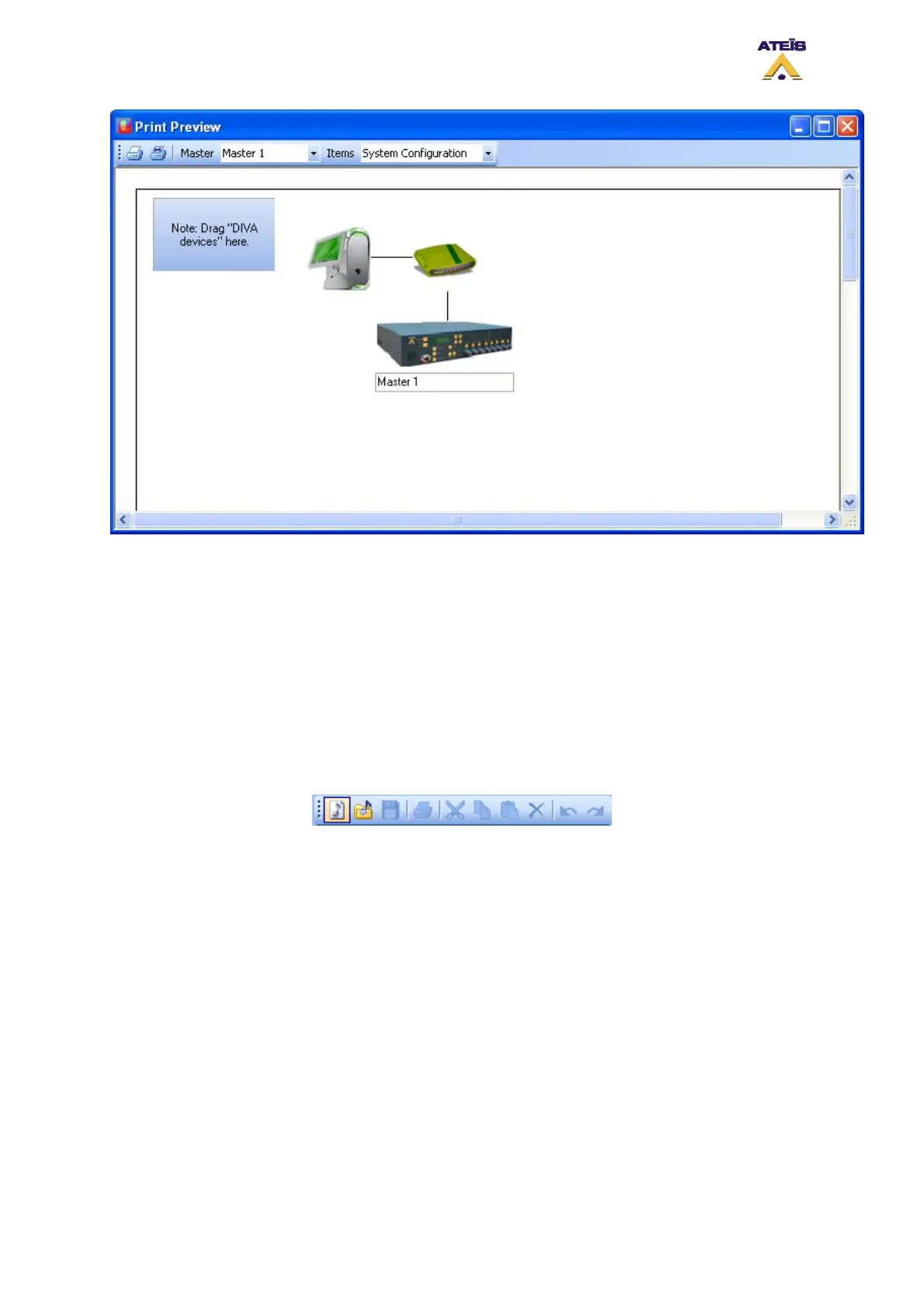
The print toolbar include:
• Print Button: in order to send the print request
• Print Setting Button: in order to set your printer parameters
• Master Drop-Down Menu: here you can change the DIVA master unit
• Items Drop-Down Menu: Here you can select which window have to be print, choose between
'System configuration', 'Master Configuration' and 'DSP Configuration'
8.3 Start a New Project
In order to start a new project, go to the menu: File -> New, or click on the 'New' shortcut on the edit
toolbar (see below) or even type ctrl+n.
After launching a new project, the DIVA software start a new system window looking like the one on
the picture below.
Ateïs International
Ch. du Dévent, 1024 Ecublens, Switzerland.
Phone : +41 21 881 25 10
44



 To Next Page