• Store: Upload configuration parameter into the DIVA's parameter memory
• Reverse: Downloads the DIVA configuration in the computer
_________________________________________________________________________________
• Connect: Establishes data connection to the machine(s) in order to monitor or adjust parameters
online
• Disconnect: Disconnects DIVA software from the machine(s)
• Audio Enable: Enables DIVA's audio processing
• Audio Disable: Disables DIVA's audio processing
• Stop All Events: Stops all running events
7.4 Tab Bar
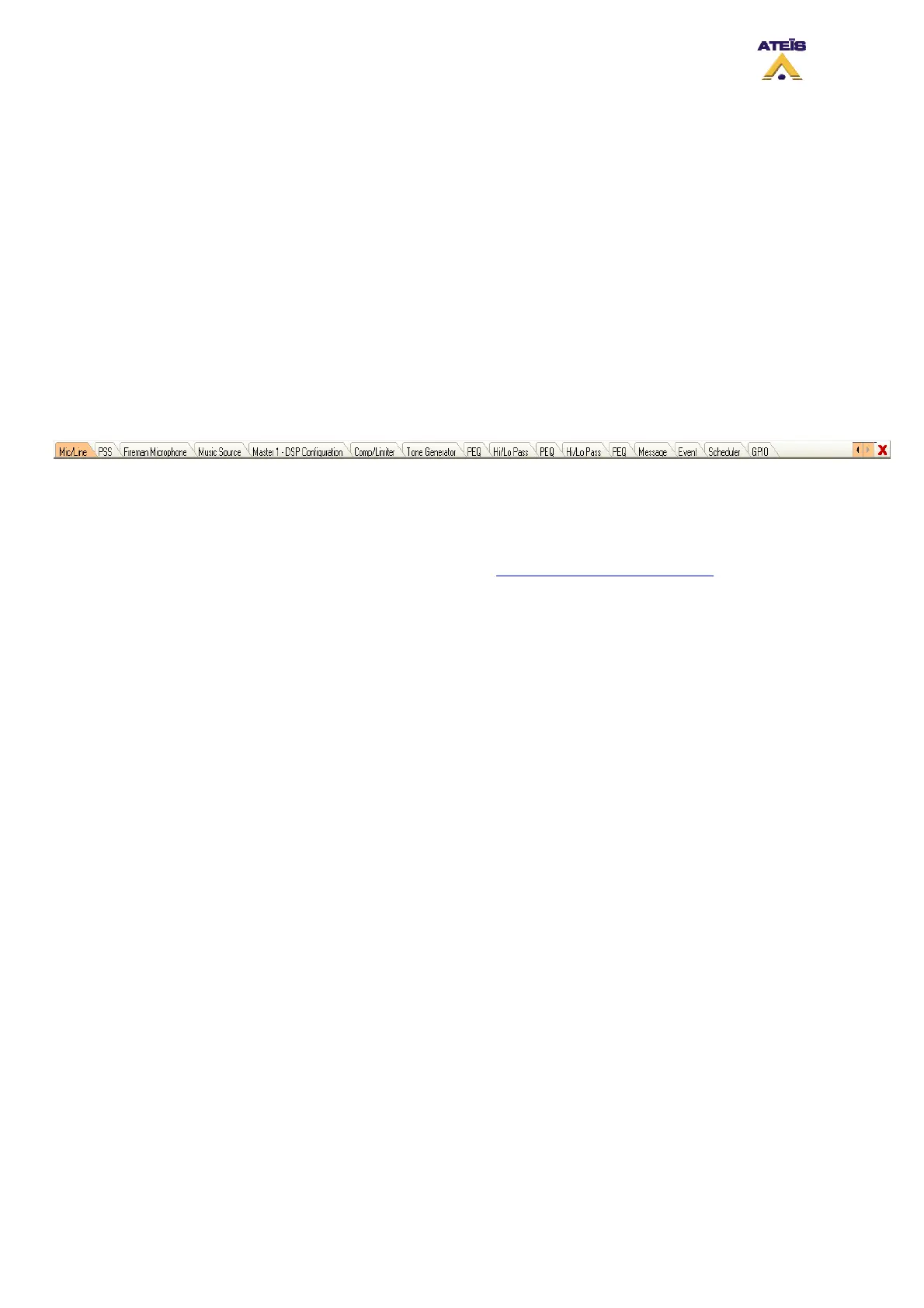
Opening design or component control windows creates a new tab within the tab bar. The active
window is orange highlighted and can be closed by clicking the close box at the right side of the bar.
As the tab bar gets full, additional orange colored arrow control boxes will appear at the right side of
the tab bar. Click on the left or right arrow to move the content of the tab bar to the left or the right.
7.5 Design Component Section
The Design Component Section shows, in a tree folder arrangement, all element that can be
connected or added in a DIVA configuration. All the component are drag and drop component, errors
are avoid thanks to the emplacement identification. See How to Add Design Component
.
Ateïs International
Ch. du Dévent, 1024 Ecublens, Switzerland.
Phone : +41 21 881 25 10
37



 To Next Page