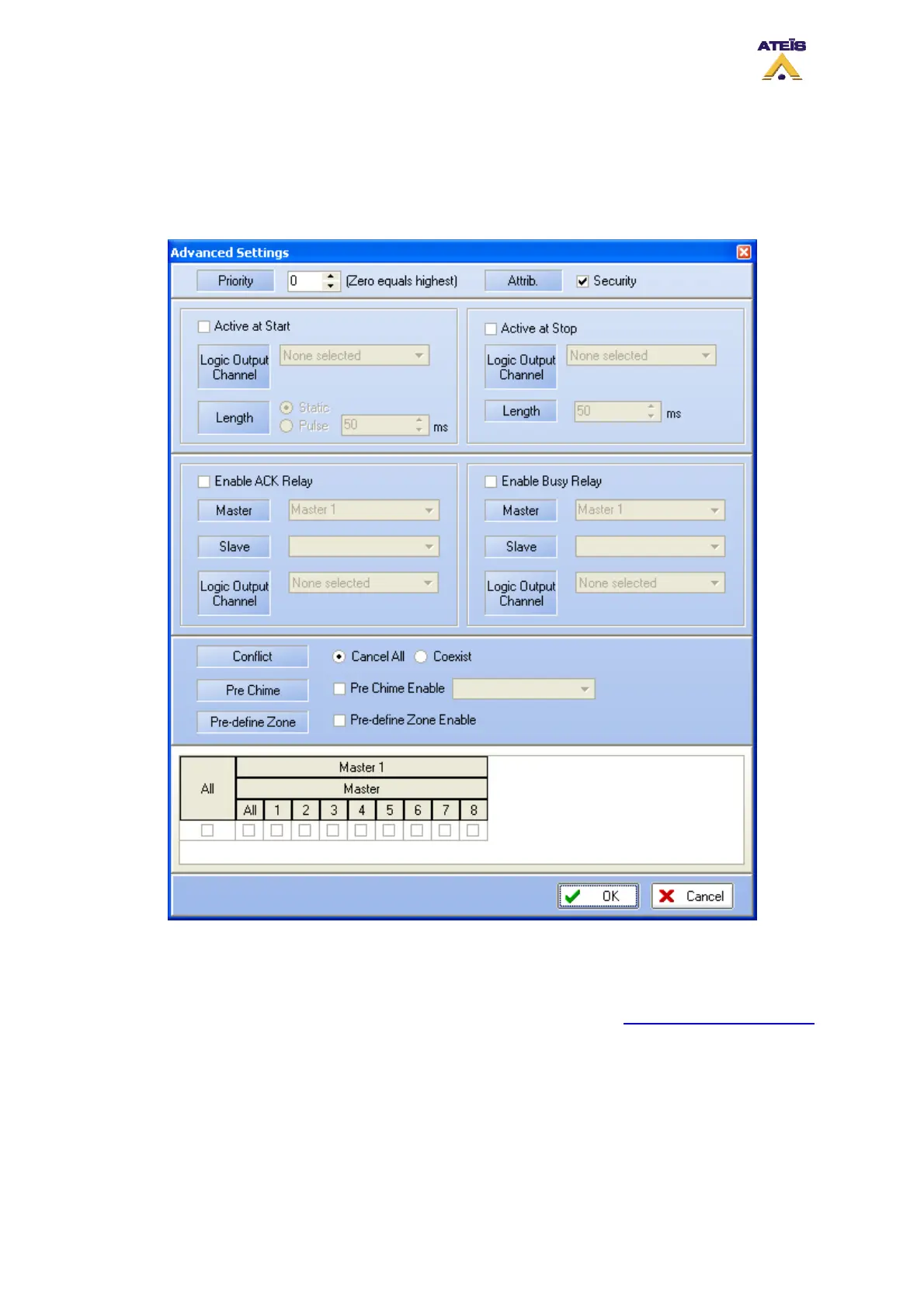
non pre-defined zone is finished, the next call will be automatically rerouted in the pre-defined
zone after the amount of time set in the fireman microphone main window.
______________________
• By clicking Ok you will validate your settings, Cancel will annulled the current settings.
8.21 Use Music Source
In order to use music sources, first drag and drop music source from the Design Component Section
to the Master window. Double-click the music source Icon to enter the Music Source window, see
below.
Music sources routing can be managed from front panel, from PSS and from logic input. You can also
use real-time control and indicators in order to adjust the music sources' level, to mute sources
independently and to check music sources status.
See the following chapter to learn more:
Ateïs International
Ch. du Dévent, 1024 Ecublens, Switzerland.
Phone : +41 21 881 25 10
85



 To Next Page