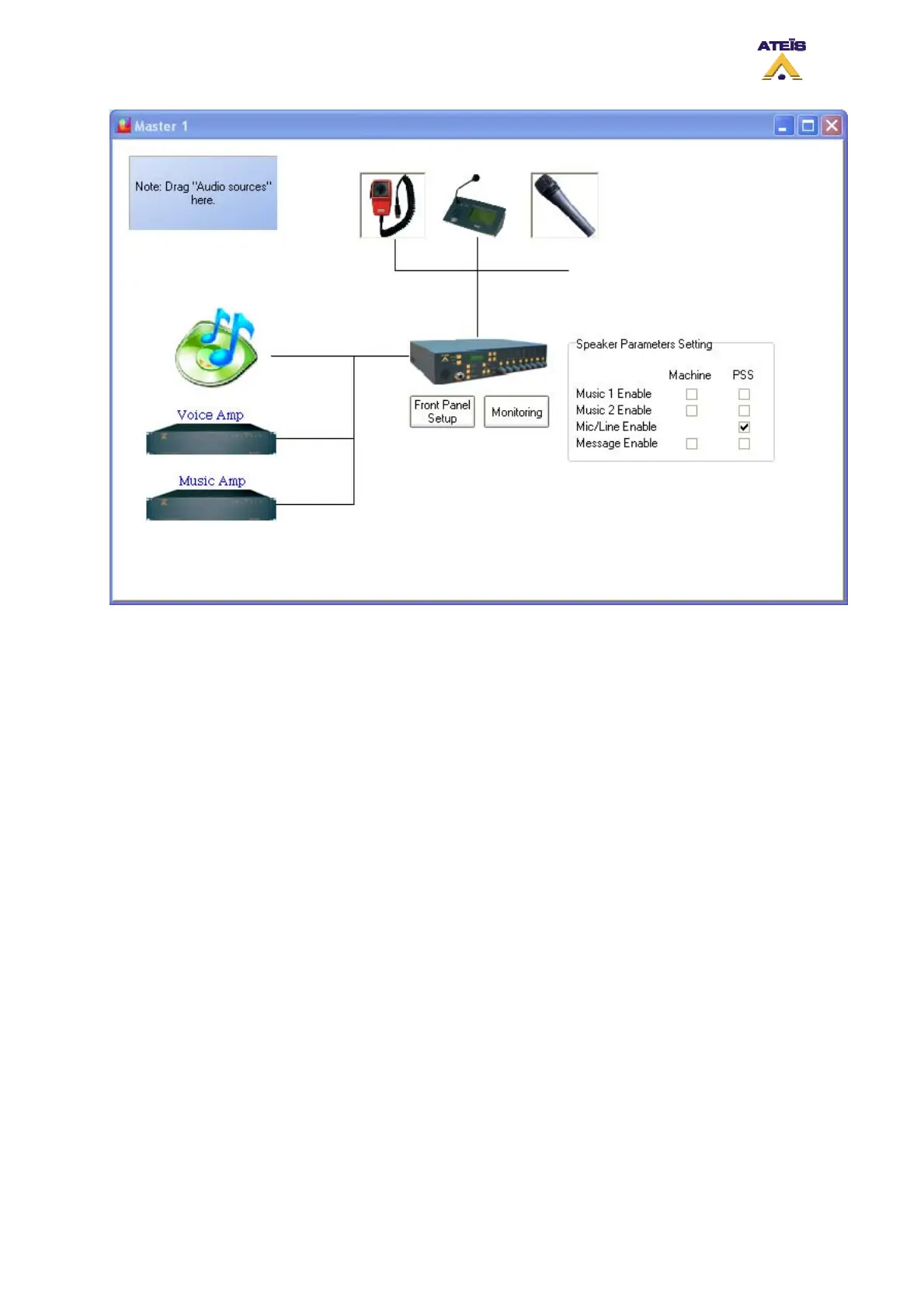
• Music 1 Enable: by ticking this option, the music source 1 will be routed either on the DIVA
speaker or PSS speaker.
• Music 2 Enable: by ticking this option, the music source 2 will be routed either on the DIVA
speaker or PSS speaker.
• Mic/Line Enable: by ticking this option, the Mic/Line source will be routed either on the DIVA
speaker or PSS speaker.
• Message Enable: by ticking this option, the messages will be played either on the DIVA speaker
or PSS speaker.
8.18 Use Event
As briefly explained before, the DIVA action is based on event philosophy. Each action is described in
event. Event can be started by different type of trigger.
The event created by any manner are all listed in the event page window. To access this window, go
to the menu View -> Event. In the Event window, you can managed all the event created and see the
priority hierarchy, next event called, sequences and calling event.
Ateïs International
Ch. du Dévent, 1024 Ecublens, Switzerland.
Phone : +41 21 881 25 10
59



 To Next Page