3 Software
As briefly mentioned in the Installation paragraph, DIVA8M package hold a CD-Rom. The CD contain
the DIVA8M Quick Start Manual (.pdf), User Manual (Microsoft® HTML Help Executable .chm, HTML
.htm). and DIVA software.
It could happen that the software on the CD-Rom is not the last release. In that case, please visit
ATEÏS website
to download the latest release and follow the steps described in the Software
Installation Process
.
3.1 Installation Process
• Insert the CD-Rom in your computer.
• Double Click on the "My Computer" on the desktop. Open the CD-ROM submenu.
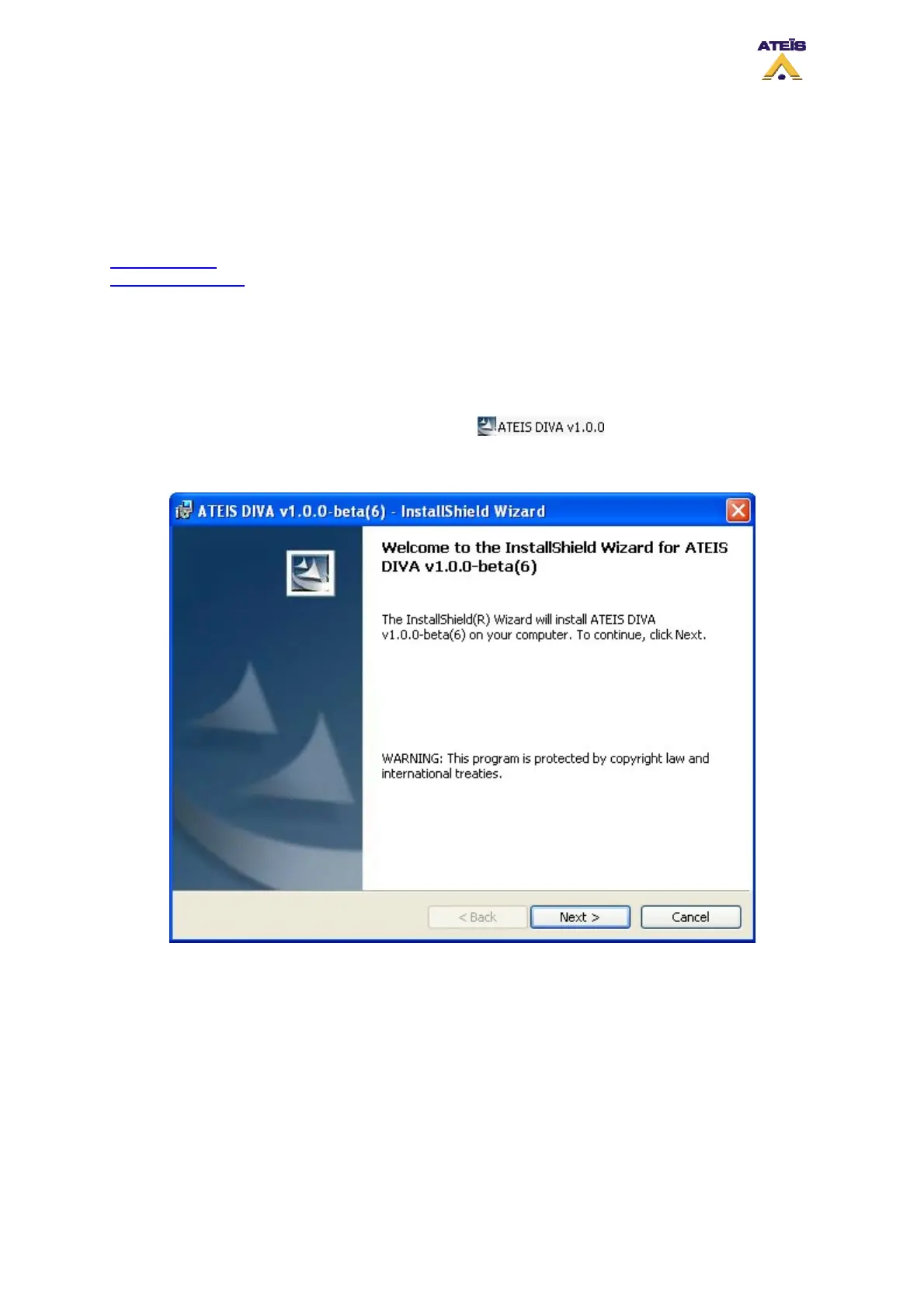
• Double Click on the DIVA software icon .
The DIVA installshield wizard will prompt. Please follow the install instruction that are displayed.
Change the User Name and the Organization's name at your convenience.
Ateïs International
Ch. du Dévent, 1024 Ecublens, Switzerland.
Phone : +41 21 881 25 10
15



 To Next Page