______________________________________
• Message: by using the drop down menu, you can select, in the list of stored message, a
message to assign to the event
• Play Mode: by ticking continuous, the message will be played until a trigger happen
• Conflict: you can choose between Cancel All or Coexist
• Repeat Time: if continuous not ticked, you can choose a number of time this event will be
repeated
______________________________________
In the last section, you can specify in which zone this event should take act. Please refer to the How
To Use Event to learn more.
______________________________________
• OK: will accept the current setting and close the window
• Cancel: will annulled the current settings and close the window
8.20 Use Fireman Microphone
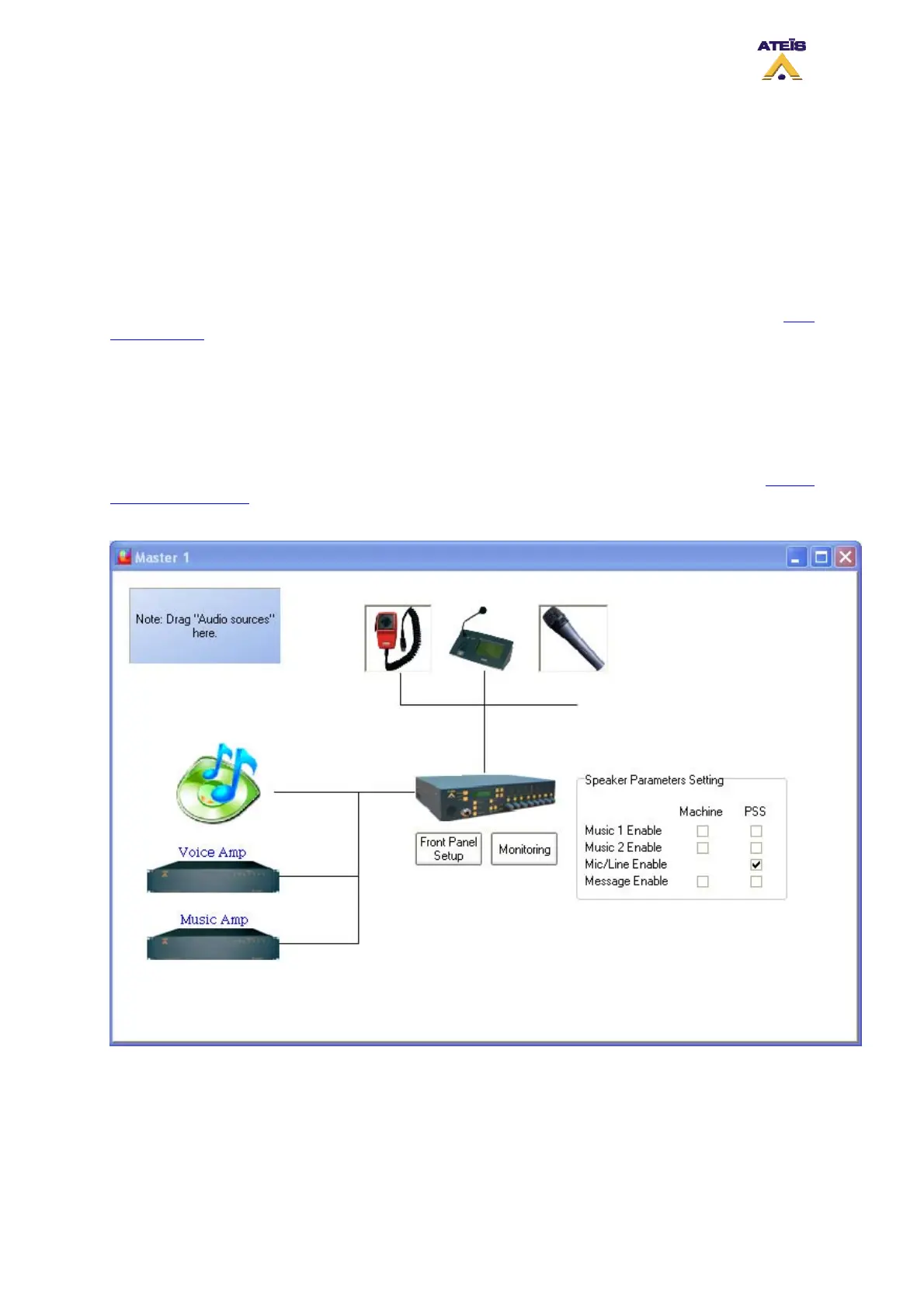
In order to use the fireman microphone, first drag and drop the fireman microphone from the Design
Component Section to the Master window. Double click the fireman microphone icon to enter the
Fireman Microphone window (see below).
Here is a list of controls and indicator in the fireman microphone window:
• Advance Setting: by clicking the Edit button you will enter the fireman microphone event setting
window. Please see below.
Note: the fireman microphone paging mode is always push to talk. By default, the priority of the
fireman microphone is set to zero, the highest priority available, and the security event is ticked. The
Ateïs International
Ch. du Dévent, 1024 Ecublens, Switzerland.
Phone : +41 21 881 25 10
83



 To Next Page