8.28 Use PEQs
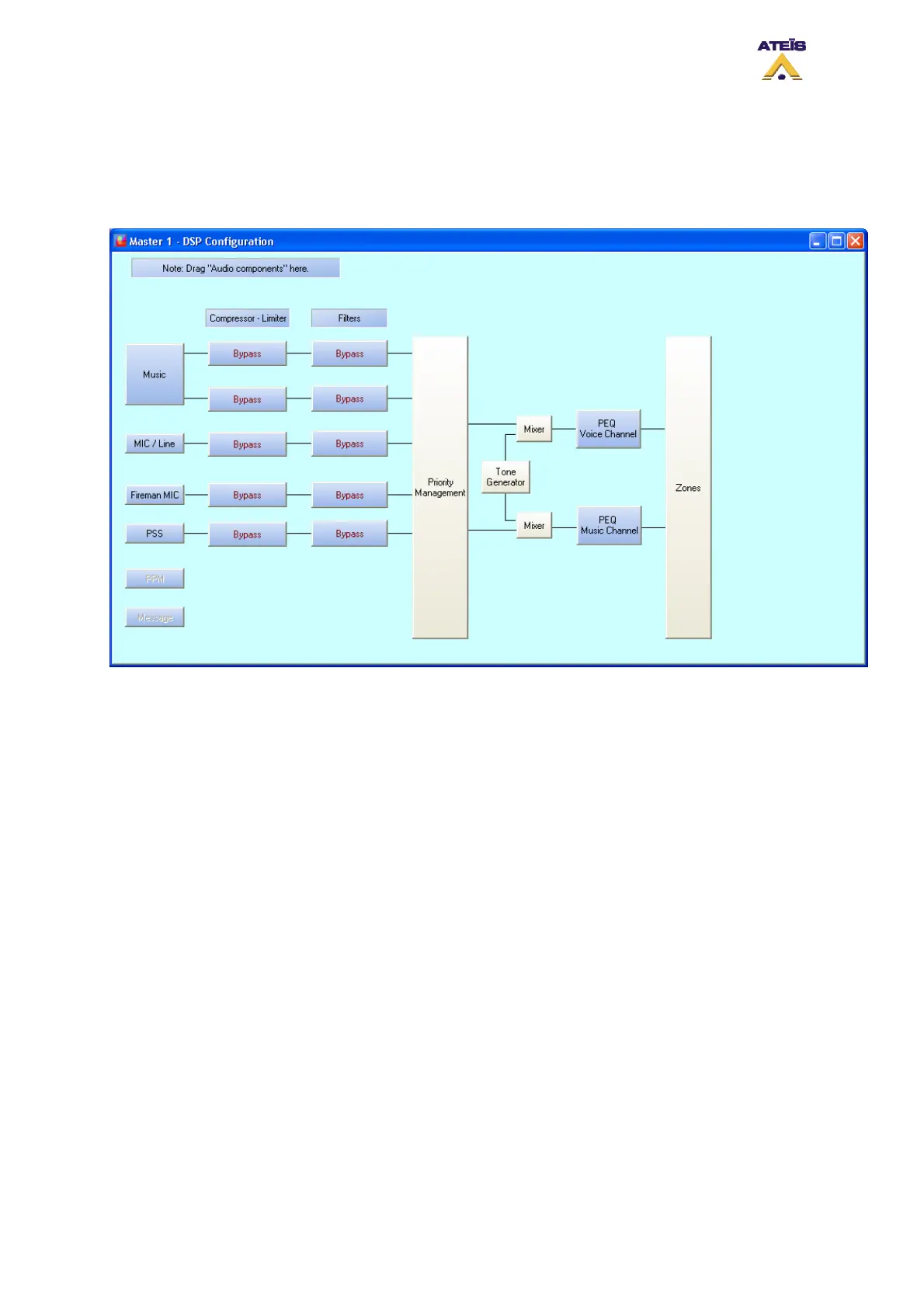
On both output channels and input sources, you can add peaking equalization. You can add a three
band PEQ on inputs and use up to seven bands PEQ on amplifier outputs.
To access the PEQ on inputs, go on the DSP configuration window.
There is two ways to access the PEQs on amplifier outputs, by double clicking the amplifier icon
(Voice Amp and Music Amp) on the Master window, see below, or directly by the DSP Configuration
window.
Ateïs International
Ch. du Dévent, 1024 Ecublens, Switzerland.
Phone : +41 21 881 25 10
121



 To Next Page