(4) Tab Bar
Shows the window title of all open design and component
control windows for quick access.
(5)
Design Component
Section
Holds all design component libraries.
(6) Design View Area
This area is your work space showing all design windows and
component control windows.
(7)
Property Control
Section
This section slides up for 'System Status', 'LED Display'.
(8) Status Bar
Displays useful status, communication and compiler information.
7.1 Title Bar
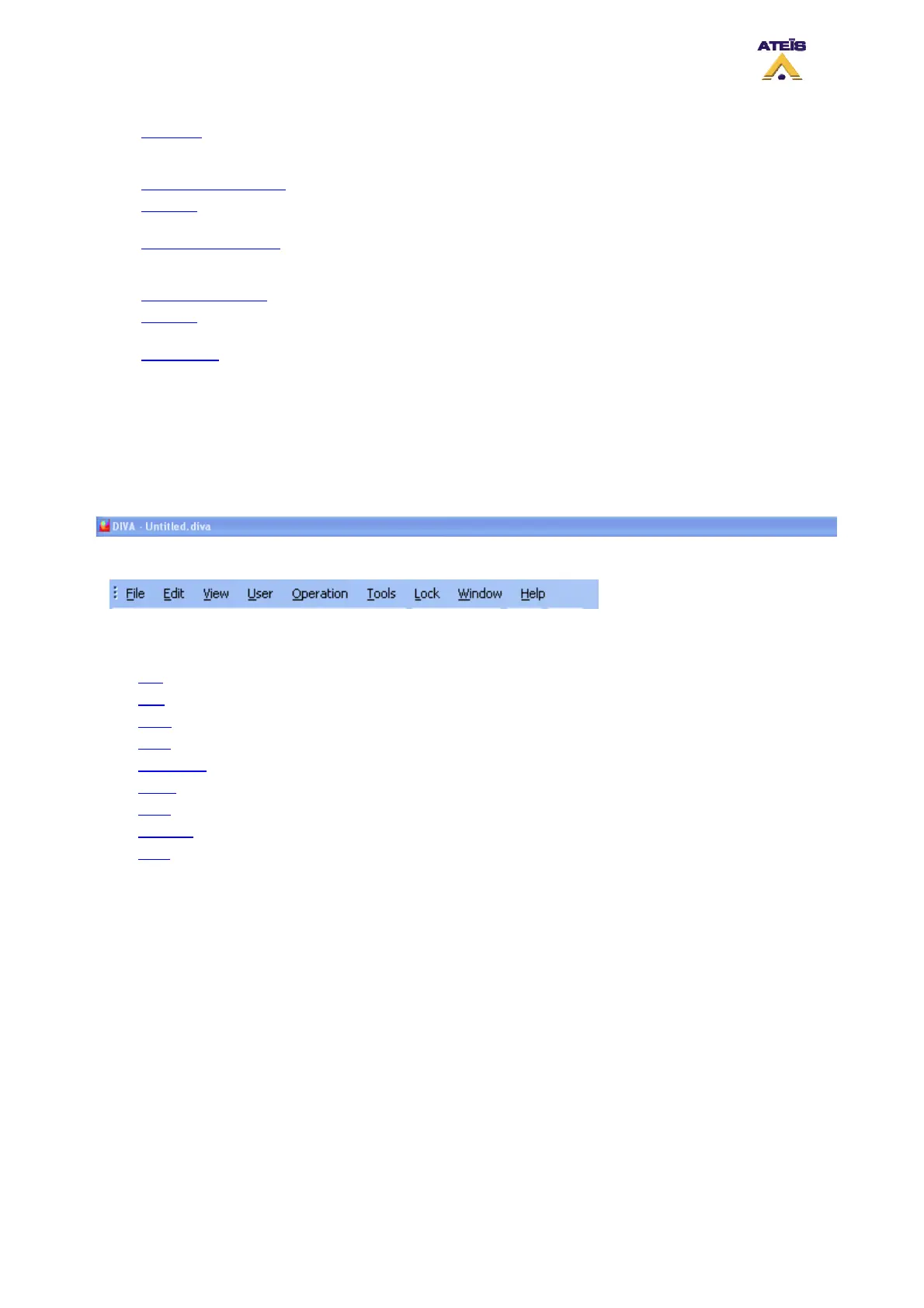
The title bar displays 'DIVA', 'Untitled' if you start a new system design, or the full path name of the
saved file. At the right hand corner you can find the usual Windows minimize button and the close box,
which exit the program.
7.2 Main Menu Bar
The main menu bar contains the following menus:
• File
• Edit
• View
• User
• Operation
• Tools
• Lock
• Window
• Help
7.2.1 File
In this paragraph, you will find everything related to system files as well as printing command. All the
DIVA files are saved under the .diva extension.
Ateïs International
Ch. du Dévent, 1024 Ecublens, Switzerland.
Phone : +41 21 881 25 10
30



 To Next Page