Procedure to make references for all zone, please do so:
• Press the "Get All Reference"
8.25.2 Amplifier Monitoring
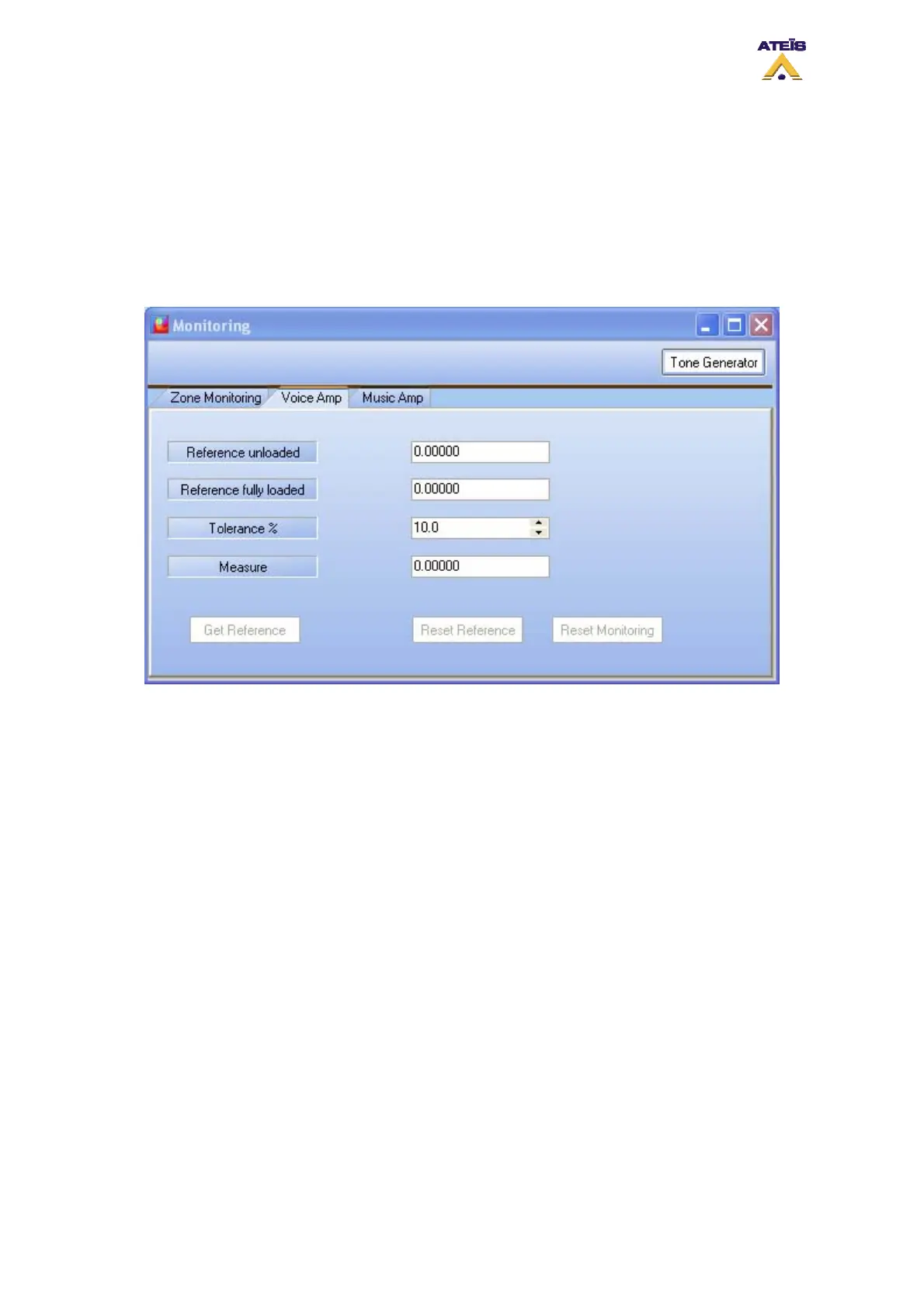
The amplifier monitoring tabs are separated for music and voice amplifier, however controls and
displays are identical. This is why only the voice amplifier monitoring will be presented.
• Reference unloaded: displays the reference taken as open line gain
• Reference fully loaded: displays the reference taken as charged line gain
• Tolerance %: here you can specify the value of the tolerance wherein measurement has to stay
before generating a fault state
• Measure: displays the measure of the amplifier current gain
• Get Reference: this button start the get reference process on the amplifier
• Reset reference: this button allows to reset all reference stored
• Reset Monitoring: this button allows to reset the monitoring in case of maintenance
The gain value are absolute gain. A gain of 100 correspond to a gain of 40 dB.
8.26 Use The Scheduler
To access the Scheduler window, go on the menu View -> Scheduler. The window below should
appear.
Ateïs International
Ch. du Dévent, 1024 Ecublens, Switzerland.
Phone : +41 21 881 25 10
112



 To Next Page