8.4 Change Color Scheme
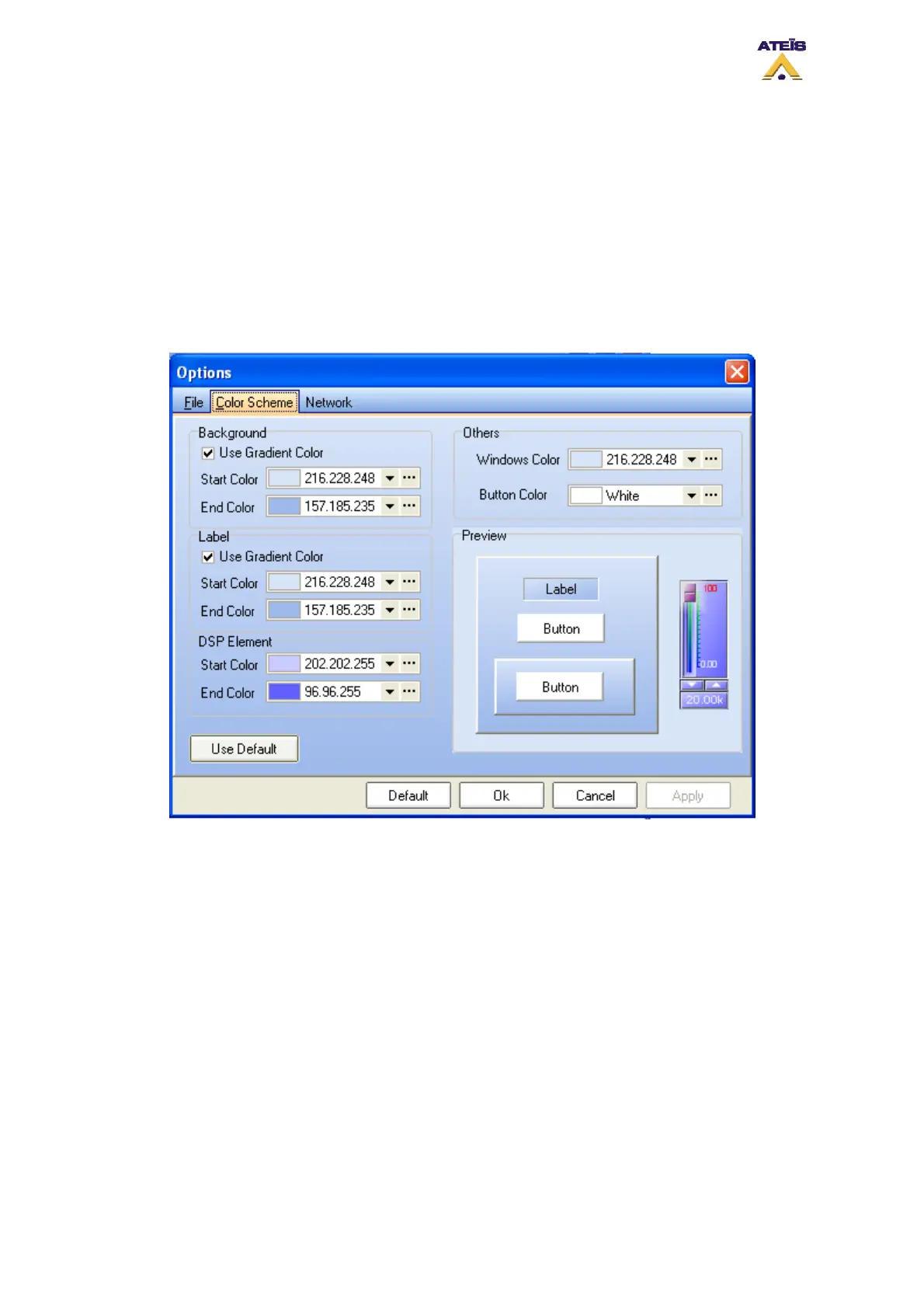
In the Color Scheme Options page, you will be able to personalize the colour scheme of DIVA
software. You can change colour for:
• Background
• Label
• DSP element
• Other (Windows and Buttons)
By using the "Use Default" button, you can retrieve default color scheme.
8.5 Configure Network Options
In order to be able to communicate with DIVA master units, you have to set your network parameters.
In the Network options page, you can specify your network card, the UDP port value as well as the
RS232 port number.
Ateïs International
Ch. du Dévent, 1024 Ecublens, Switzerland.
Phone : +41 21 881 25 10
46



 To Next Page