8.30 Use Preset
Will soon be available
8.31 Use Output Relay
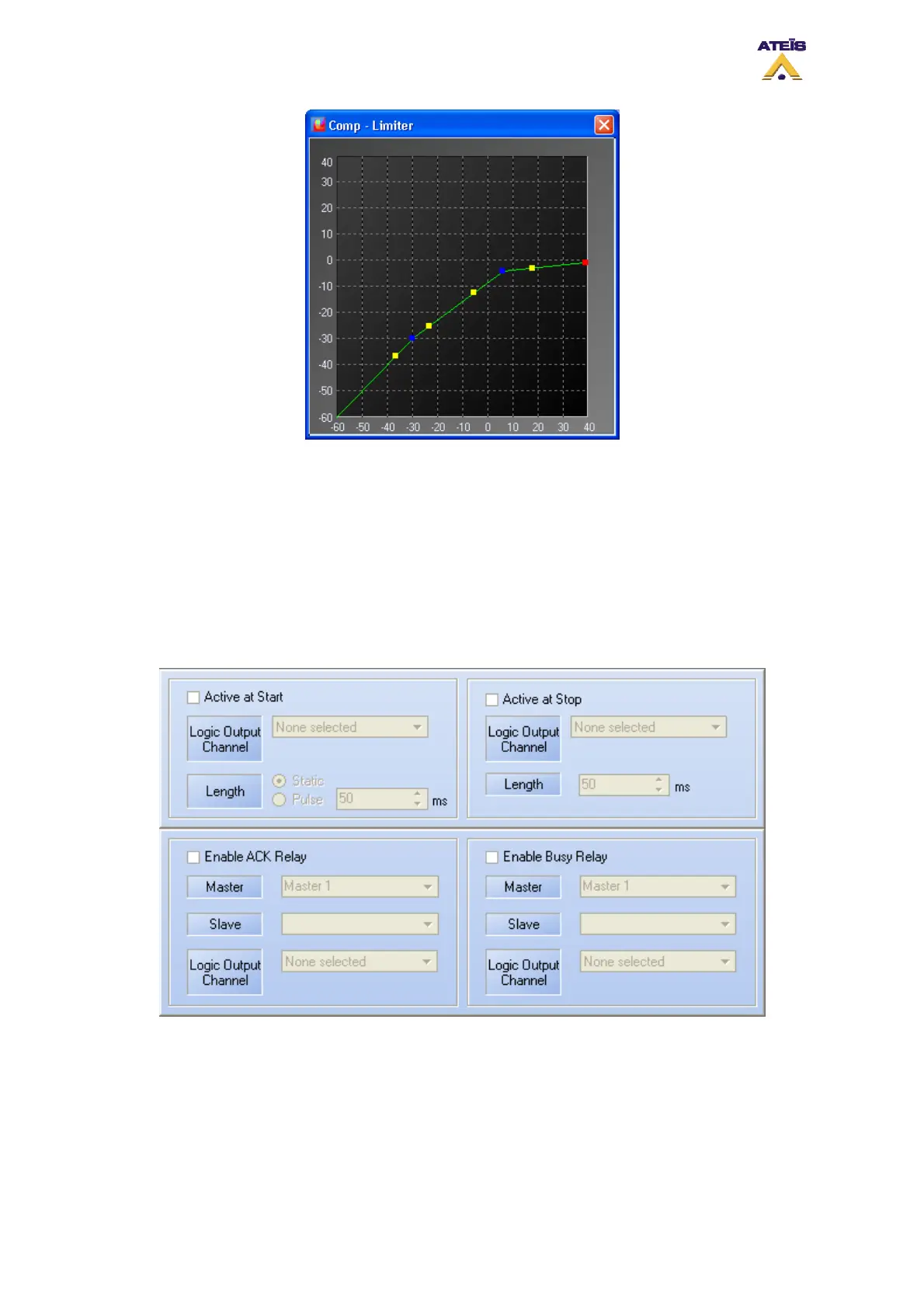
In some windows of DIVA software, you will have the possibility to set an action for output relay and
/or to enable busy relay or acknowledgement relay. Referring to the picture below, the upper squares
are for output relay activation and the lower squares for acknowledgement and busy relay states.
• Active at Start: Ticking this option allows user to close an output contact (Logic Output channel)
in two different manner. Static will close it until the event stop and Pulse will generate a closing
pulse whose length can be defined from 50 to 60000 ms.
• Active at Stop: This option is used to create a closing contact pulse when the event is finished.
The length of the pulse can be defined from 50 to 60000 ms.
_________________________
Ateïs International
Ch. du Dévent, 1024 Ecublens, Switzerland.
Phone : +41 21 881 25 10
129



 To Next Page