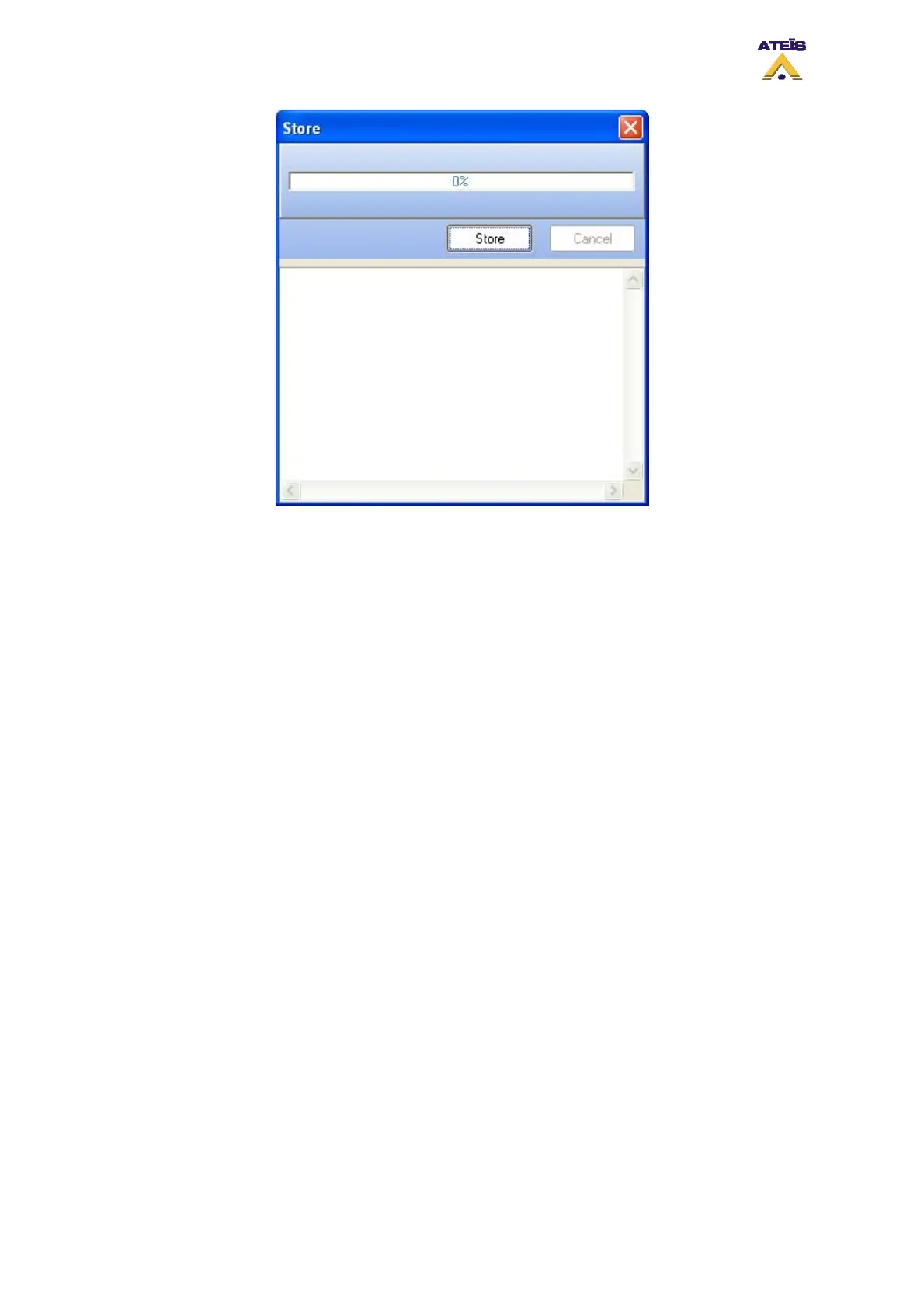
To start storing, click on the "Store" button.
A timeline display the status of the process. The different state of the store process are written in the
Store Status Area.
If not already log in, DIVA software will ask you to enter a valid user name and password.
Once the store process is finished, you will be prompt to:
• Connect to DIVA? choose Yes or No
• Enable Audio on DIVA? choose Yes or No
8.11 Reverse
The reverse command allow to download from DIVA to the software the current configuration stored
into DIVA.
• To start the reverse process, go to the menu Operations -> Reverse or use the Reverse Shortcut
on the compile toolbar
• Click Reverse, you can follow the advancement of the process on the timeline display
The reverse window will be open, see below.
Ateïs International
Ch. du Dévent, 1024 Ecublens, Switzerland.
Phone : +41 21 881 25 10
52



 To Next Page