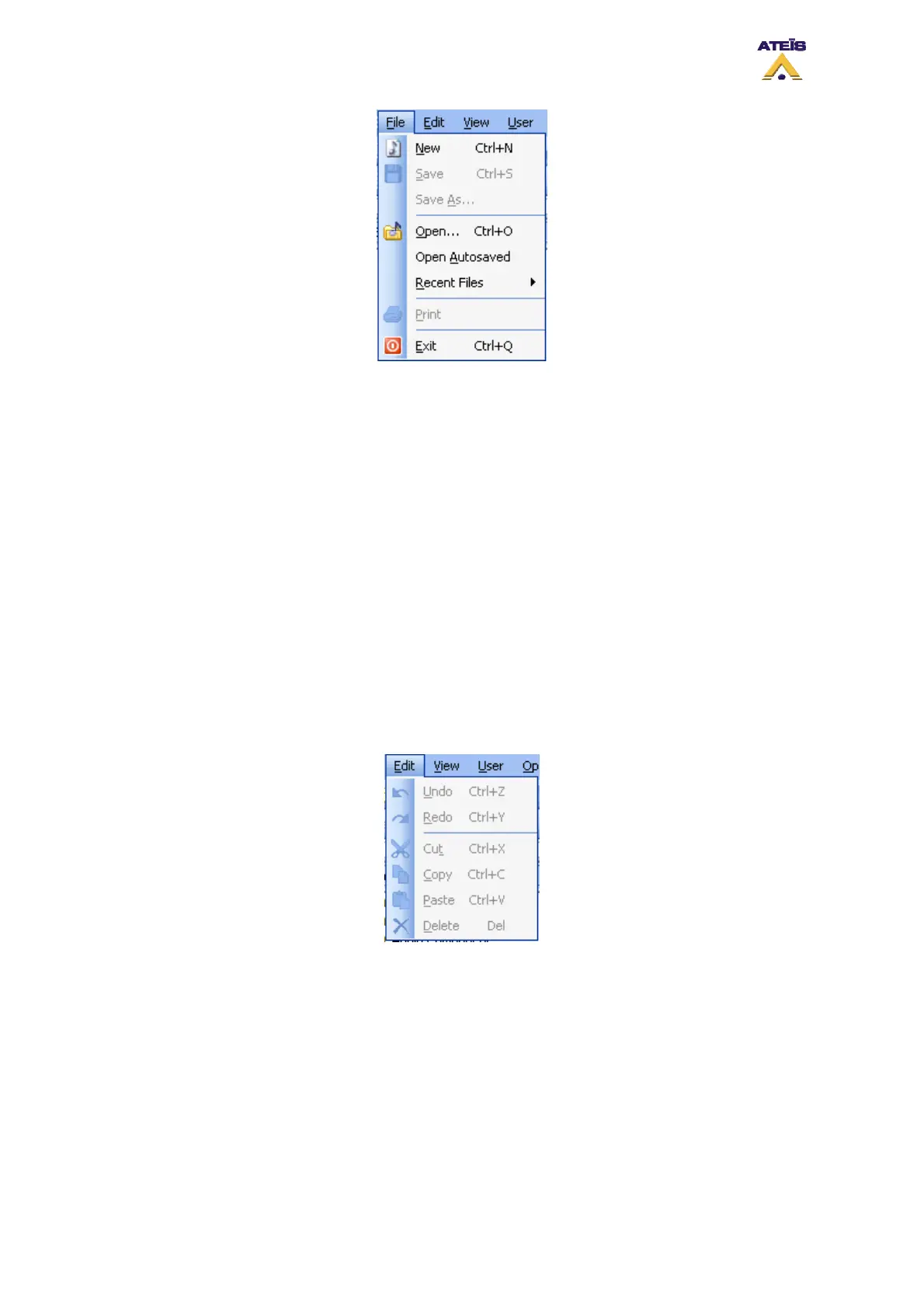
• New: Opens a new system file
• Save: Saves the current system file
• Save as: Opens the 'Save As...' dialog window to choose file path and name
• Open: Opens the 'Open...' dialog window to choose an existing file path and name
• Open autosaved: Opens the last automatically saved file
• Recent files: Pathname>> Quick access to recently used files
________________
• Print: Starts printing
________________
• Exit: Terminates the current LAP session after asking to save modified files
7.2.2 Edit
Here you will find all the common basic edition tools of windows based software.
• Undo/ctrl+z: Will undo the last actions
• Redo/ctrl+y: Will redo the last action or will retrieve the last state in case undoing too far
• Cut/ctrl+x: Cuts out the active selection and copies it to the operating system’s clipboard
• Copy/ctrl+c: Copies the active selection to the operating system’s clipboard
• Paste/ctrl+v: Pastes the content of the operating system’s clipboard
• Delete/Del.: Deletes the active selection
7.2.3 View
The commands in this group are used to call closed or invisible control windows and toolbars.
Ateïs International
Ch. du Dévent, 1024 Ecublens, Switzerland.
Phone : +41 21 881 25 10
31



 To Next Page