•
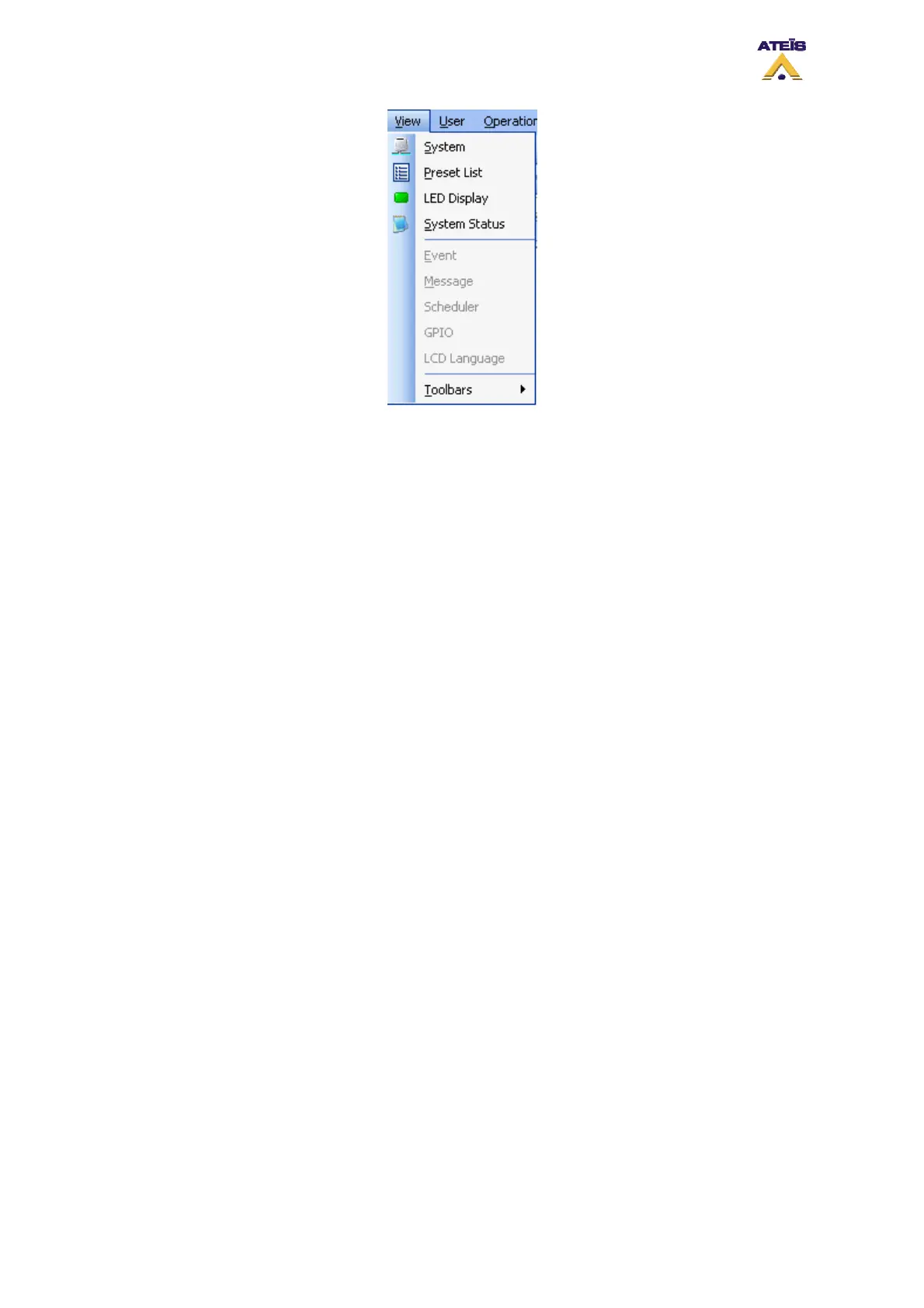
System: Calls the 'System' library control window to add and create a network system
• Preset List: Calls the 'Component' library control window to choose DSP components
• LED Display: Calls the 'System Status' control window
• System Status: Calls the 'PPM Chime' control window for assigning pre- and post-announcement
chimes
________________
• Event: Calls the 'Logic In' control window to edit and monitor TTL input properties
• Message: Calls the 'Logic In' control window to edit and monitor TTL output properties
• Scheduler: Calls the 'Logic In' control window to edit and monitor analog control input properties
• GPIO: List Calls the 'Subpreset Elements' control window to monitor parameters registered with
the current subpreset
• LCD: Calls the 'Remote device List' where you can search for and register URCs or PPMs in the
system
________________
Ateïs International
Ch. du Dévent, 1024 Ecublens, Switzerland.
Phone : +41 21 881 25 10
32



 To Next Page