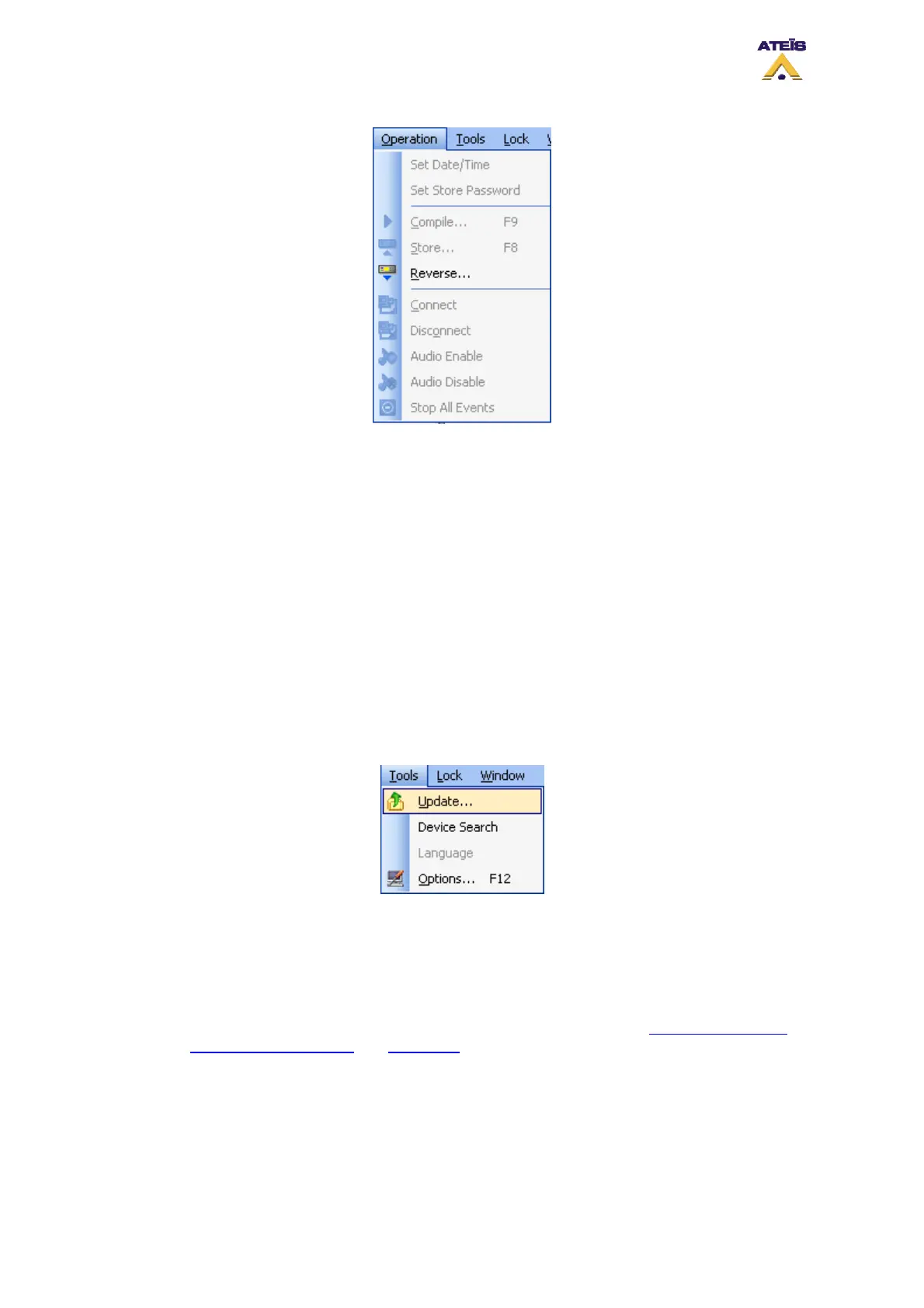
• Set Date/Time: Allow user to set the time and date of the DIVA unit
• Set Store Password: Offers a store process protection, password management
• Compile: Compiles the current configuration and displays eventual errors
• Store: Upload configuration parameter into the DIVA's parameter memory
• Reverse: Downloads the DIVA configuration in the computer
• Connect: Establishes data connection to the machine(s) in order to monitor or adjust parameters
online
• Disconnect: Disconnects DIVA software from the machine(s)
• Audio Enable: Enables DIVA's audio processing
• Audio Disable: Disables DIVA's audio processing
• Stop All Events: Stops all running events
7.2.6 Tools
Here you will find command related to communication with DIVA units.
• Update: Will update the DIVA Firmware to the one corresponding to your current software
version. NOTE: Upgrading from a too old version to the current one could cause
configuration files compatibility issues.
• Device Search: Will search and display all the DIVA Master IP connected to the TCP/IP network.
• Language: Allows user to change the software language.
• Options: Will open the Options window in which you will be able to set network parameters, as
well as software colour scheme
and autosaved function. See Pictures below.
7.2.7 Lock
The Lock menu allow you to lock the software with a password in order to avoid another user to
manipulate your configuration.
Ateïs International
Ch. du Dévent, 1024 Ecublens, Switzerland.
Phone : +41 21 881 25 10
34



 To Next Page