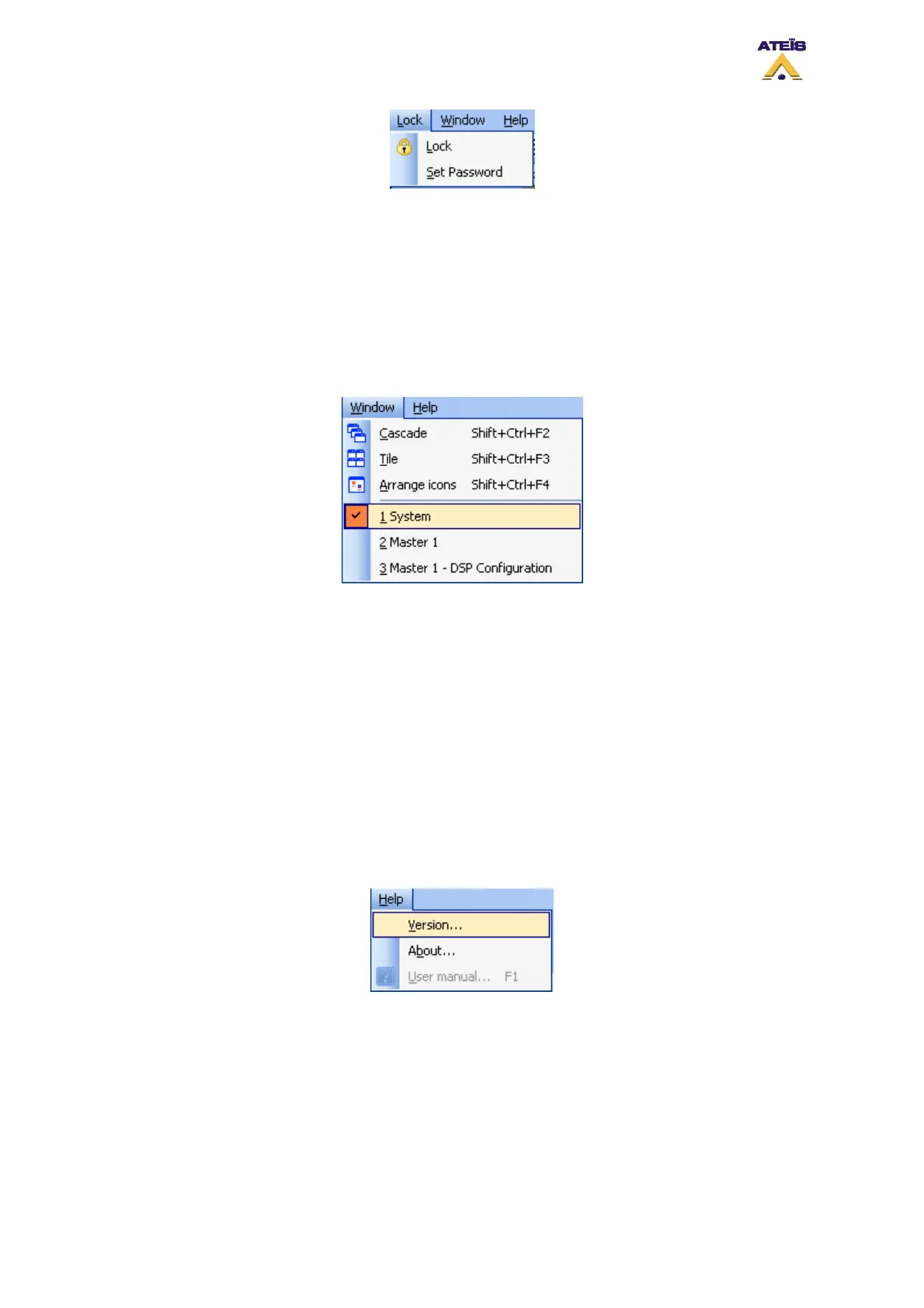
• Lock: Locks the software. Note: if no password were specified, every user can unlock the
software
• Set Password: Offers the possibility to set a password for unlocking the software. If set, as soon
as you press the unlock button, it will prompt you to enter the last password set
7.2.8 Window
This menu provides window arrangement commands, and quick access to open design or component
control windows
• Cascade: Cascades the current opened windows
• Tile: Tiles the screen with the current opened windows
• Arrange Icons: Arranges Icons in a window where possible
________________
Here you can find a list of all currently opened windows
> System
> Master 1
> Master 1 - DSP Configuration
7.2.9 Help
Here you will be able to check that the software version corresponds to the one into DIVA units access
to software information as well as the help user manual document.
• Version: Shows the software version and checks the DIVA unit embedded version. See below
Ateïs International
Ch. du Dévent, 1024 Ecublens, Switzerland.
Phone : +41 21 881 25 10
35



 To Next Page