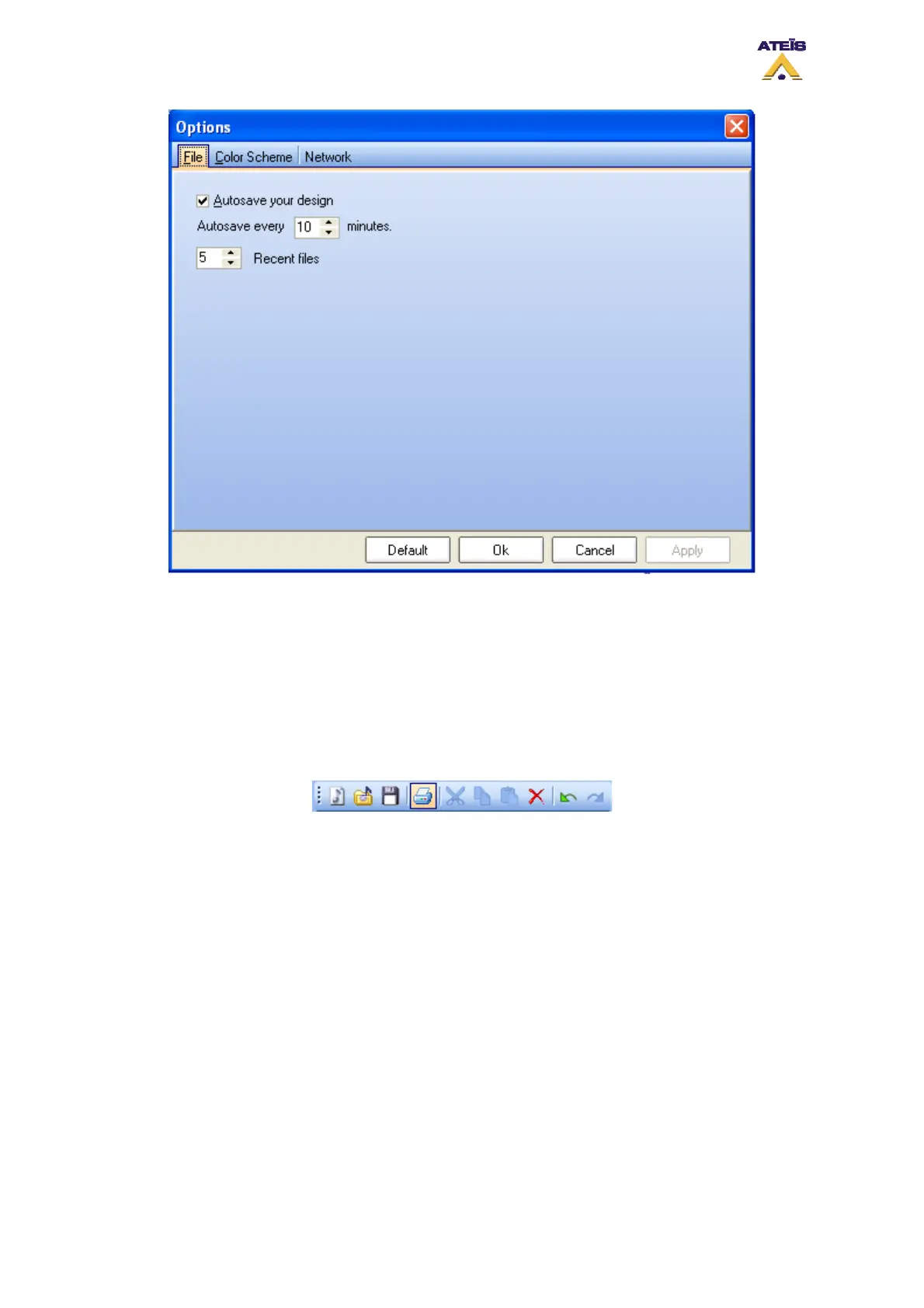
• Tick the "Autosave your design" option in order to activate the autosave option
• Choose after how much time the "autosave" will automatically run.
• Choose how many recent files would be visible in the menu file -> recent
8.2 Print Project
In order to print a project, you need to access the print preview page. To access this page, go in the
menu: File -> Print or click on the print shortcut (highlighted on picture below) in the edit toolbar.
Once you launch the print command, you will enter the "Print Preview" window, see below. The print
preview offer you the possibility to print DIVA main windows separately. In case of DIVA master
Network, you can select which master window you want to print.
Ateïs International
Ch. du Dévent, 1024 Ecublens, Switzerland.
Phone : +41 21 881 25 10
43



 To Next Page